


 Trusted by 500,000+ artists
 AI Spotify Canvas
Generate looping 3-to-8-second visual clips that turn passive Spotify listeners into active fans.
Works with
What Is an AI Spotify Canvas?
Spotify Canvas is a short, looping visual that plays behind your track in the Spotify app. It replaces the static album art with a 3-to-8-second video that loops seamlessly as the song plays. For listeners, it transforms a passive audio experience into something visually immersive. For artists, it is one of the most effective tools available for reducing skip rates and increasing saves.
An AI Spotify Canvas from 1 More Shot is a Canvas-format video generated by artificial intelligence from your audio. The AI analyzes the mood, tempo, and energy of your track and produces a looping animation that feels musically connected — not just a random visual plastered over your song. The loop point is carefully crafted so the video cycles without any visible cut or stutter, which is critical for Canvas because listeners might see it repeat dozens of times during a single play.
Spotify has publicly shared that tracks with Canvas see measurably higher engagement. Listeners are more likely to save a track, share it with friends, and visit the artist profile when a Canvas is present. For artists fighting for attention in algorithm-driven playlists, this incremental advantage compounds over thousands of streams.
1 More Shot makes Canvas creation accessible to every artist, not just those with motion graphics skills or budget for a designer. Upload your track, choose a visual mood, and the platform renders a Canvas-ready file in the exact vertical format and duration Spotify requires. Upload it through Spotify for Artists and your track instantly looks more polished, more intentional, and more professional.
See It In Action
Watch how our AI transforms your music into stunning visuals in just minutes
AI Music Video Demo
Powerful & Intuitive Interface
Professional tools designed for creators. Generate, edit, and export stunning music videos with ease.
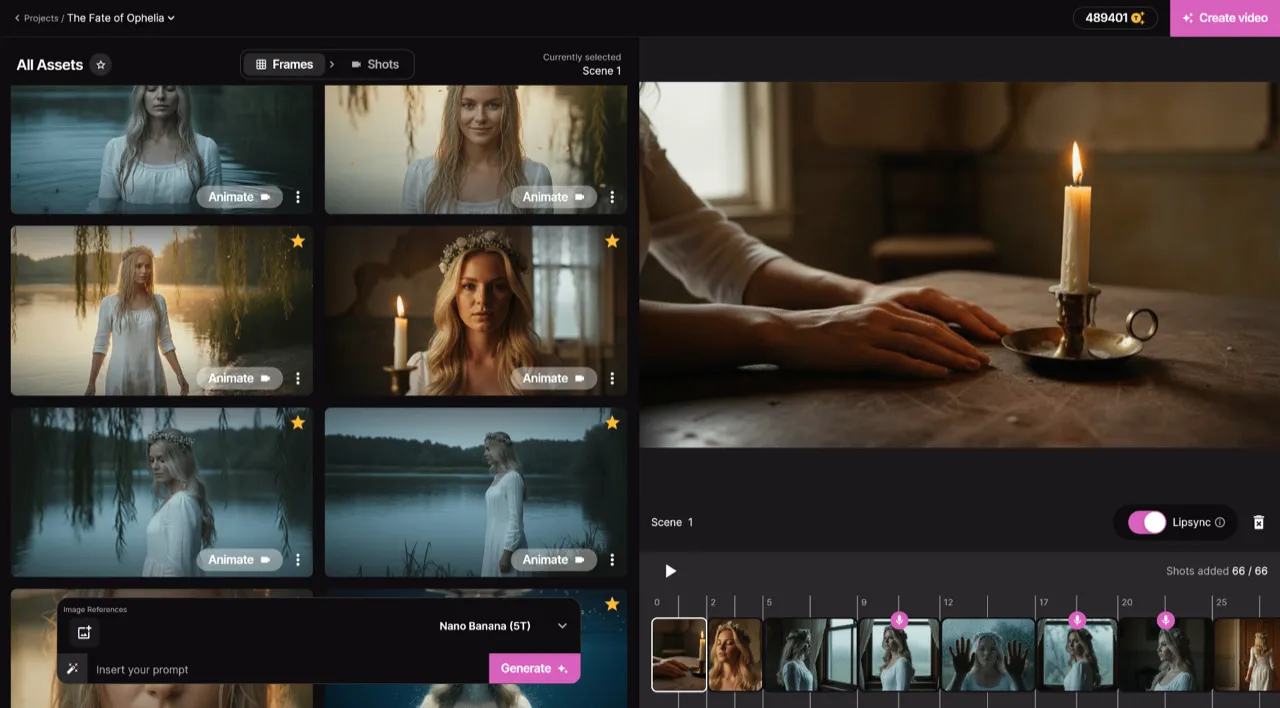
Frame by Frame Control
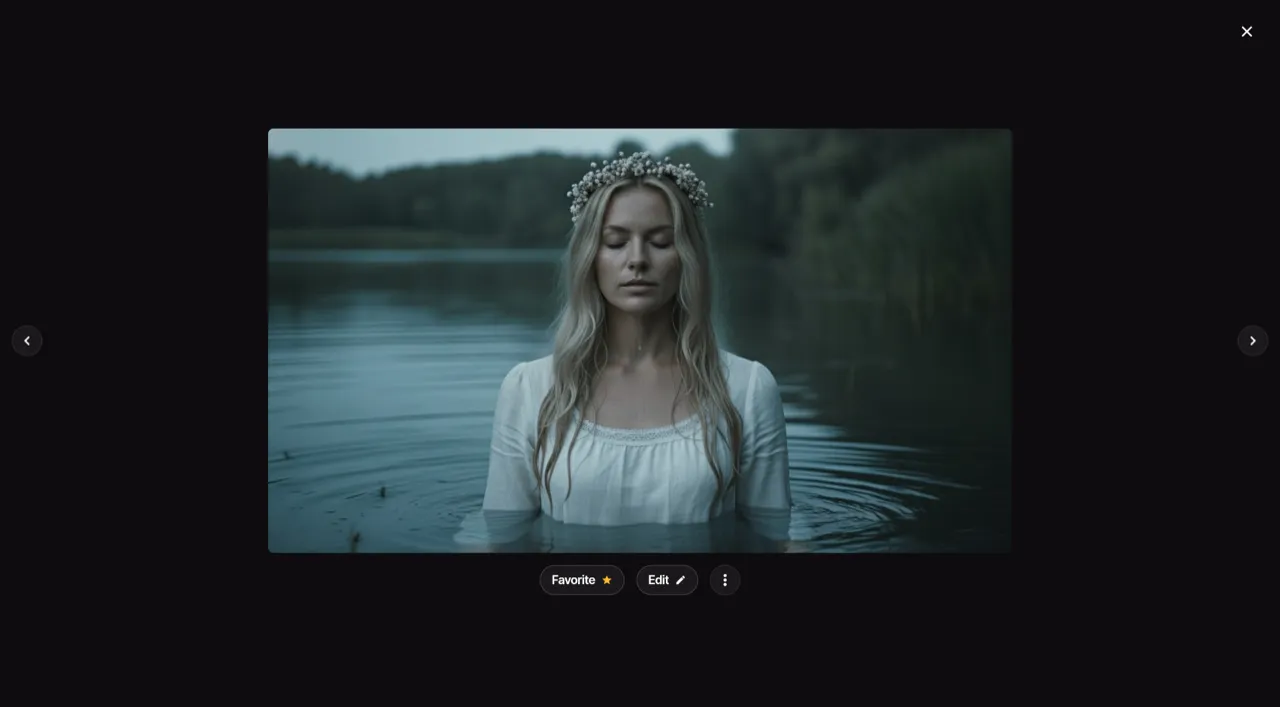
Real-time Preview
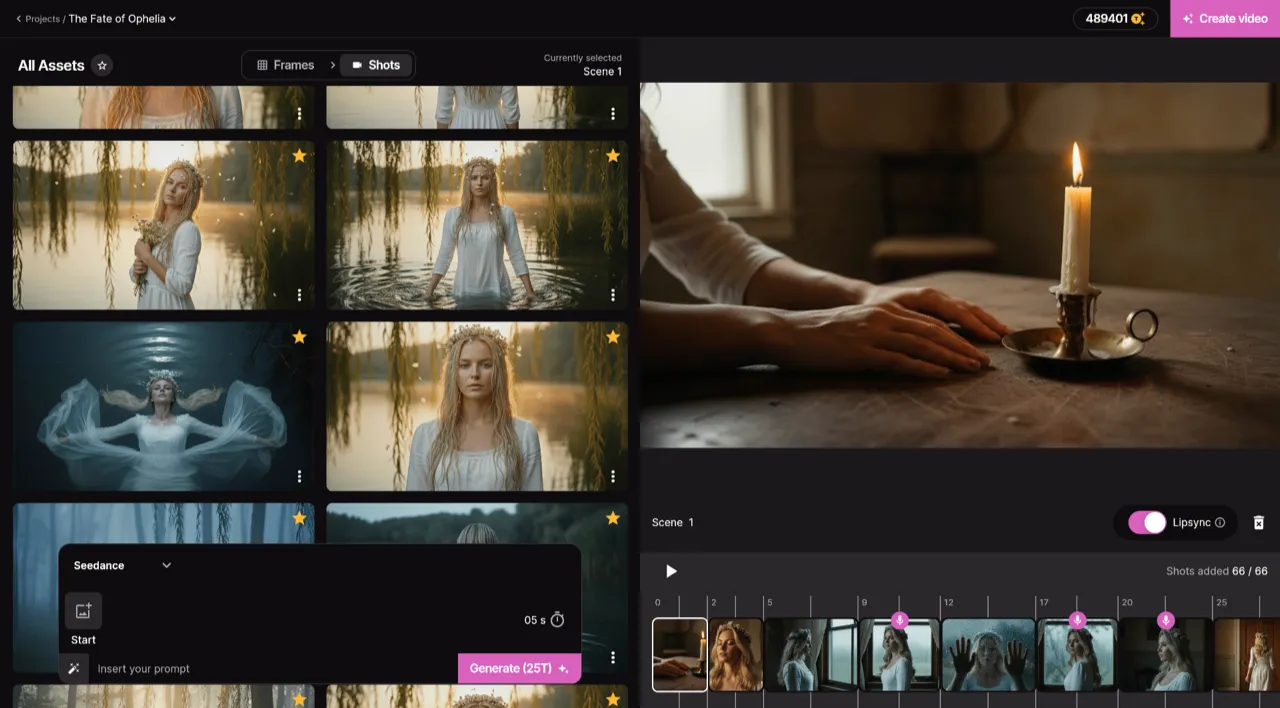
Smart Asset Library
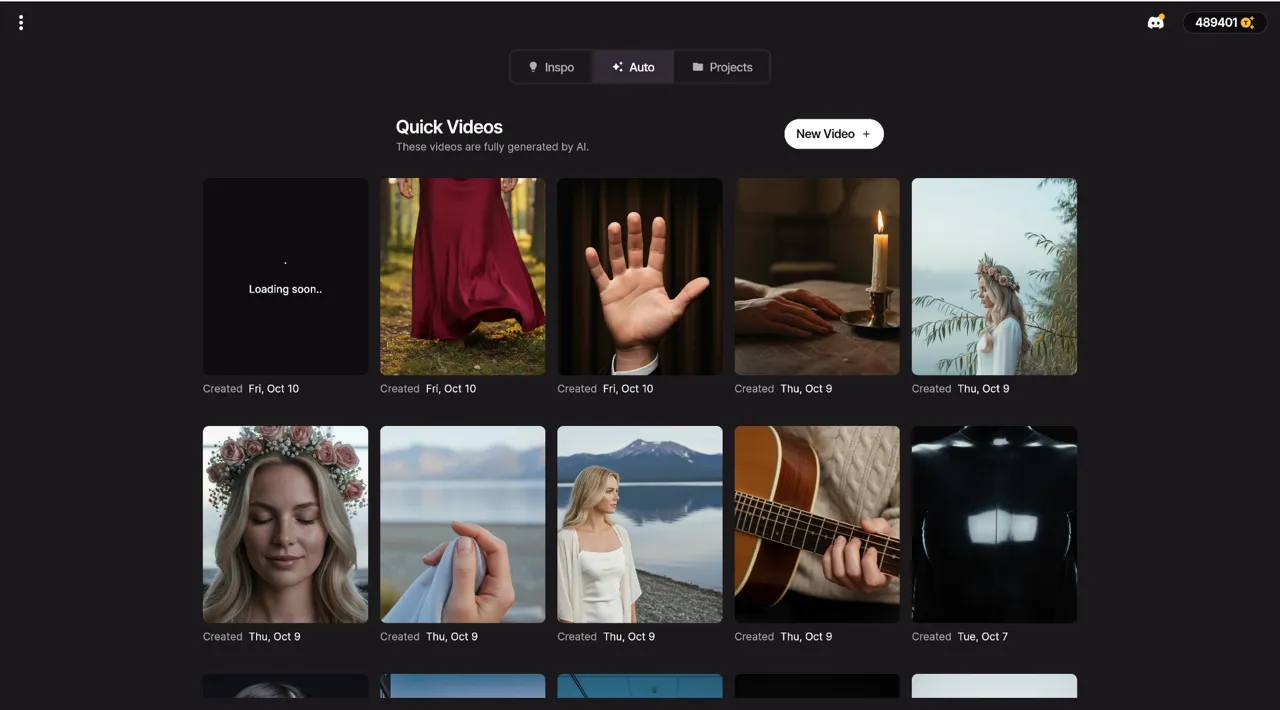
Quick Video Generation
Your AI production crew
AI Artist
Create a virtual artist using a photo or just a description. Generate social media content and music videos with a consistent, recognizable identity.
Auto Videos
Let our AI agents work like a real production crew. Just input your song and a photo — they handle the rest and deliver an amazing music video.
Precise Editing
Start from scratch or modify an existing video. With Project Mode you get granular control over each individual shot.
Top Notch Lip-Sync
We host the best lip-syncing model available to ensure your singing scenes look completely natural and perfectly in sync.
How Artists Use AI Spotify Canvas
Skip Rate Reduction
A looping visual gives listeners a reason to stay on your track. Canvas-enabled songs consistently show lower skip rates because the visual adds a layer of engagement that audio alone cannot provide.
Profile Polish for Playlist Pitches
Spotify editorial curators review artist profiles before adding tracks to playlists. Canvas on every song signals a professional, detail-oriented release strategy.
Shareable Listening Moments
Listeners share Canvas screenshots and screen recordings with friends. A visually stunning loop turns your track into social content that spreads organically beyond the Spotify app.
Visual Album Cohesion
Apply a consistent color palette and motion style across every Canvas in an album or EP. This creates a visual through-line that makes your project feel unified and intentional.
Instant Visual Upgrades for Back Catalog
Add Canvas to older releases that were uploaded without visuals. 1 More Shot lets you batch-generate loops for your entire catalog in a single session.
Traditional vs AI-powered
See how AI music video creation compares to traditional production across every dimension that matters.
Examples That Inspire
Discover what's possible with our AI-powered video generation. From music videos to visualizers, create content that captivates.
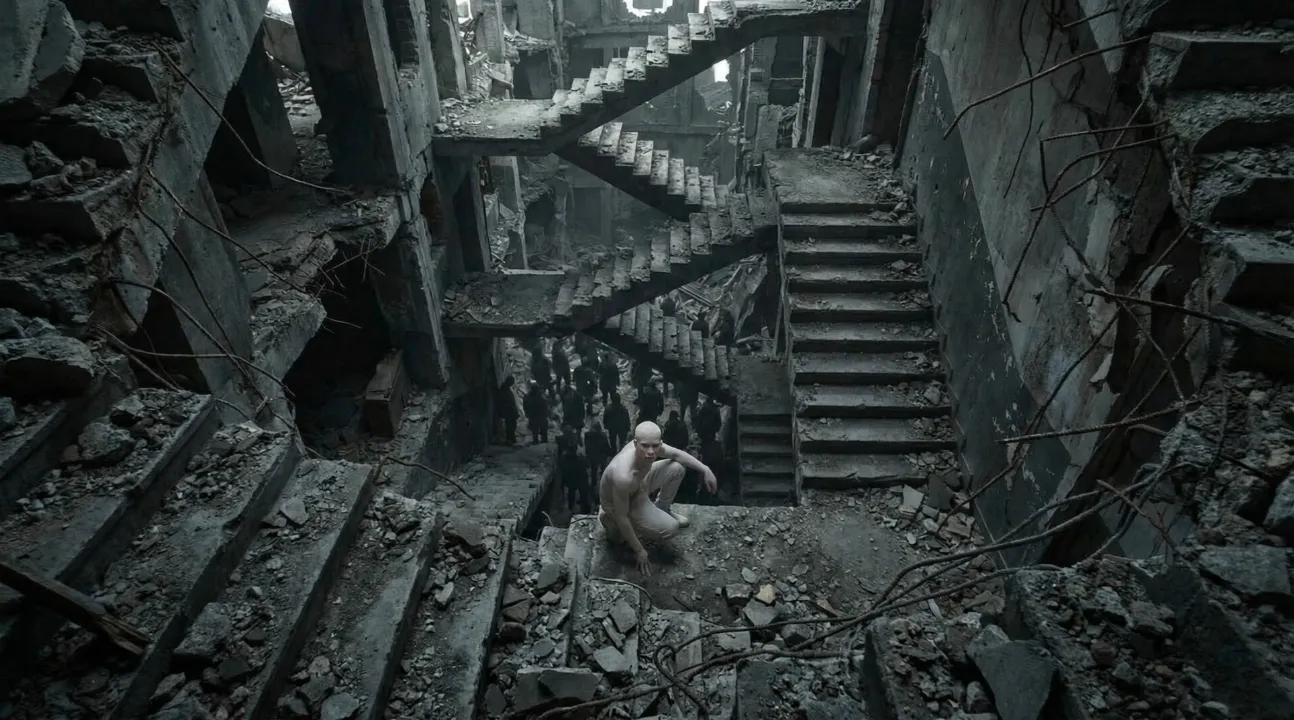
POLYPHEMUS
Amazing AI-generated music video showcase
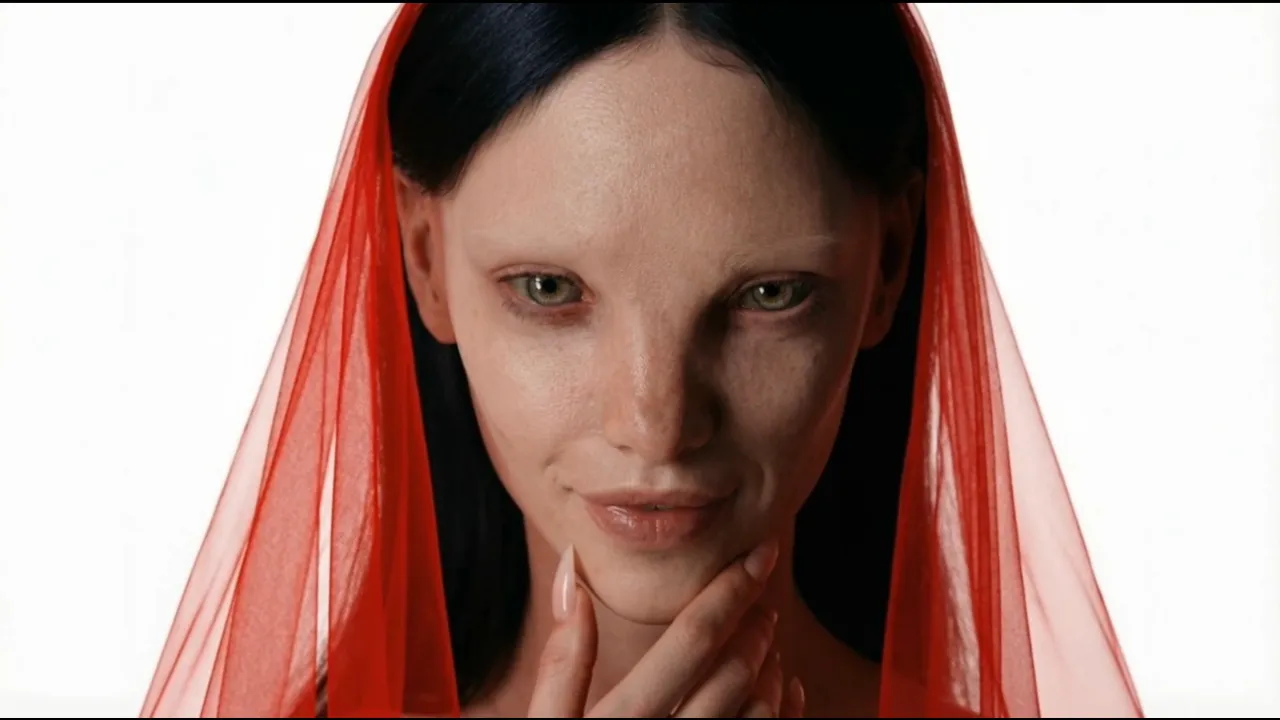
HYPNOTIC
Transform your music into captivating videos
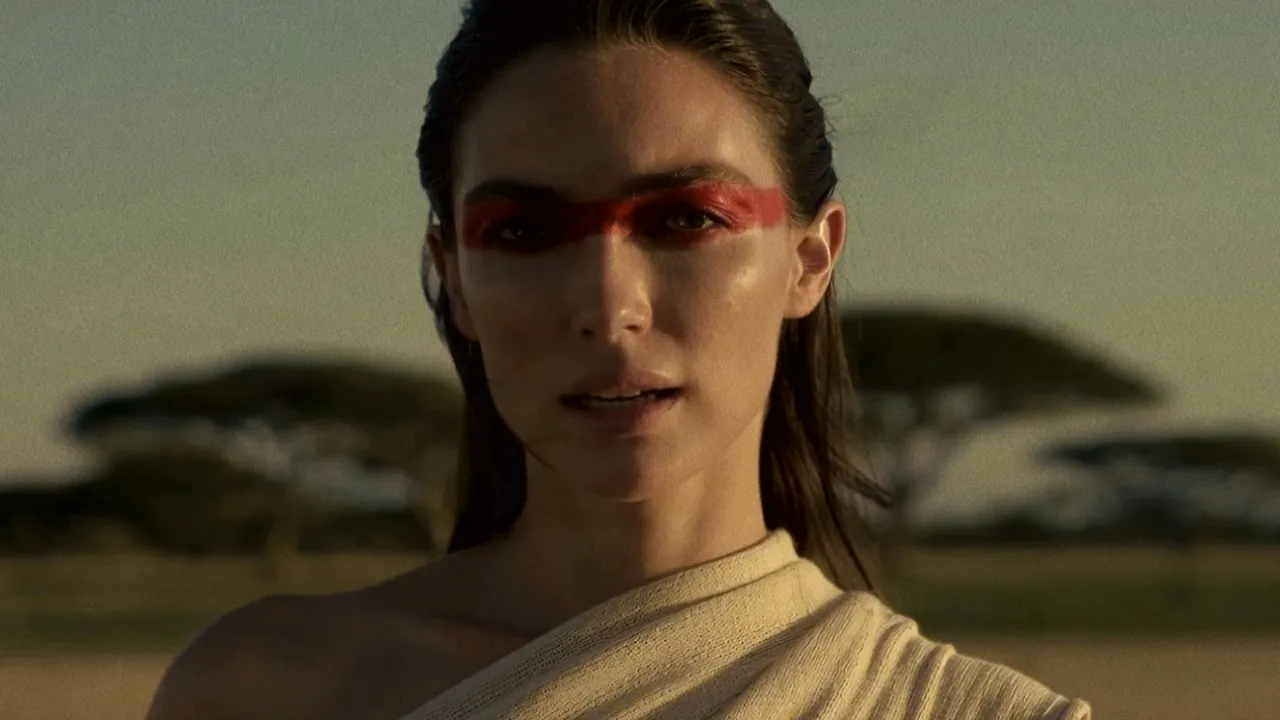
Standing in the Hush
Amazing AI-generated music video showcase
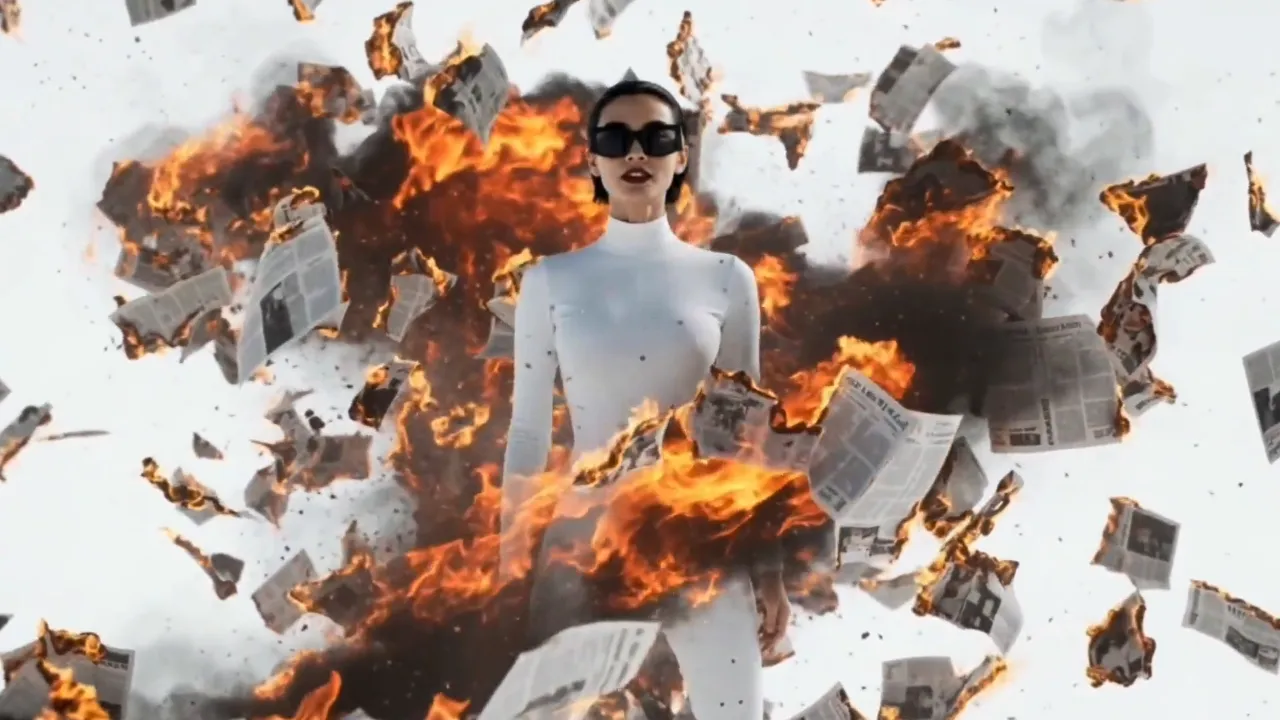
Hold On The Moment
Amazing AI-generated music video showcase
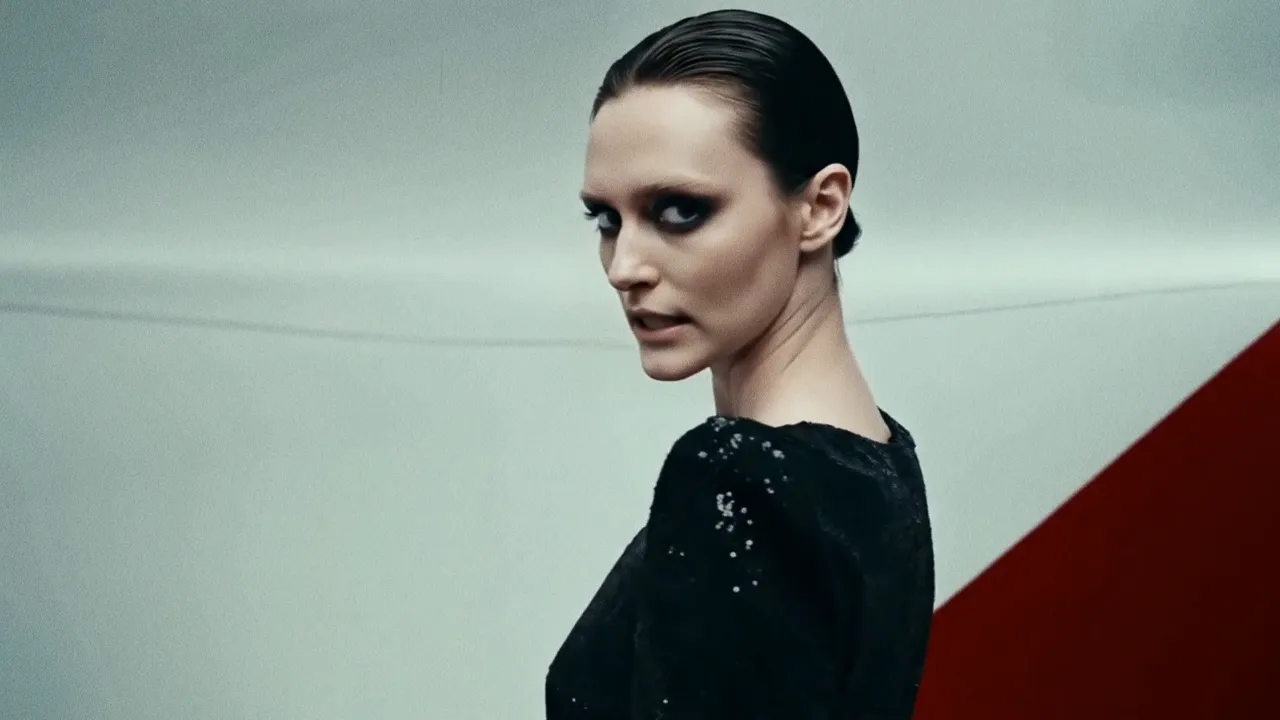
Back to Basic
Amazing AI-generated music video showcase
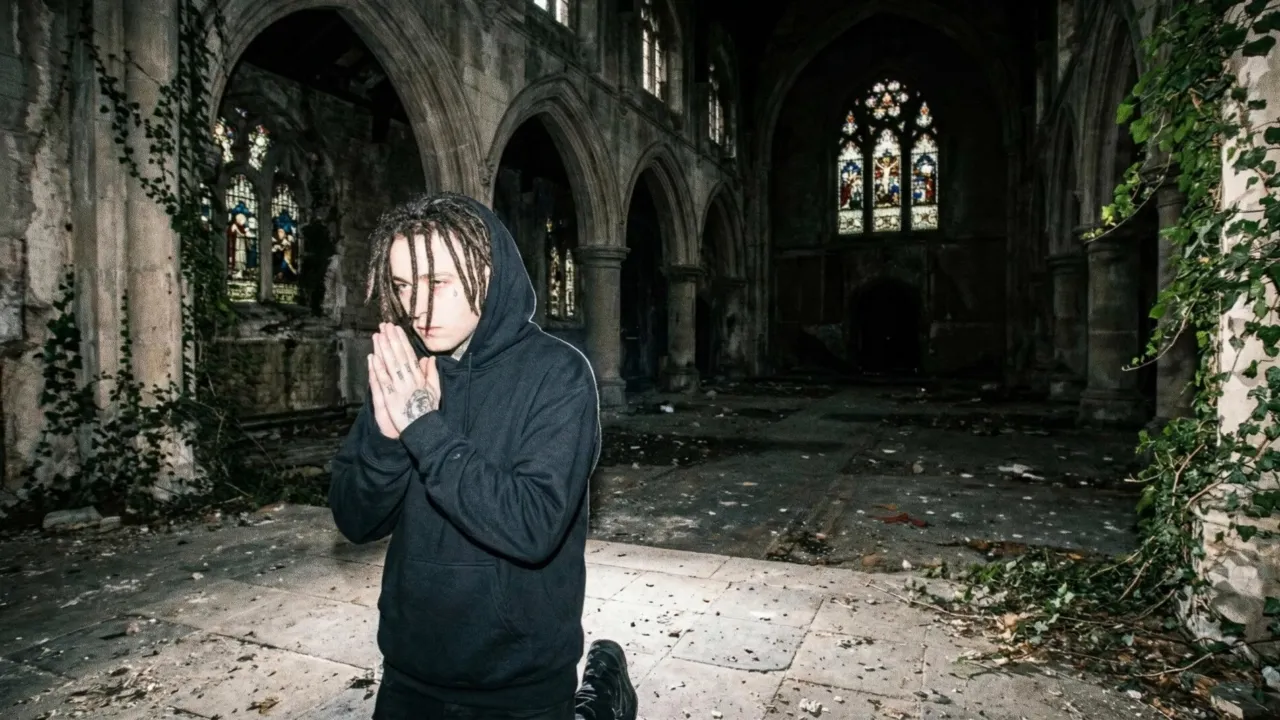
6 Feet
Transform your track into a stunning visual experience
Pricing
Choose between fully automatic video generation or build your video scene by scene.
Both powered by the same simple token system.
Auto Mode
Upload your song and let AI generate a complete music video. Fast, effortless, stunning results in minutes.
Starting from $0.05/sec with Hyper
Project Mode
Build your video scene by scene in the editor. Full creative control over every clip, transition, and effect.
Average cost — varies by AI model and clip duration
Estimate your Auto mode cost
See how much a full music video costs with the Hyper plan
Need a custom plan? We've got you covered.
Contact Sales →Loved by thousands of creators
Join the community of artists who are revolutionizing their music promotion with AI-generated videos.
"1 More Shot transformed my bedroom track into a visual masterpiece. The AI perfectly captured the dreamy vibe I was going for. My streams doubled overnight!"

"I've tried every video editor out there. Nothing comes close to how fast and creative 1 More Shot is. My TikTok engagement went through the roof!"

"The cyberpunk style videos it creates for my electronic tracks are insane. Clients are blown away every single time. This is the future of music promotion."

Frequently asked questions
Everything you need to know about creating AI music videos.
What are the exact specs for Spotify Canvas?
Spotify Canvas requires a vertical video (9:16 aspect ratio) between 3 and 8 seconds long, delivered as an MP4 or JPEG file under 16MB. 1 More Shot exports in exactly this format.
How much do Canvas loops actually boost streams?
Spotify reports that tracks with Canvas see increases in saves, shares, and artist profile visits. While exact numbers vary, the consistent finding is that Canvas reduces passive listening and drives active engagement.
Can I create a different Canvas for every track on my album?
Yes. Generate a unique Canvas for each song to give your entire release a visual dimension. Consistent visual branding across an album strengthens the overall project identity.
Will the loop be seamless or will there be a visible jump?
1 More Shot renders Canvas loops with seamless transitions so the start and end frames blend naturally. Listeners will see a continuous animation without any jarring cuts.
Do I need a Spotify for Artists account to use Canvas?
Yes. Canvas is a feature within Spotify for Artists. 1 More Shot generates the video file, and you upload it through your Spotify for Artists dashboard for each track.
Can I use the Canvas as a social media teaser too?
Absolutely. The vertical format works perfectly as an Instagram Story, a TikTok clip, or a WhatsApp status. Repurpose your Canvas across platforms to drive listeners back to Spotify.
Related tools
AI Video for Spotify
Turn your tracks into visual streams that stop listeners from skipping. Made for Spotify for Artists.
AI Video for TikTok
Create vertical, scroll-stopping music videos built for the TikTok algorithm from day one.
AI Video for Instagram Reels
Generate stunning vertical music videos that thrive on Instagram's visual-first platform.
AI Music Video for Independent Artists
Professional music videos on an indie budget — no label, no crew, no compromise.
Free AI Music Video Generator
Turn any song into a stunning music video with AI — completely free to start.
Create epic videos today
Join the AI revolution in music video creation. Transform your tracks into stunning visuals that captivate audiences and boost your reach.
Free to try • No credit card required