


 Chosen by 500,000+ artists
Song to Video AI
Upload any song and let AI generate a full music video — matched to your beat, mood, and genre.
Start for free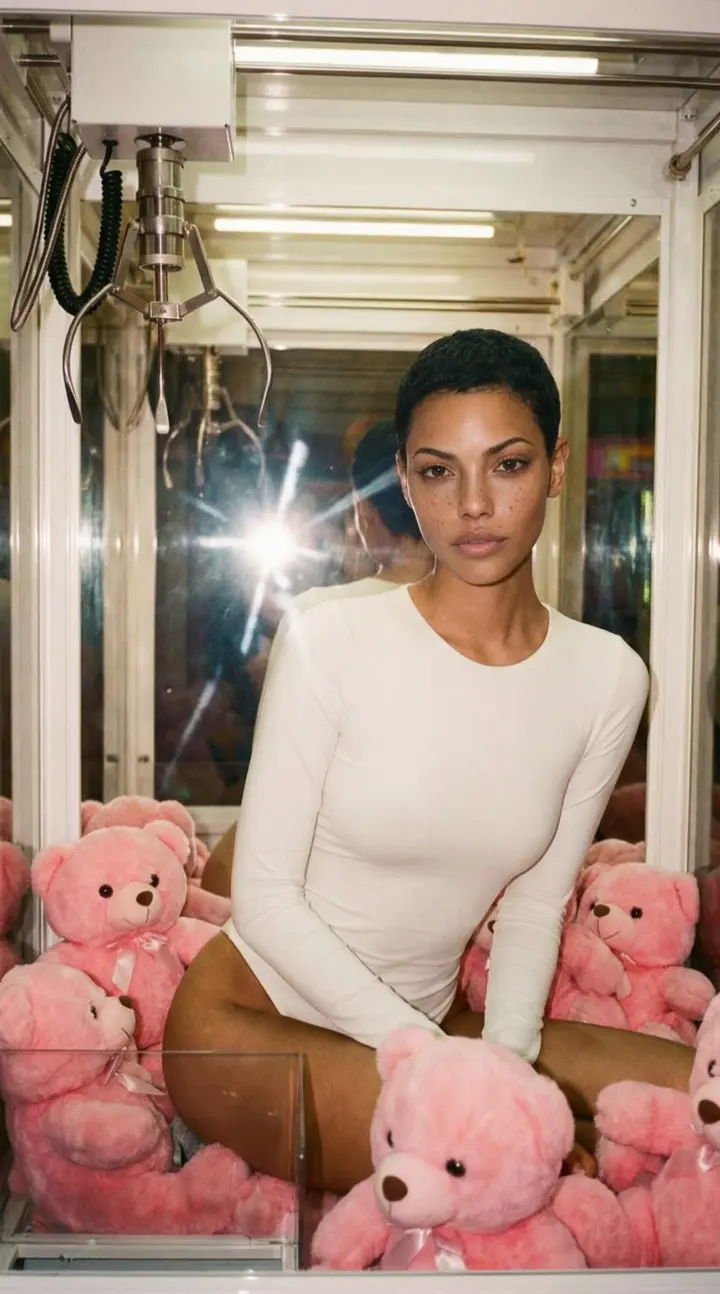
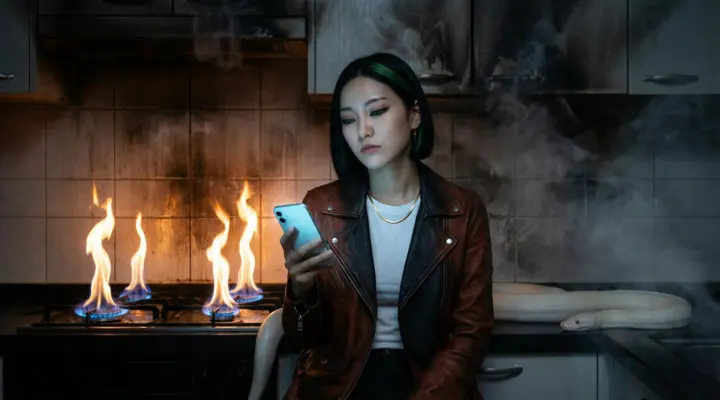
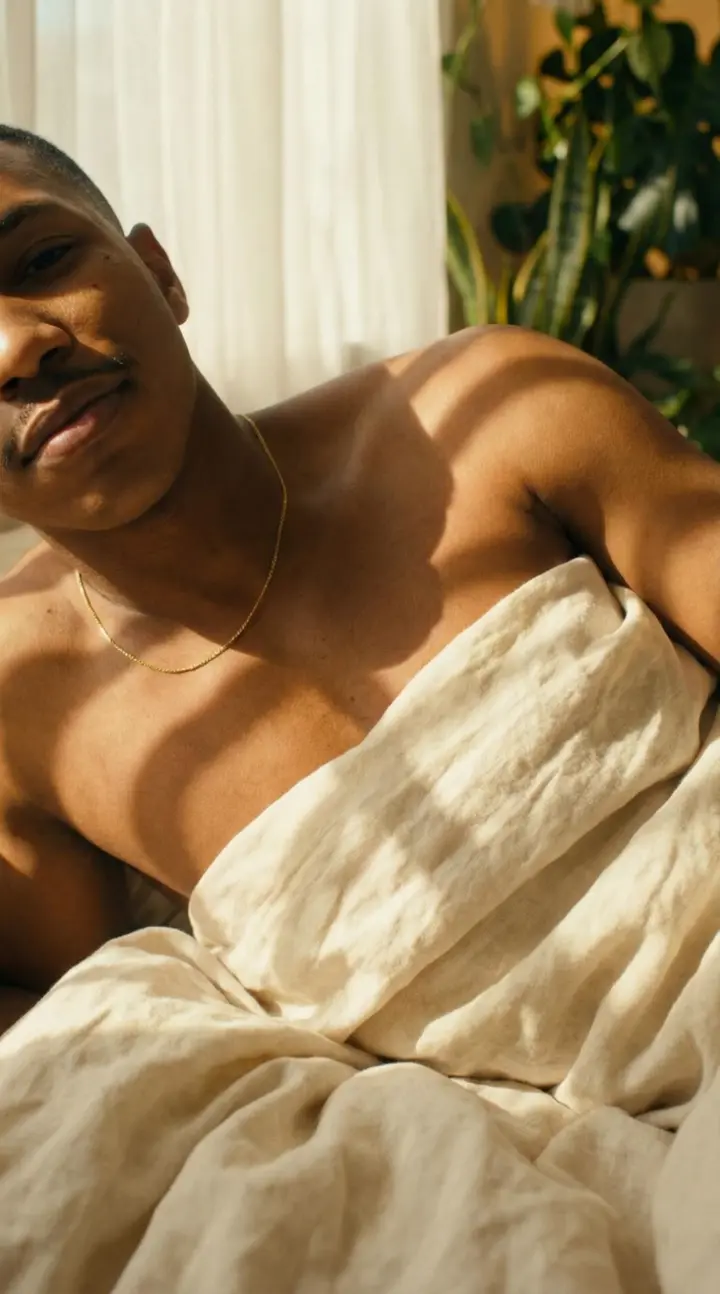
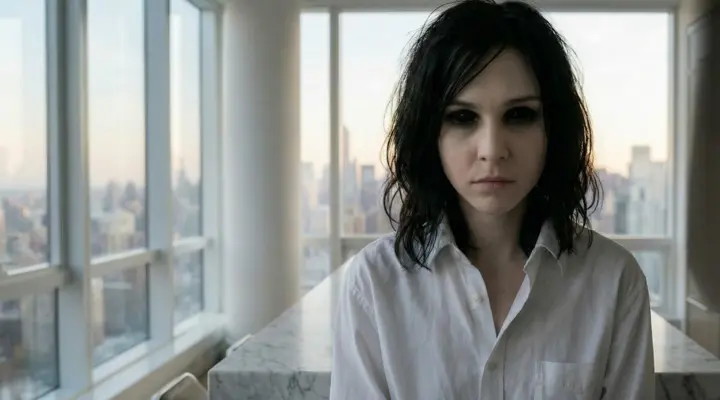
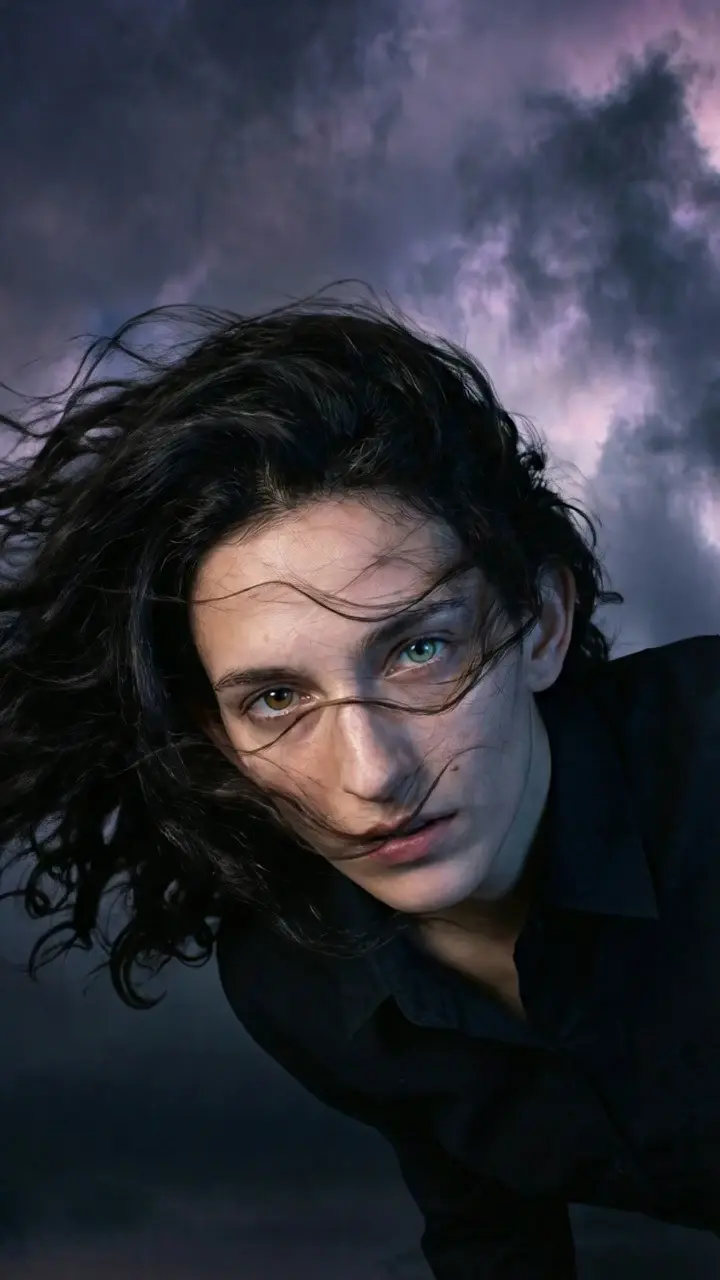
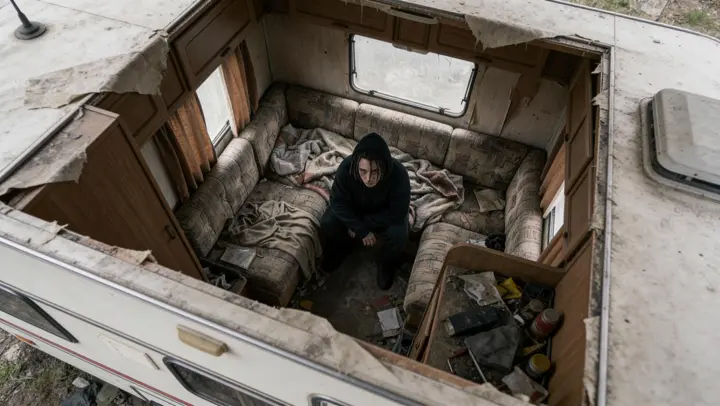
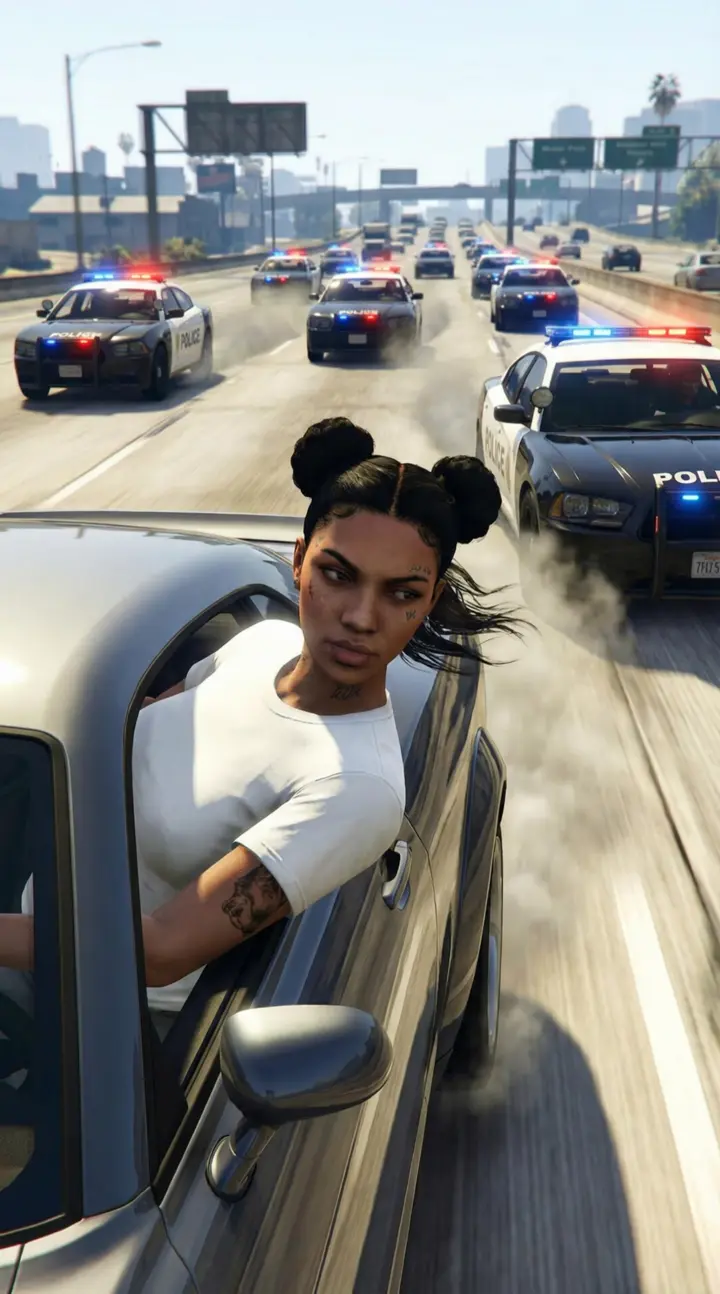






What Does Song to Video AI Mean?
Song to Video AI refers to the process of feeding a complete audio track into an audio-to-video AI system that produces a fully realized music video. Rather than manually storyboarding, filming, and editing footage, the AI analyzes the waveform, tempo, key changes, and lyrical content of your song to generate visuals that move in lockstep with the music.
The pipeline begins with audio analysis. The system detects beats per minute, identifies verse-chorus structures, and isolates vocal stems from instrumentals. That data drives every creative decision — scene transitions land on downbeats, color palettes shift with harmonic changes, and camera movements accelerate during high-energy passages.
What sets a true song-to-video workflow apart from generic text-to-music-video tools is the depth of musical understanding. A general-purpose video generator has no concept of a bridge or a drop. A purpose-built song-to-video AI like One More Shot AI treats the audio as the primary creative input, ensuring every frame exists in service of the track.
For independent artists, this means you can turn any song into a video in minutes instead of weeks. You retain full creative control — choose cinematic, animated, or abstract styles, define characters, and adjust scene prompts — while the AI music video generator handles the heavy lifting of timing, rendering, and compositing.
See It In Action
Watch how our AI transforms your music into stunning visuals in just minutes

Powerful & Intuitive Interface
Professional tools designed for creators. Generate, edit, and export stunning music videos with ease.
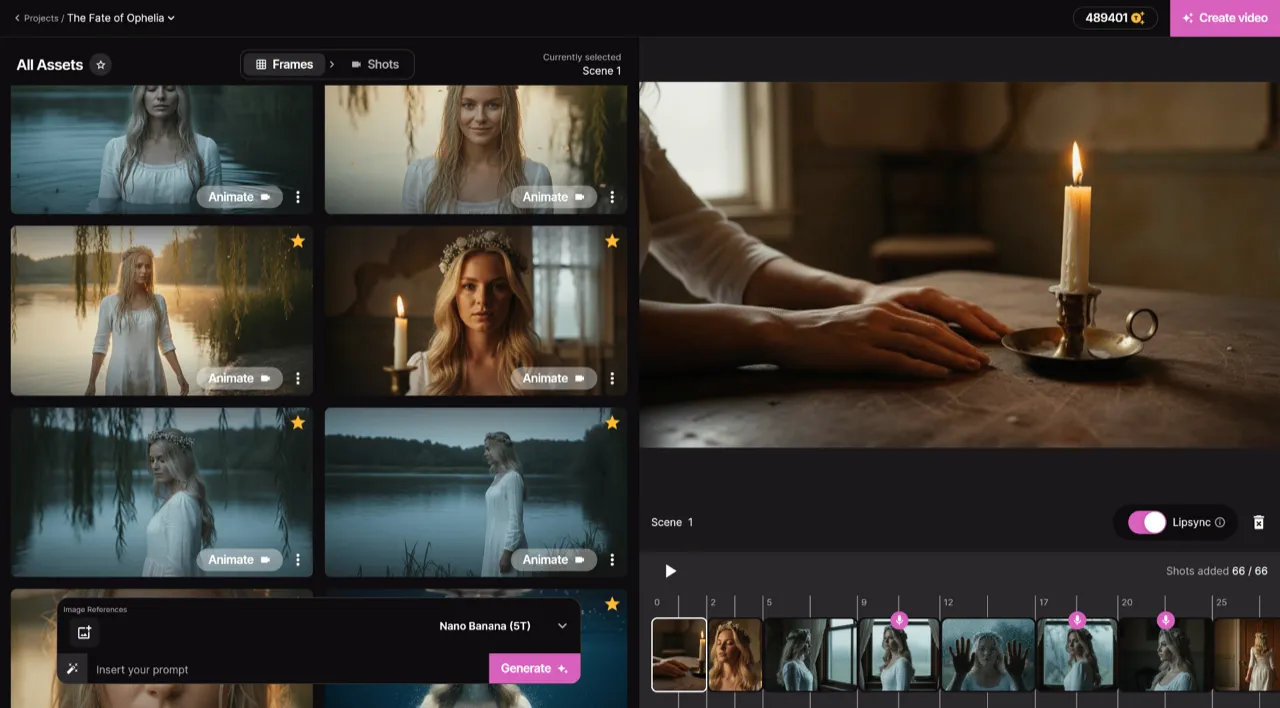
Frame by Frame Control
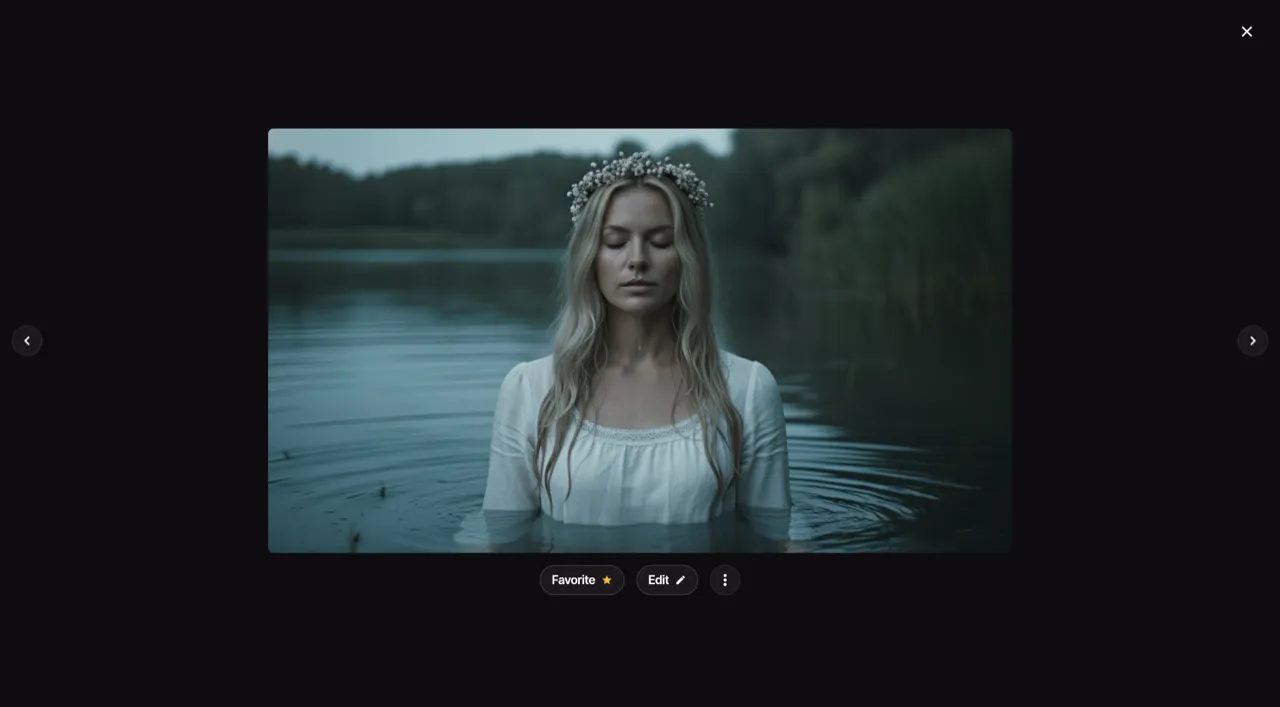
Real-time Preview
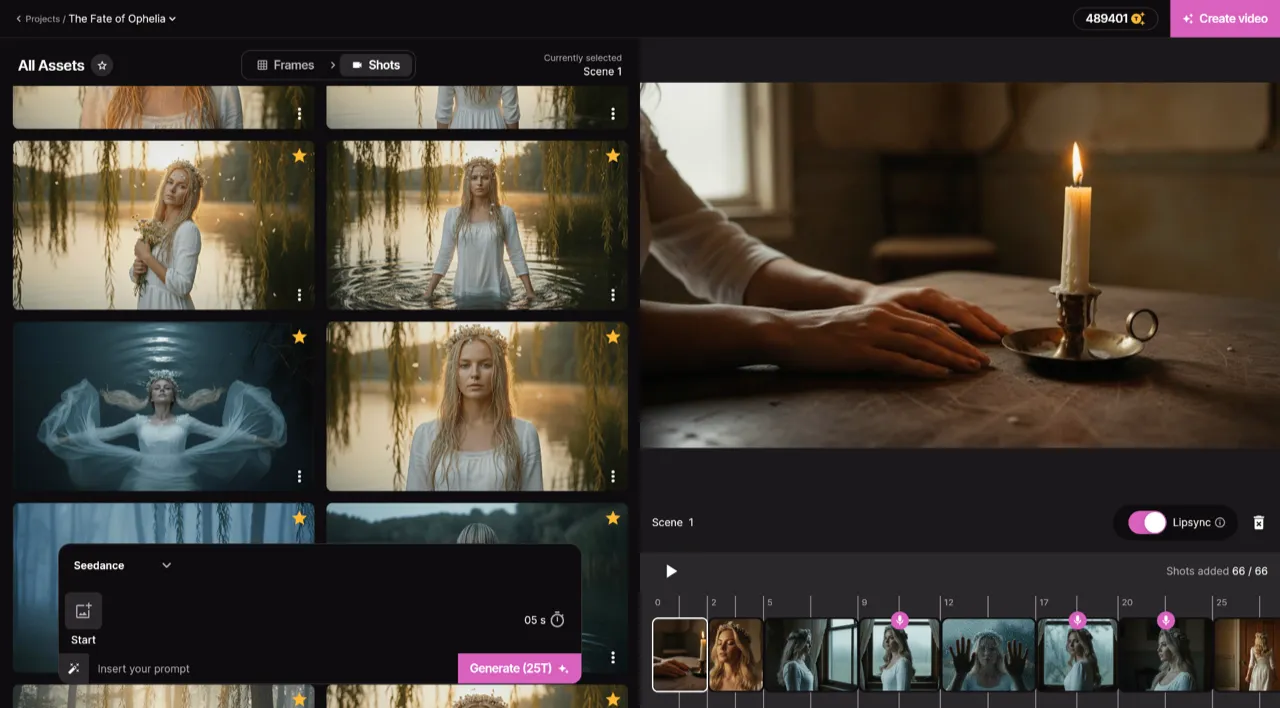
Smart Asset Library
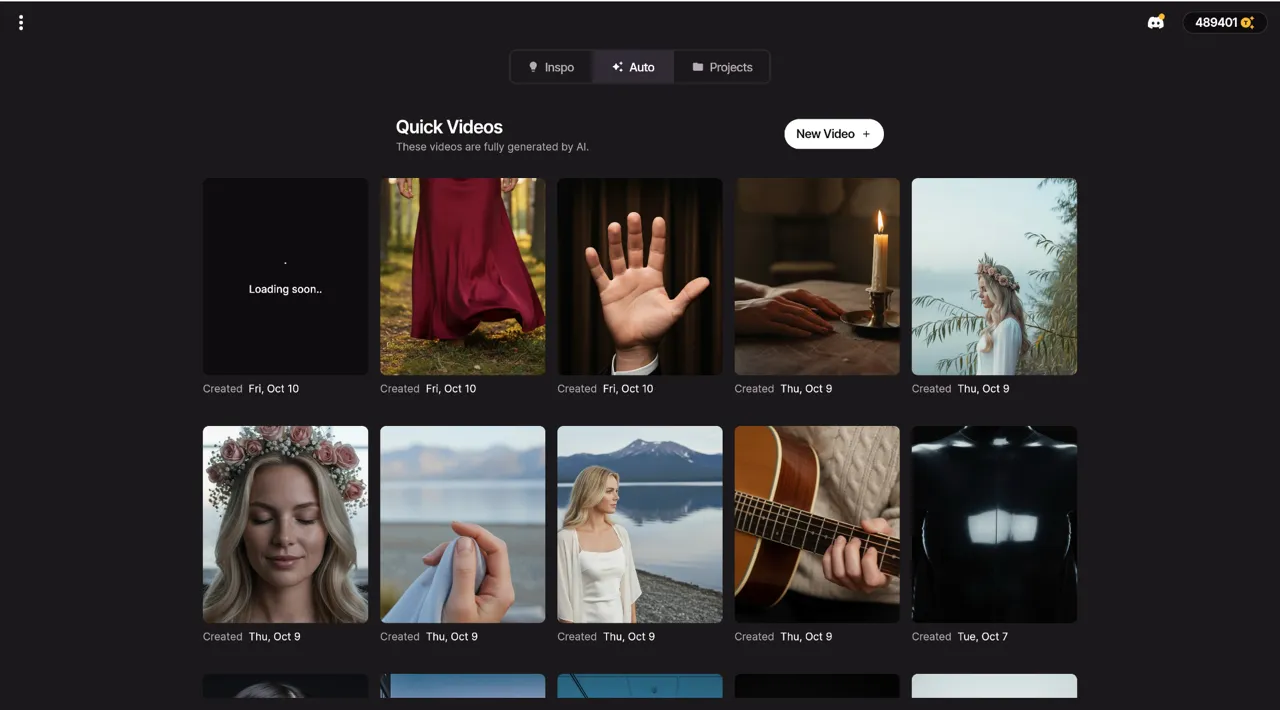
Quick Video Generation
No compromises
Consistent identity
Same face, hair and outfit in every shot, from one photo.
Natural lip sync
Mouth movements match every word, even in close-up.
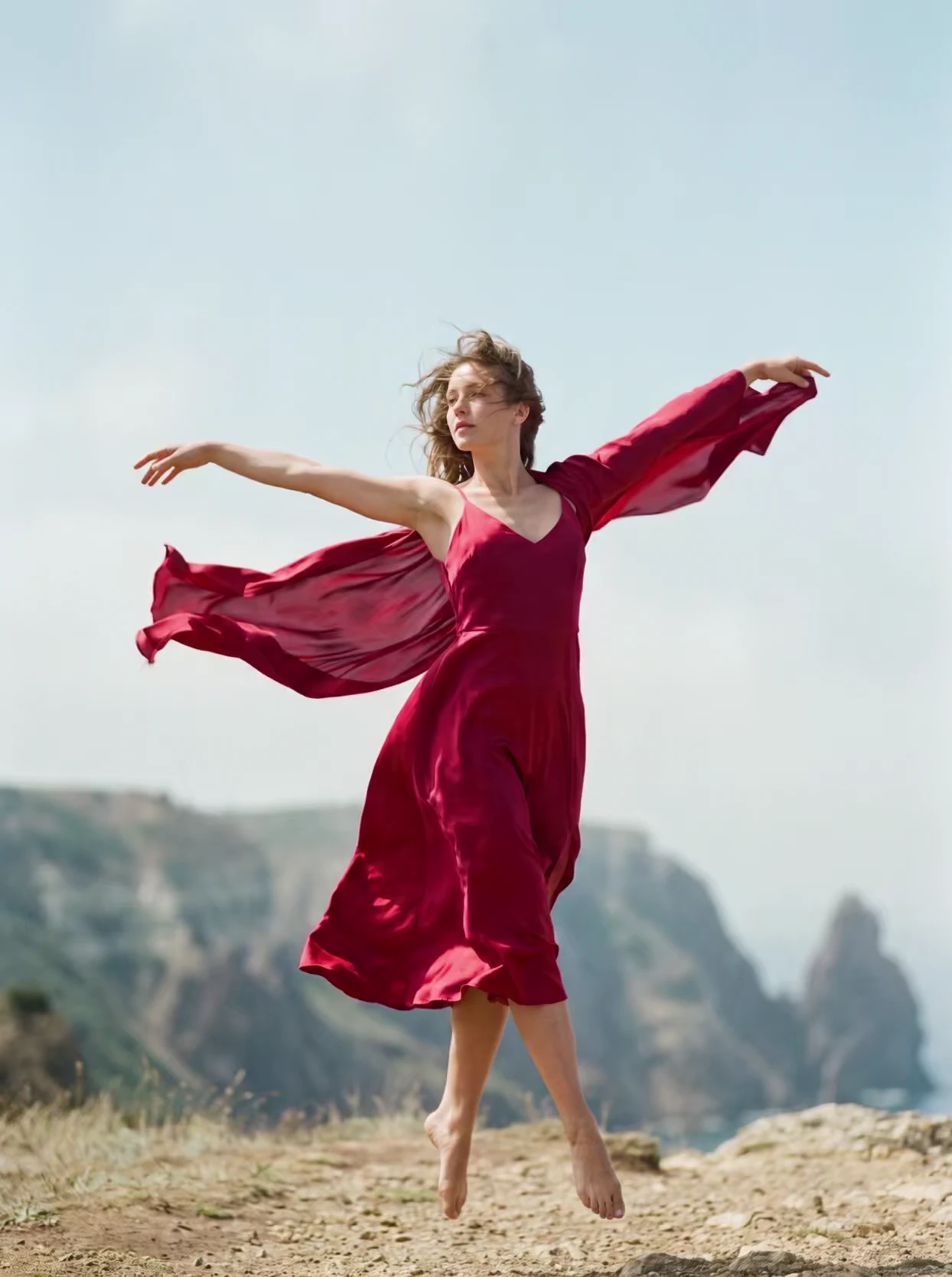
Shot-level edits
Change one shot without redoing the rest of the video.
Full-length videos
A video for your whole song, up to 7 minutes, not a 10-second clip.
Who Uses Song to Video AI?
Independent Musicians
Release a professional music video for every single without hiring a production crew or renting a studio.
Playlist Curators
Create visual content for curated playlists and lofi streams that need a constant supply of fresh footage.
Social Media Marketers
Turn artist tracks into short-form clips optimized for TikTok, Instagram Reels, and YouTube Shorts.
Producers & Beatmakers
Showcase instrumentals with AI-generated visuals to attract vocalists and licensing opportunities.
Label A&R Teams
Generate quick visual pitches for new signings before committing to a full video budget.
Traditional vs AI-powered
What a music video costs you, the old way and the new one.
Real music videos
Full videos made with One More Shot. Press play.
Left Me Here
AI Generated · Music VideoLook Longer
AI Generated · Music VideoF**K YOUR WAR
AI Generated · Music VideoBang Bang
AI Generated · Music VideoI Know I Know
AI Generated · Music VideoHELL
AI Generated · Music VideoPOLYPHEMUS
AI Generated · Music VideoHYPNOTIC
AI Generated · Music VideoPricing
Choose between fully automatic video generation or build your video scene by scene. Both powered by the same simple token system.
BASIC
Entry Level$23.25/mo billed yearly
ULTRA
Most Popular$70.75/mo billed yearly
HYPER
Best Offer$214.92/mo billed yearly
Auto Mode
PopularUpload your song and let AI generate a complete music video. Fast, effortless, stunning results in minutes.
Starting from $0.20/sec with Hyper
Project Mode
Build your video scene by scene in the editor. Full creative control over every clip, transition, and effect.
Average cost — varies by AI model and clip duration
Estimate your Auto mode cost
See how much a full music video costs with the Hyper plan
Need a custom plan? We've got you covered. Contact Sales →
Loved by creators
Artists and producers on making their videos with One More Shot.
“One More Shot AI transformed my bedroom track into a visual masterpiece. The AI perfectly captured the dreamy vibe I was going for. My streams doubled overnight!”

“I've tried every video editor out there. Nothing comes close to how fast and creative One More Shot AI is. My TikTok engagement went through the roof!”

“The cyberpunk style videos it creates for my electronic tracks are insane. Clients are blown away every single time. This is the future of music promotion.”

Frequently asked questions
Everything you need to know about creating AI music videos.
What audio formats can I upload for song-to-video conversion?
One More Shot AI accepts MP3, WAV, FLAC, and AAC files. You can also paste a link from Suno, Udio, YouTube, or SoundCloud and the platform will import the audio automatically.
How does the AI know where to place scene transitions?
The system analyzes your song's waveform to detect beats, structural sections (intro, verse, chorus, bridge, outro), and energy shifts. Transitions are placed on musical boundaries so cuts feel natural and rhythmic.
Can I control the visual style of my song-to-video output?
Yes. You can choose from preset styles like cinematic, anime, 3D render, or abstract. In Project Mode you can write per-scene prompts, assign characters, and override the AI's automatic choices for any section of the song.
How long does it take to generate a video from a song?
A typical three-to-four-minute track takes two to five minutes to generate in Auto Mode. Project Mode takes longer if you customize every scene, but individual scene renders are fast.
Does the AI add lip-sync to singing characters?
Yes. One More Shot AI provides frame-accurate lip-sync that matches mouth movements to your vocals across all languages and singing styles. You can enable or disable lip-sync per scene.
Will the generated video match my song's mood?
The AI performs mood analysis alongside beat detection. A melancholic ballad will receive darker palettes and slower camera movements, while an upbeat pop track gets vibrant colors and dynamic transitions.
Related tools
Audio to Video AI
Feed any audio file into AI and receive a synchronized, visually rich video — no editing required.
AI Music Video App
Create music videos on any device with the One More Shot AI app.
Lyrics to Video
Paste your lyrics and let AI generate scene-by-scene visuals that tell your song's story.
Start your video
Upload your song and direct the video. Free to start.
Start for freeFree to tryNo credit card requiredHD QualityNo WatermarksInstant Download