


 Chosen by 500,000+ artists
 MP3 to Video
Drop an MP3 file and get a polished, beat-synced music video — the simplest path from audio to visual.
Trusted by






How Do You Convert an MP3 to Video?
Converting an MP3 to video has historically meant dragging an audio file onto a static image in a video editor and exporting — resulting in a boring, motionless rectangle. AI has completely transformed this audio-to-video workflow. Today, dropping an MP3 into a tool like One More Shot AI produces a fully animated, beat-synced, visually dynamic music video — matching the quality of a purpose-built song-to-video AI.
The process is deliberately simple. You upload your MP3 file, choose a visual style, and hit generate. Behind the scenes, the AI decodes the MP3, analyzes its musical properties, and constructs a video timeline. Every transition, camera move, and visual effect is driven by what the AI detects in your audio — not by a generic template.
MP3 is the most universal audio format in music. It's what Suno and Udio export by default, what most DAWs bounce for quick previews, and what lands in your inbox when a collaborator sends a rough mix. By accepting MP3 as a first-class input, the conversion workflow meets creators where they already are — no format conversion, no preprocessing, no friction. Just turn your song into a video and download.
The output is a standard MP4 video file at 1080p resolution with the original audio embedded. You can upload it directly to YouTube, Spotify Canvas, Instagram, TikTok, or any platform that accepts video. From MP3 to published video in under five minutes — that is the promise of AI-powered conversion. Try the free AI music video generator to convert your first MP3 at no cost.
See It In Action
Watch how our AI transforms your music into stunning visuals in just minutes

Powerful & Intuitive Interface
Professional tools designed for creators. Generate, edit, and export stunning music videos with ease.
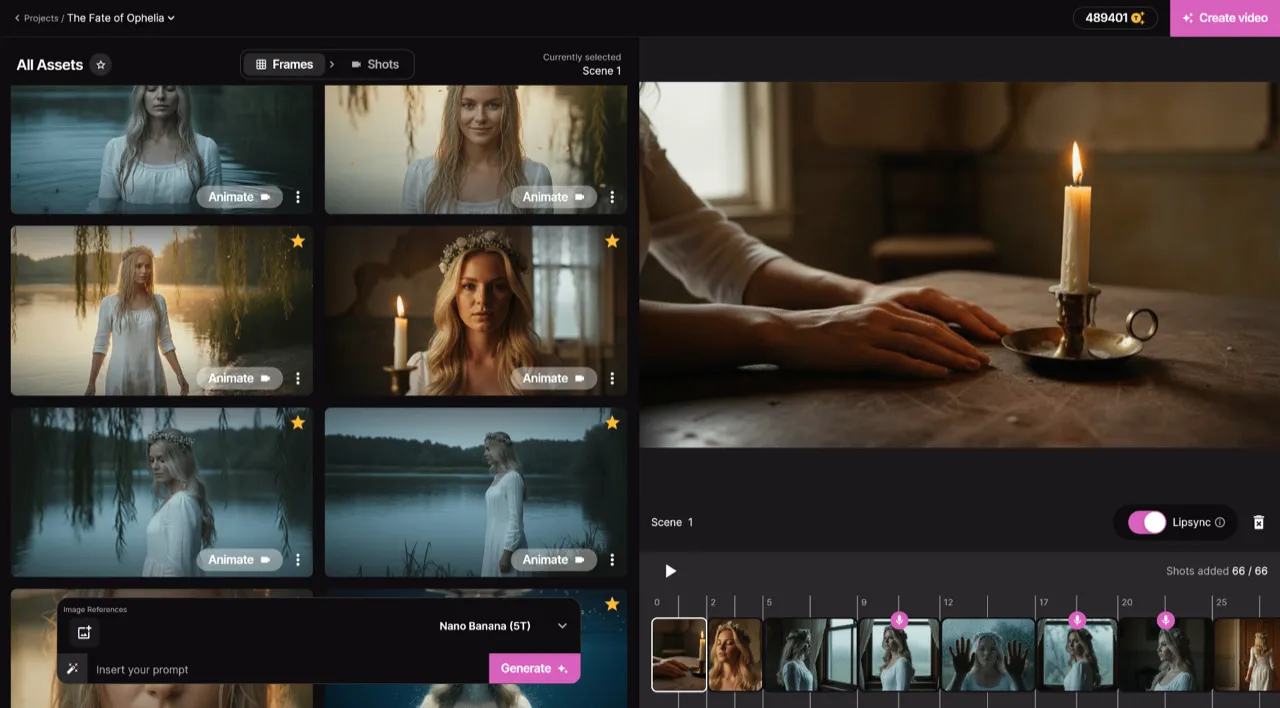
Frame by Frame Control
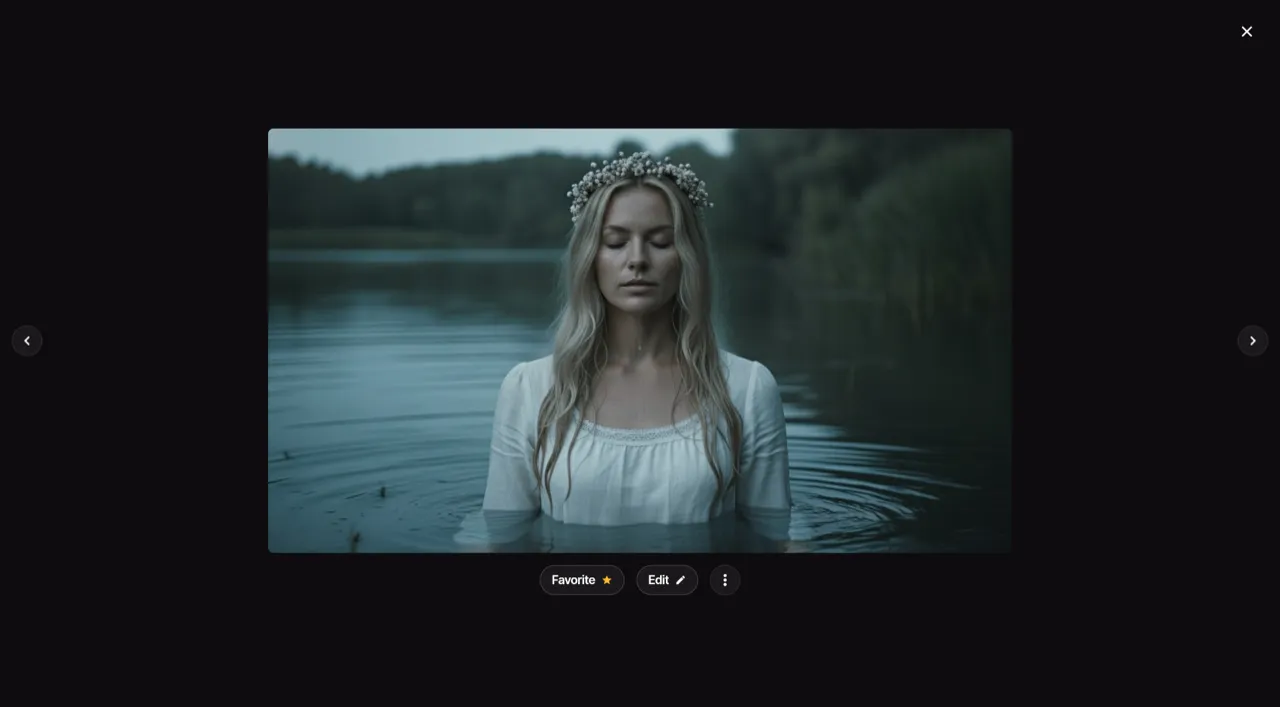
Real-time Preview
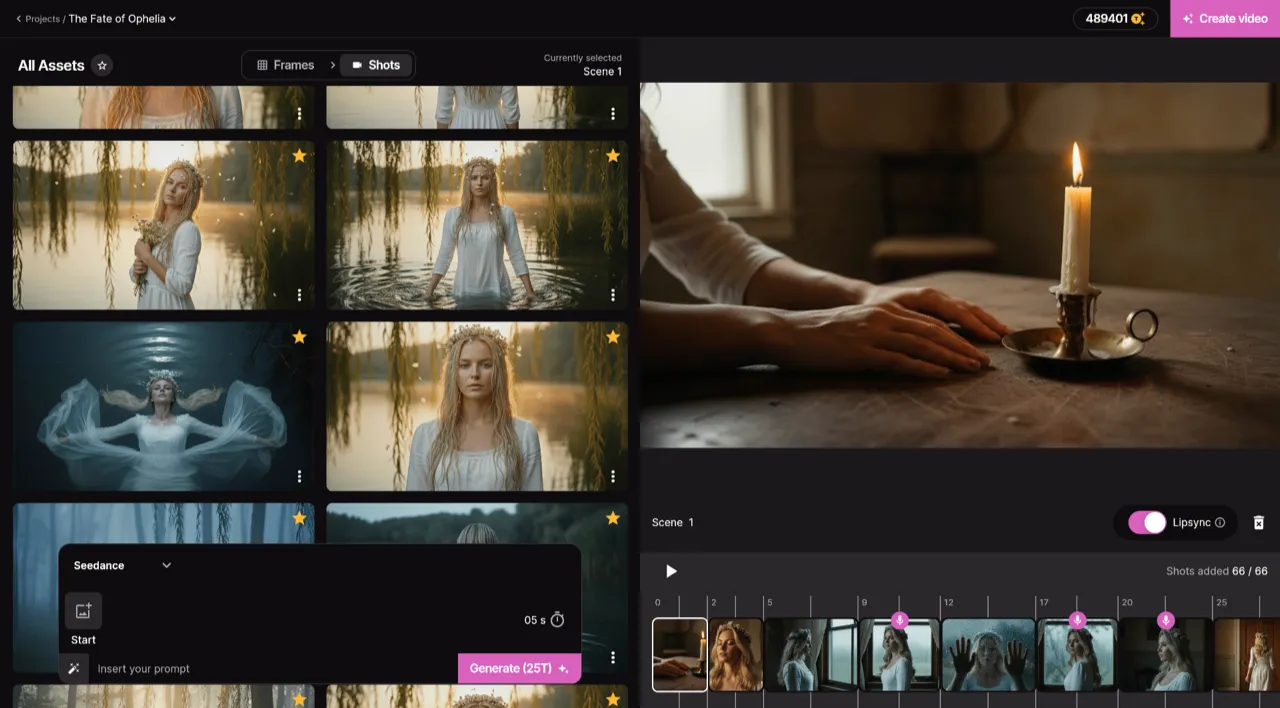
Smart Asset Library
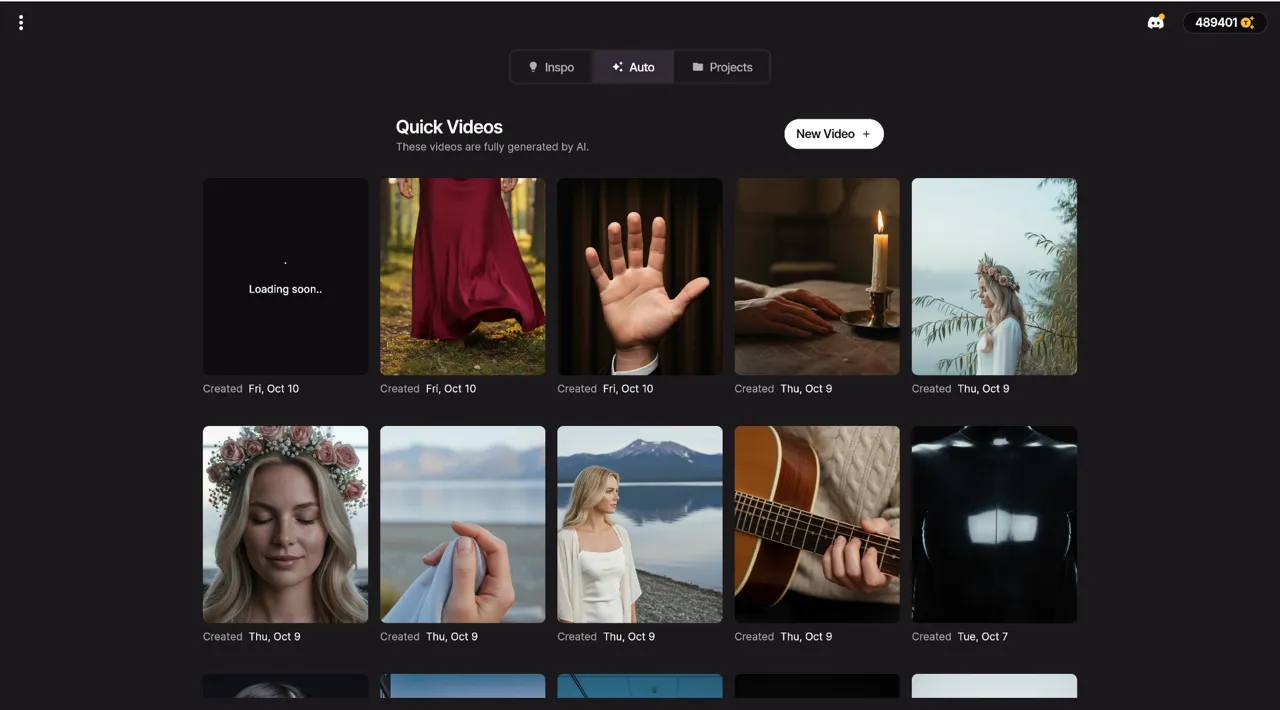
Quick Video Generation
Your AI production crew
AI Artist
Create a virtual artist using a photo or just a description. Generate social media content and music videos with a consistent, recognizable identity.
Auto Videos
Let our AI agents work like a real production crew. Just input your song and a photo — they handle the rest and deliver an amazing music video.
Precise Editing
Start from scratch or modify an existing video. With Project Mode you get granular control over each individual shot.
Top Notch Lip-Sync
We host the best lip-syncing model available to ensure your singing scenes look completely natural and perfectly in sync.
Who Converts MP3 to Video?
Suno & Udio Users
Export your AI-generated song as MP3, drop it into One More Shot AI, and have a matching music video in minutes.
Bedroom Producers
Turn quick bounces and demos into shareable video content without leaving your creative flow.
Distributor Requirements
Some platforms require video files. Convert your MP3 to a polished video to meet submission specs for visual streaming.
Same-Day Releases
Finish mixing in the morning, upload the MP3, and publish the music video by afternoon — all without a production team.
YouTube Channel Builders
Populate your YouTube channel with visual content for every track instead of static waveform uploads.
Traditional vs AI-powered
See how AI music video creation compares to traditional production across every dimension that matters.
Examples That Inspire
Discover what's possible with our AI-powered video generation. From music videos to visualizers, create content that captivates.
knd - hell
Watch how One More Shot AI turns music into video
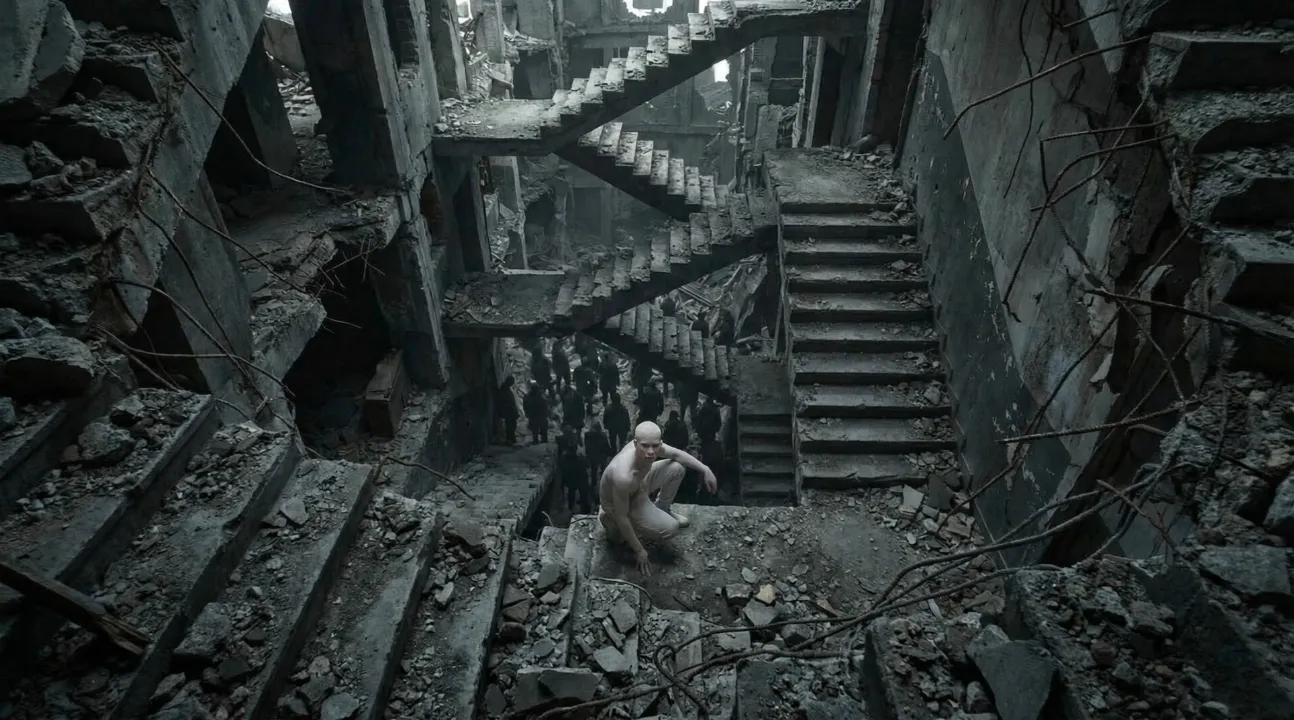
POLYPHEMUS
Amazing AI-generated music video showcase
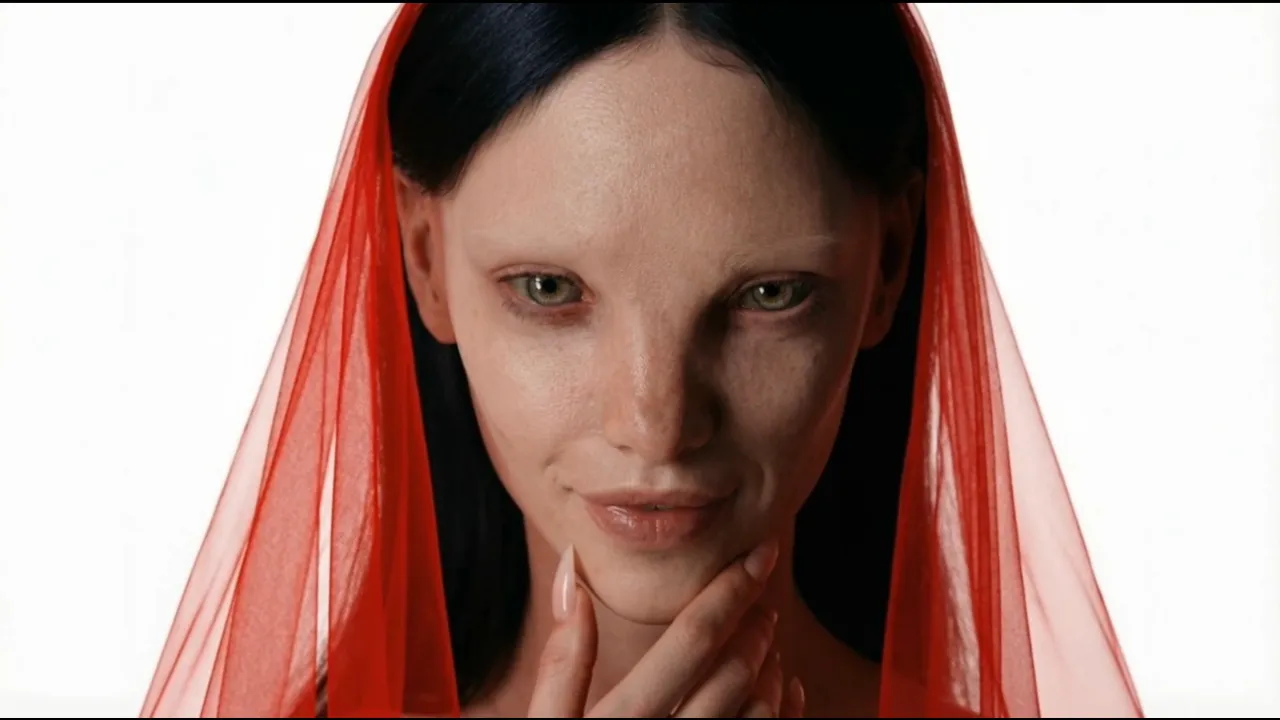
HYPNOTIC
Transform your music into captivating videos
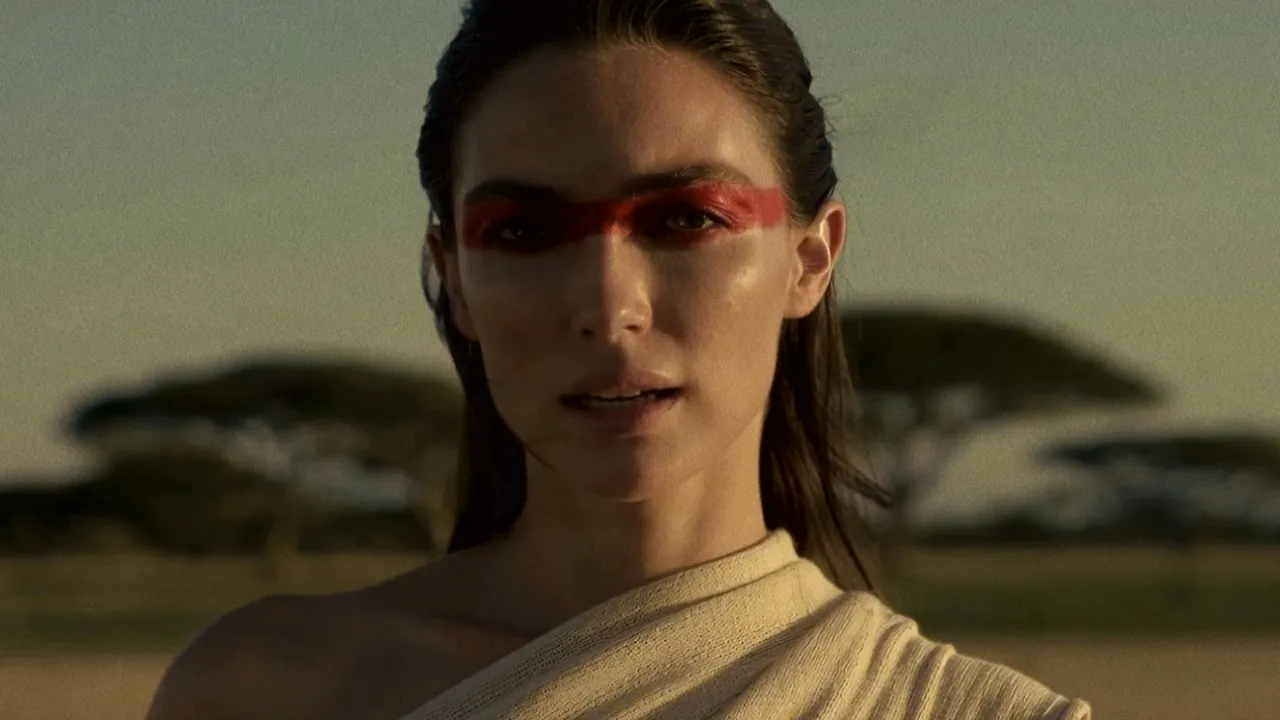
Standing in the Hush
Amazing AI-generated music video showcase
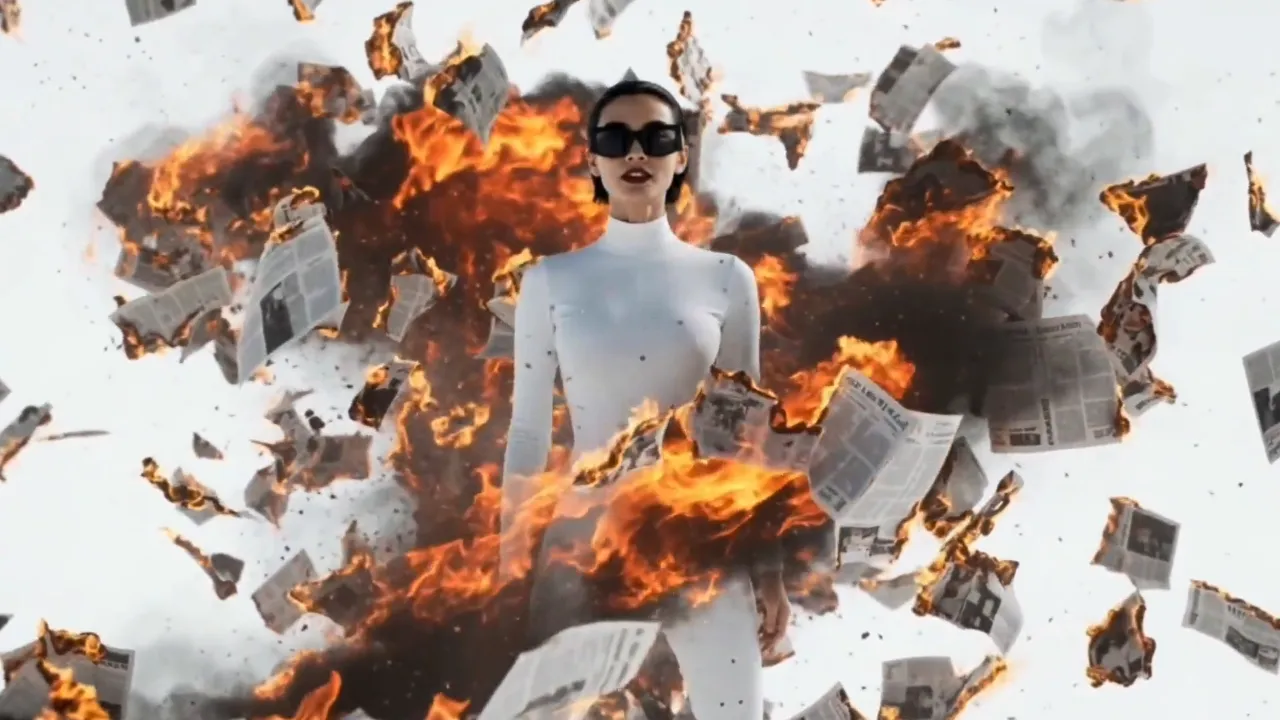
Hold On The Moment
Amazing AI-generated music video showcase
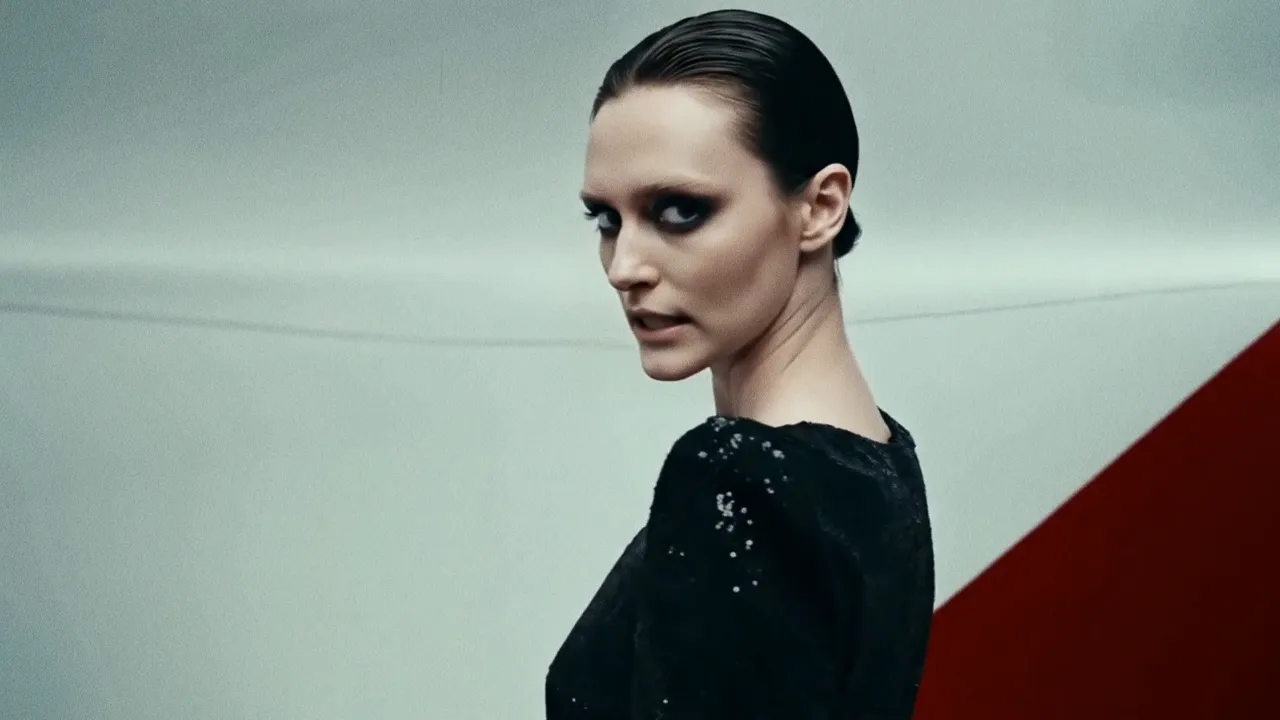
Back to Basic
Amazing AI-generated music video showcase
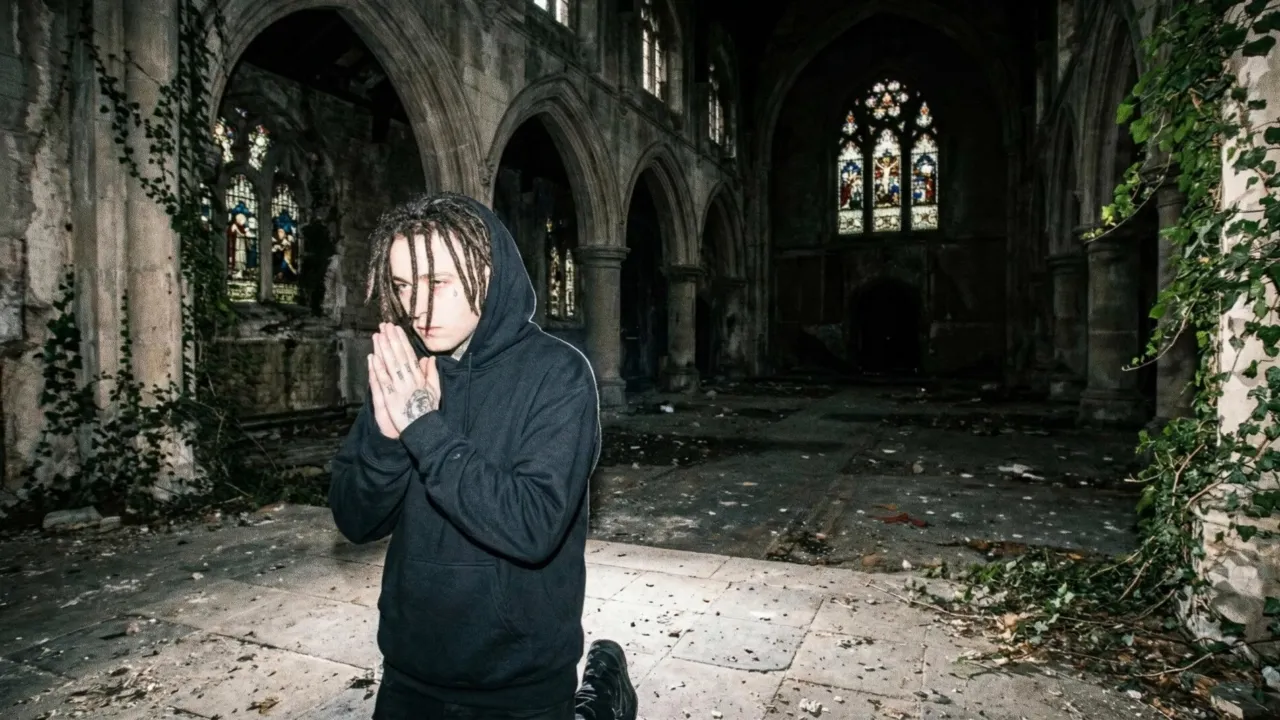
6 Feet
Transform your track into a stunning visual experience
Pricing
Choose between fully automatic video generation or build your video scene by scene.
Both powered by the same simple token system.
Auto Mode
Upload your song and let AI generate a complete music video. Fast, effortless, stunning results in minutes.
Starting from $0.20/sec with Hyper
Project Mode
Build your video scene by scene in the editor. Full creative control over every clip, transition, and effect.
Average cost — varies by AI model and clip duration
Estimate your Auto mode cost
See how much a full music video costs with the Hyper plan
Need a custom plan? We've got you covered.
Contact Sales →Loved by thousands of creators
Join the community of artists who are revolutionizing their music promotion with AI-generated videos.
"One More Shot AI transformed my bedroom track into a visual masterpiece. The AI perfectly captured the dreamy vibe I was going for. My streams doubled overnight!"

"I've tried every video editor out there. Nothing comes close to how fast and creative One More Shot AI is. My TikTok engagement went through the roof!"

"The cyberpunk style videos it creates for my electronic tracks are insane. Clients are blown away every single time. This is the future of music promotion."

Frequently asked questions
Everything you need to know about creating AI music videos.
What MP3 quality works best for video generation?
A 320kbps MP3 gives the AI the richest data for beat detection and mood analysis. Files at 192kbps and above produce excellent results. Lower bitrates still work but may yield slightly less precise sync timing.
Is there a file size or duration limit for MP3 uploads?
You can upload MP3 files up to 50MB in size. Duration is limited to around 10 minutes, which covers the vast majority of songs. Longer files can be trimmed before upload.
Can I convert multiple MP3s at once?
Currently, you generate one video per MP3. However, the fast turnaround — under five minutes per track — makes it practical to process an entire EP in a single session.
Will the output video have a watermark?
No. One More Shot AI produces watermark-free 1080p video on all plans, including the free tier. The output is release-ready without any branding overlay.
Do I need to convert my MP3 to WAV first?
No. The platform accepts MP3 natively. There is no quality advantage to converting to WAV before upload — the AI's audio analysis pipeline handles MP3 decoding internally.
What video format is the output?
The output is an MP4 file encoded in H.264 at 1080p with the original audio muxed in. This format is accepted by every major platform including YouTube, TikTok, Instagram, and Spotify Canvas.
Related tools
Audio to Video AI
Feed any audio file into AI and receive a synchronized, visually rich video — no editing required.
Song to Video AI
Upload any song and let AI generate a full music video — matched to your beat, mood, and genre.
Free AI Music Video Generator
Turn any song into a stunning music video with AI — completely free to start.
AI Music Video Generator
Upload a track. Get a professional AI music video in minutes. No filming, no editing, no crew.
Turn Song Into Video
Take any finished song and transform it into a complete, release-ready music video with AI.
Create epic videos today
Join the AI revolution in music video creation. Transform your tracks into stunning visuals that captivate audiences and boost your reach.
Free to try • No credit card required