9 Essential AI Tools to Create Videos in 2025
AI video creation is experiencing unprecedented growth, redefining how content is produced in 2025. With rapid advancements, creators and businesses are turning to innovative solutions to stay ahead.
This guide uncovers the 9 most essential ai tools to create videos, helping you work smarter and faster. Whether you are a marketer, educator, or entrepreneur, these platforms offer features and flexibility for every need.
Explore advanced capabilities, pricing, and unique benefits. Discover how these tools can streamline your workflow and inspire your next standout project.
The AI Video Revolution in 2025
Artificial intelligence is redefining video production in 2025 at a pace never seen before. From small creators to global agencies, the adoption of ai tools to create videos is accelerating, reshaping the very foundation of digital content workflows.
The most transformative trends shaping this landscape include:
- Text-to-video generation from scripts or prompts
- Generative visuals and automated scene creation
- AI-driven editing and rapid post-production
- Voice synthesis and multilingual dubbing
According to a recent study, 70% of marketers plan to increase their use of ai tools to create videos in 2025. In fact, 41% of brands are already leveraging AI for video content, a significant leap from previous years. This surge is fueled by the promise of efficiency, scalability, and creative freedom.
The impact is profound. Content creators benefit from reduced production costs, faster turnaround times, and higher engagement rates. Brands and agencies can now deliver visually compelling content at scale, while individuals with minimal technical skills access professional results. AI tools to create videos are truly democratizing the field, empowering everyone from indie musicians to major enterprises.
Real-world examples abound. Viral marketing campaigns are crafted overnight using automated editing and generative visuals. Indie creators repurpose blogs and podcasts into video content without extensive resources. Global brands localize training materials instantly with AI voice synthesis. These innovations are setting new standards for what’s possible with ai tools to create videos.
However, the revolution brings challenges. Copyright concerns, the rise of deepfakes, and questions about content authenticity demand careful governance. The industry is responding with transparent AI labeling, improved detection technologies, and ethical guidelines.
Looking ahead, the future of ai tools to create videos is bright. Ongoing advancements will enable deeper integration with creative AI platforms, smarter automation, and even more personalized experiences. As technology continues to evolve, the boundaries of video creation will keep expanding, offering limitless potential for storytellers everywhere.
9 Essential AI Tools to Create Videos in 2025
The landscape of ai tools to create videos has never been more dynamic. In 2025, creators, brands, and marketers have access to powerful platforms that automate, enhance, and accelerate video production. These nine standout solutions are leading the way, each offering unique features to match a wide array of needs.
1 More Shot
1 More Shot is revolutionizing ai tools to create videos for music content. With a free trial allowing three videos and paid plans starting at $8.25 per month, users get access to a smart asset library, advanced lip-sync, and real-time HD exports.
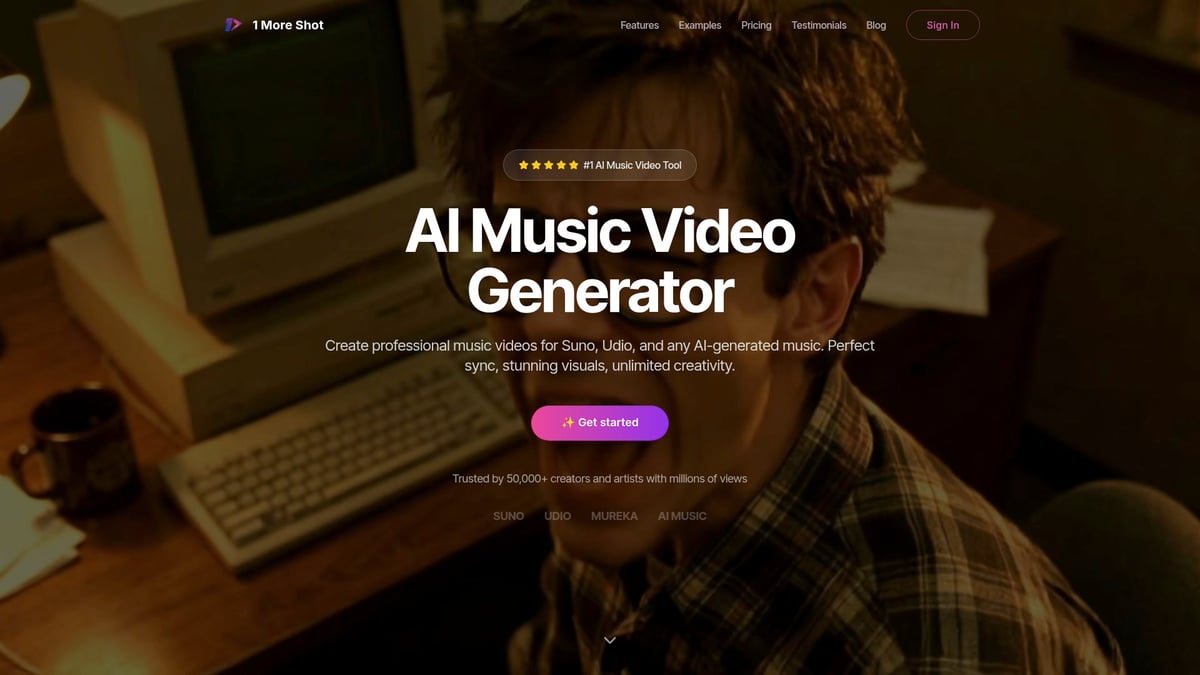
The platform is designed for musicians, content creators, and influencers who want to create music videos quickly. Its integration with AI music tools like Suno and Udio streamlines the process, making it ideal for those who value speed and accuracy.
Key features:
- AI music video generator
- Advanced lip-sync technology
- Multiple export formats with no watermarks
- Real-time preview and instant HD export
Benefits: Users can achieve professional, perfectly synced audio-visual results in minutes. The interface is intuitive, making it accessible even for those new to ai tools to create videos.
Pros:
- Specialized for music videos
- Flexible plans for different needs
- Trusted by over 50,000 creators
Cons: Focus is mainly on music videos, which may not fit general video content.
The industry-leading lip-sync and cross-platform compatibility set it apart, making it a favorite among AI music enthusiasts and marketers.
Pictory
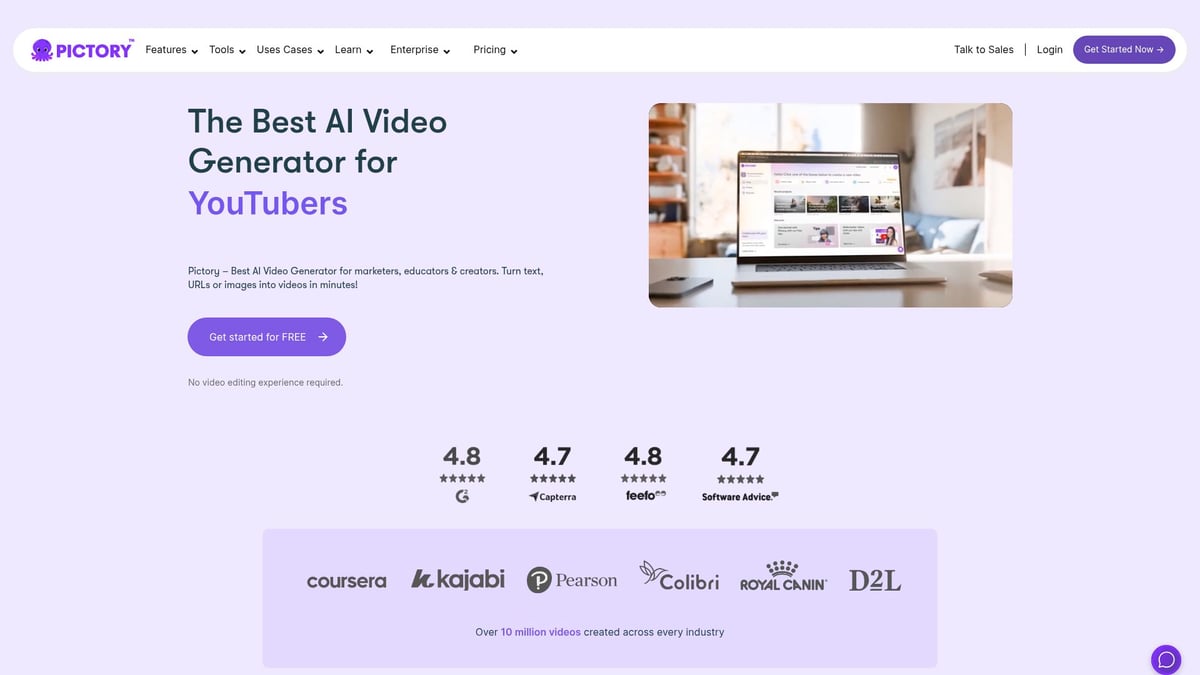
Pictory stands out among ai tools to create videos, especially for those looking to transform text into engaging video content. With plans from $19 per month and a free trial, Pictory’s script-to-video workflow makes video creation accessible for marketers, YouTubers, and educators.
Core features:
- Turn scripts or blog posts into videos
- Automatic captioning and summarization
- Vast stock footage library
- Built-in voiceover support
Key benefits: The platform is perfect for repurposing content, such as turning webinars or articles into shareable videos. Its bulk processing capabilities allow for efficient social media management.
Pros:
- Intuitive user interface
- Fast turnaround for content
- Strong text-to-video conversion
Cons: Advanced editing may be limited, and reliance on stock assets can restrict creative control.
Pictory’s fast captioning and summarization features make it a top pick for anyone needing ai tools to create videos for digital marketing or online education.
Synthesia
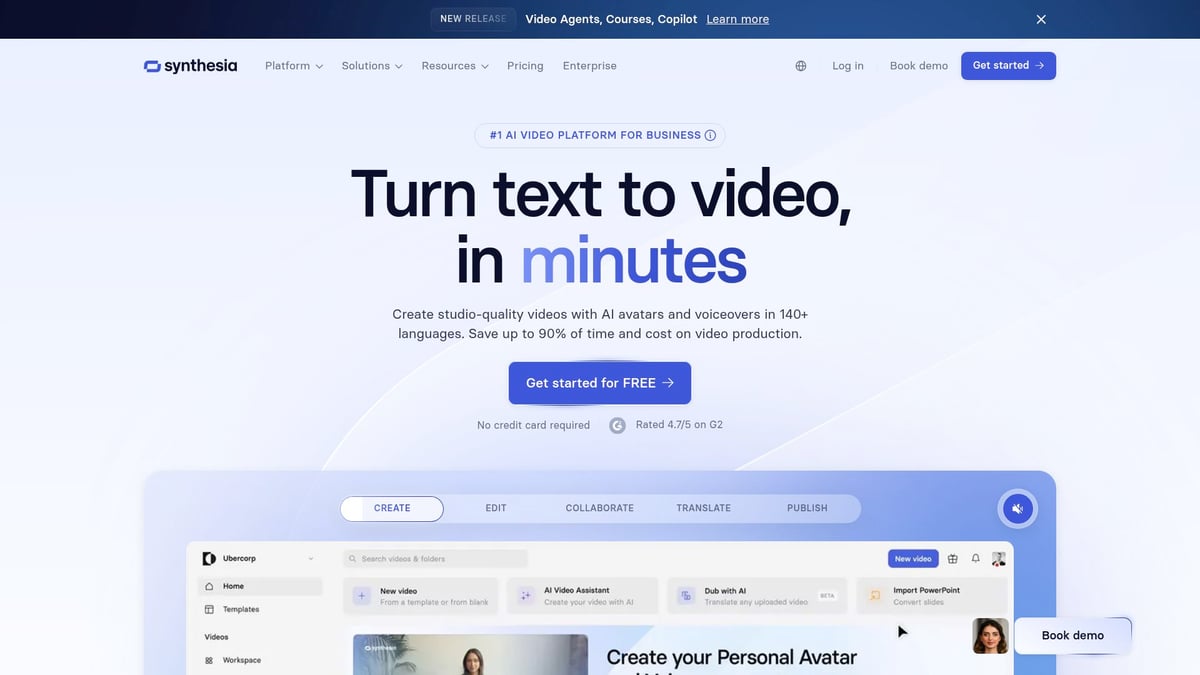
Synthesia is a leader in ai tools to create videos with lifelike avatars. Starting at $22 per month, it enables users to build professional spokesperson videos without a camera or actor.
Features:
- 140+ realistic AI avatars
- Over 120 language options
- Text-to-speech and video templates
Benefits: Ideal for corporate trainers, HR teams, and educators, Synthesia streamlines the production of eLearning modules and global communications.
Pros:
- Easy customization
- Wide language support
- No filming required
Cons: Some avatars can appear artificial, and creative control is limited compared to traditional filming.
Unique for its scale and language flexibility, Synthesia is the go-to among ai tools to create videos for training and international outreach.
Runway
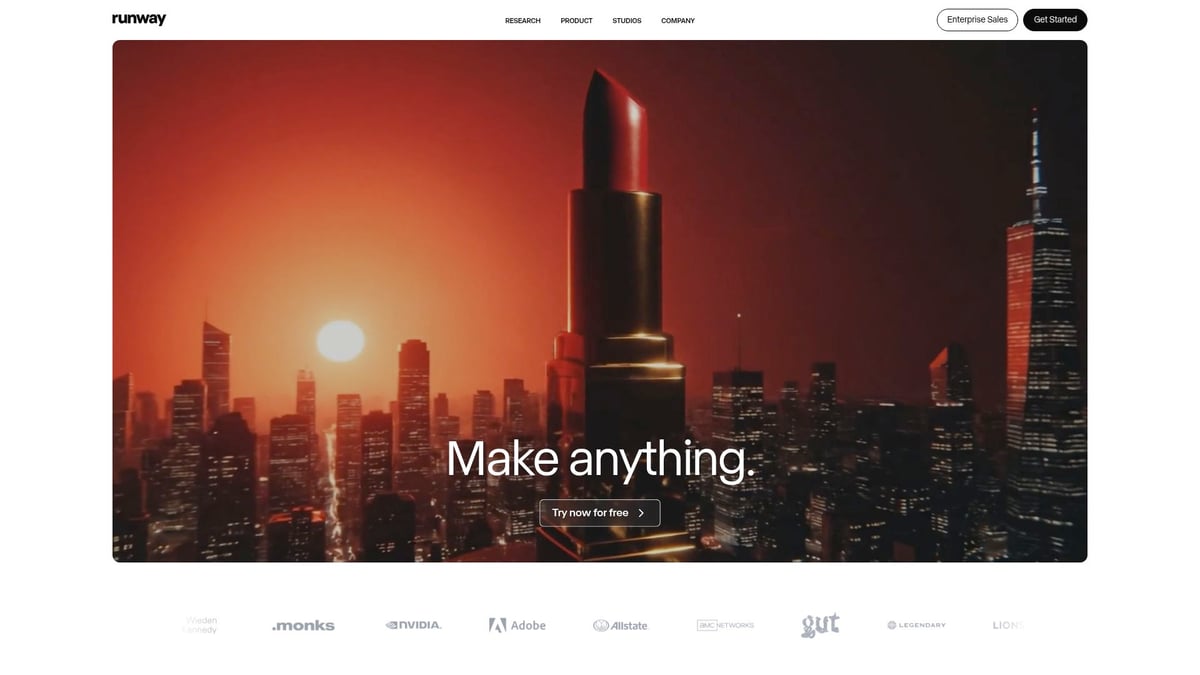
Runway brings advanced generative AI power to creative professionals. With a free plan and Pro starting at $12 per month, Runway’s Gen-2 text-to-video engine, inpainting, and real-time editing push the boundaries of ai tools to create videos.
Core features:
- Gen-2 text-to-video synthesis
- AI video editing and background removal
- Collaborative workflows
Benefits: Filmmakers, agencies, and designers benefit from Hollywood-grade effects and frequent updates. The platform’s creative control and real-time editing deliver professional results.
Pros:
- State-of-the-art AI models
- Collaborative, cloud-based editing
- Frequent new features
Cons: There is a learning curve, and advanced features can be costly.
Runway is at the cutting edge of ai tools to create videos, enabling unprecedented creative freedom for visual storytellers.
Descript
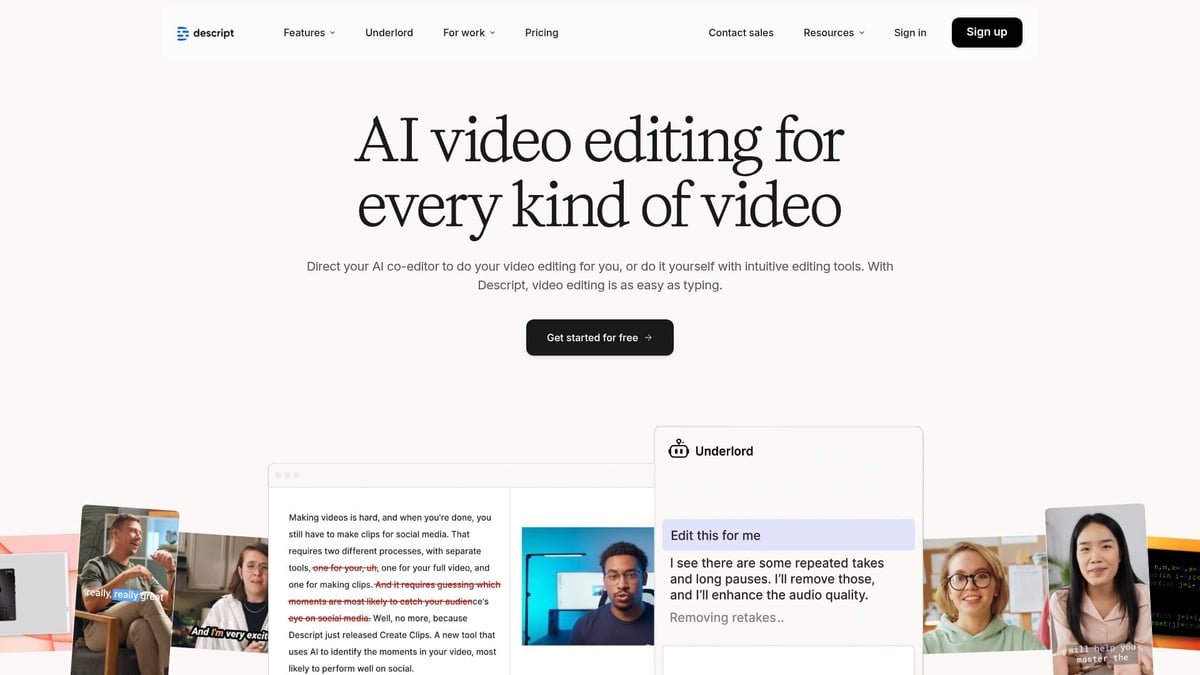
Descript reimagines ai tools to create videos by letting users edit video and audio as easily as editing a document. Free and paid plans from $12 per month offer video editing via transcript, AI voice cloning, and seamless podcast-to-video workflows.
Features:
- Edit video/audio by editing text
- AI-powered filler word removal
- Screen recording and podcast tools
Benefits: Podcasters, YouTubers, and educators can rapidly repurpose content and polish recordings with minimal effort.
Pros:
- Versatile and collaborative
- Powerful overdub (voice cloning)
- User-friendly interface
Cons: Occasional transcription errors, and some advanced tools require a paid plan.
Descript’s innovative approach to ai tools to create videos saves time and simplifies complex editing tasks.
InVideo
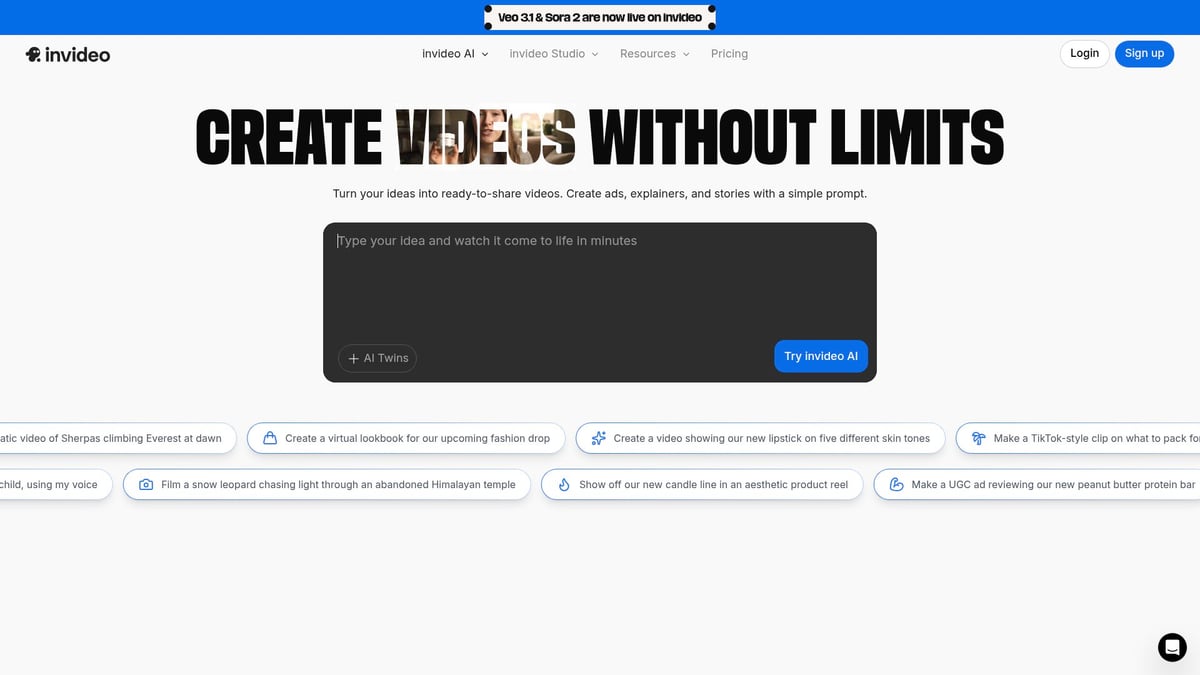
InVideo is built for rapid, automated video creation. With a free plan and Business tier from $15 per month, it offers over 5,000 templates, text-to-video generation, and a rich stock media library.
Core features:
- AI video generator for quick social, ad, and marketing videos
- Extensive template selection
- Easy customization
Benefits: Social media managers, small businesses, and agencies can produce polished videos in minutes without prior editing experience.
Pros:
- Huge template library
- Affordable plans
- Strong AI automation
Cons: Free plan videos have watermarks, and advanced editing is limited.
InVideo’s focus on speed and automation makes it a standout among ai tools to create videos for digital marketing.
Lumen5
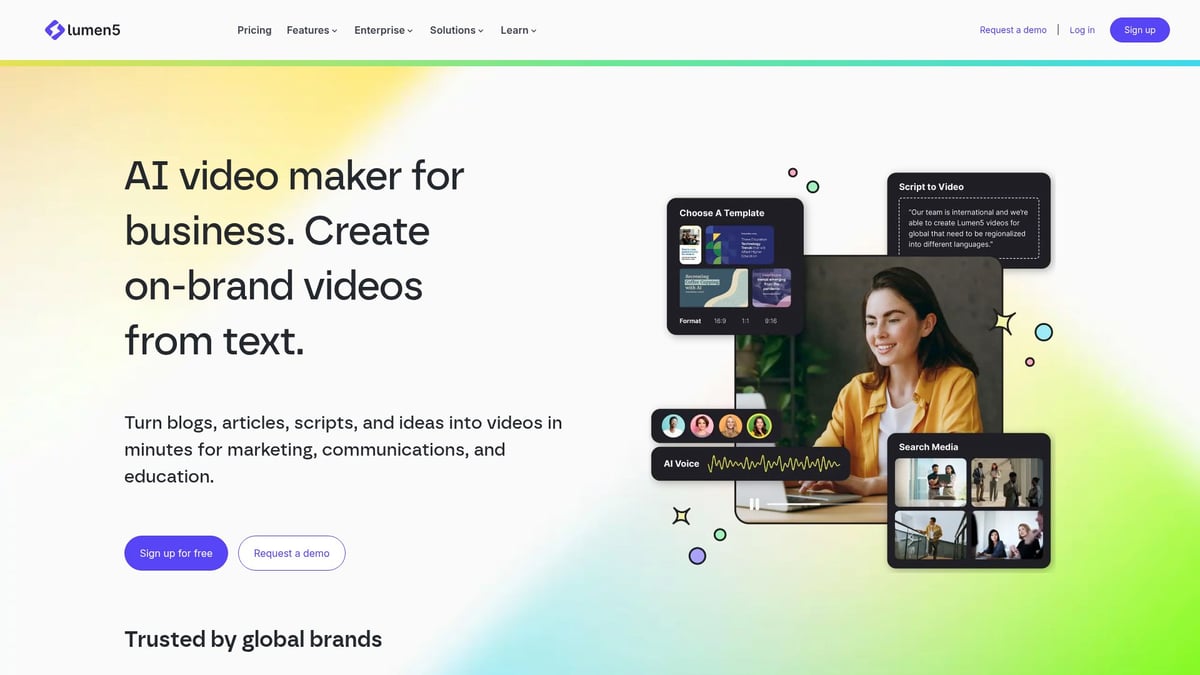
Lumen5 is a favorite for transforming written content into videos. Free and paid plans start at $19 per month, and its AI-driven storyboard simplifies blog-to-video production.
Features:
- Automated video creation from articles
- Drag-and-drop editor
- Stock footage and brand kit support
Benefits: Content marketers, bloggers, and publishers love the time-saving automation. Lumen5 is particularly effective for scaling up video output from existing blogs.
Pros:
- Strong automation
- Minimal manual input required
- Supports brand consistency
Cons: Advanced creative edits are limited, and flexibility can be restricted.
Lumen5 shines among ai tools to create videos by making repurposing content effortless and efficient.
HeyGen
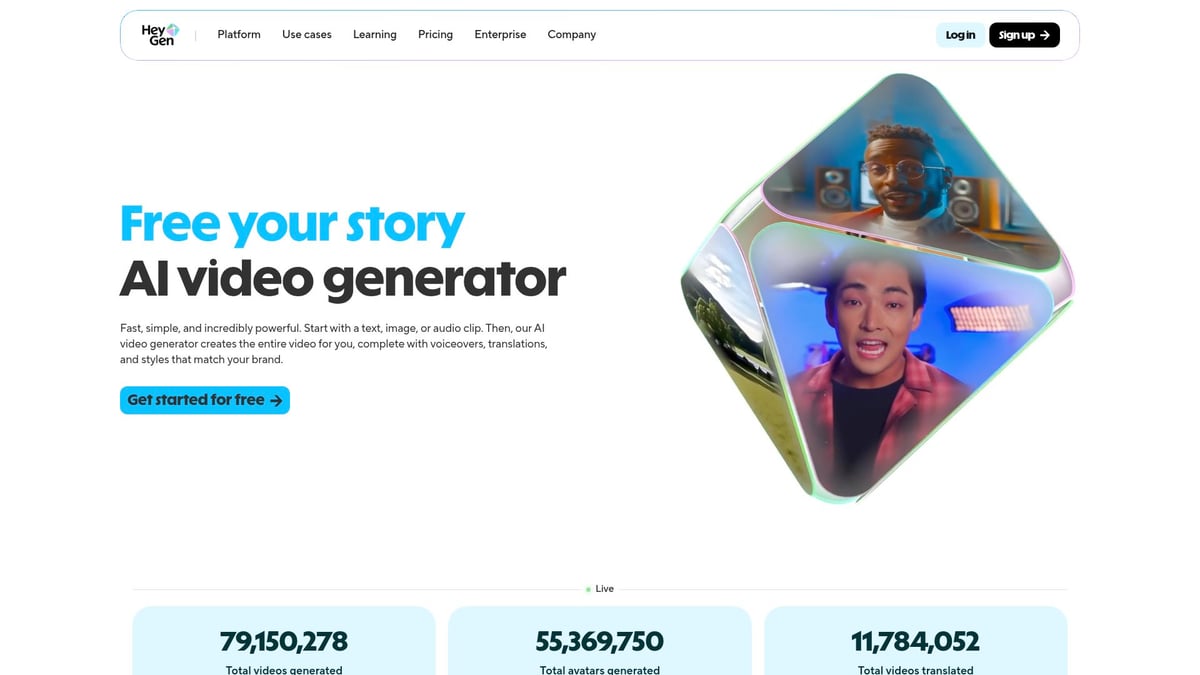
HeyGen empowers users to craft personalized video messages at scale. With a free trial and paid plans from $29 per month, it features human-like AI avatars, voice cloning, and multilingual support.
Core features:
- Realistic AI avatars for video outreach
- Customizable templates and API integration
- Multilingual voice cloning
Benefits: Sales teams, HR, and educators can deliver personalized content globally, enhancing communication and engagement.
Pros:
- Highly realistic avatars
- Scalable video production
- Broad language support
Cons: Higher price point, and avatar realism may vary.
HeyGen stands out among ai tools to create videos for its video personalization and outreach capabilities.
Veed.io
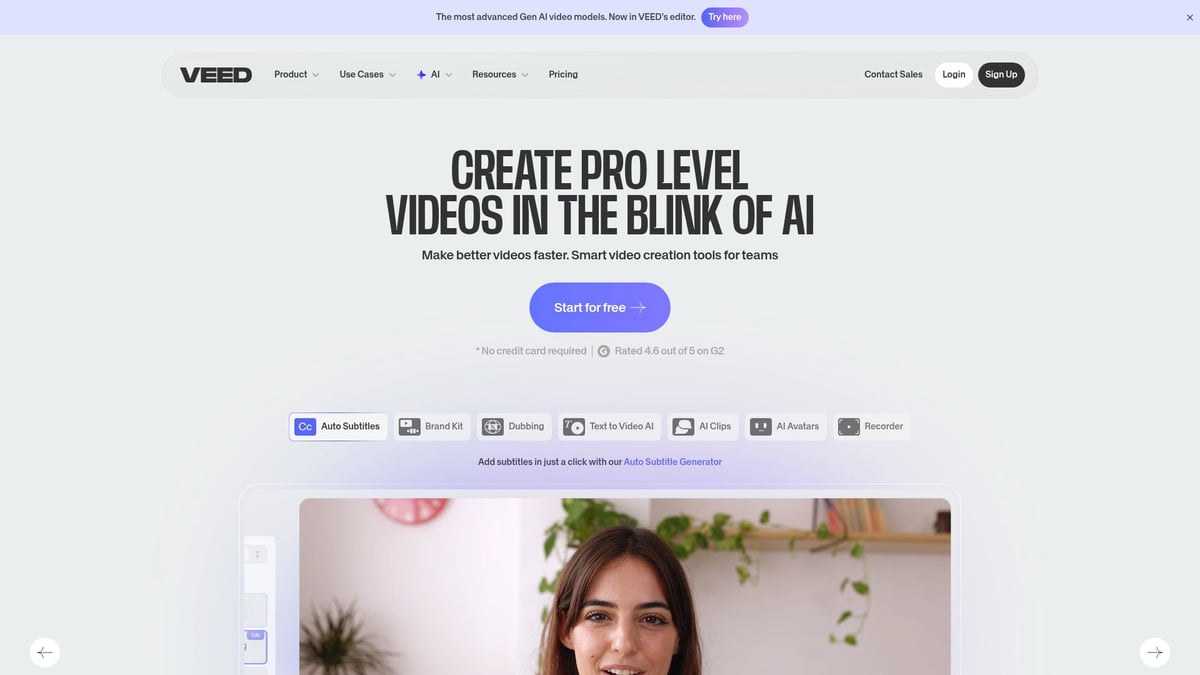
Veed.io delivers an all-in-one solution for fast, polished video content. With a free plan and Pro tier from $18 per month, it covers AI video editing, transcription, subtitles, templates, and screen recording.
Core features:
- AI-powered editing and subtitle generation
- Cloud-based workflow
- Broad template selection
Benefits: Influencers, educators, and small businesses can quickly create, edit, and publish video content for any platform.
Pros:
- Simple, intuitive interface
- Strong subtitle and translation tools
- No software installation needed
Cons: Free plan includes watermarks, and some premium features require higher-tier plans.
Veed.io leads the pack of ai tools to create videos for those seeking speed, accessibility, and robust subtitle capabilities.
For those looking to get started, you can learn more about the practical steps and best practices for using ai tools to create videos in this How to make an AI video guide.
How to Choose the Right AI Video Tool for Your Needs
Selecting the best ai tools to create videos can feel overwhelming given the variety of options available. To make a confident choice, start by clarifying your content strategy and production goals. The right tool should align with your creative vision, technical requirements, and workflow preferences.
Assessing Your Content Goals
Start by defining exactly what you want your ai tools to create videos to achieve. Are you producing educational material, marketing content, social media clips, or music videos? Each use case demands different features, such as advanced lip-syncing for musicians or bulk video generation for marketers.
Consider the typical video length, preferred formats, and your main publishing platforms. For example, if your goal is to create catchy ad spots rapidly, prioritize tools with robust template libraries and automation. Musicians, on the other hand, should focus on tools with precise audio-visual sync and integration with AI music generators.
Identifying your unique needs will help you filter the landscape of ai tools to create videos, ensuring the tool you choose fits your creative intent.
Comparing Key Features and Pricing
Once your objectives are clear, evaluate the core features and pricing models offered by leading ai tools to create videos. Key functionalities to look for include text-to-video, AI avatars, customizable templates, and editing power. Pricing structures often vary from free plans with watermarks to premium subscriptions with full export quality.
Here’s a quick comparison table to help guide your review:
| Feature | Importance | Typical Availability |
|---|---|---|
| Text-to-Video | High for marketers, educators | Most tools |
| Avatar Generation | Essential for training, outreach | Select tools |
| Templates | Speeds up workflow | Widely available |
| Export Quality | Crucial for professionals | Paid plans only |
According to Animoto, 60% of creators consider price a top decision factor. Always weigh feature depth against cost to find the best ai tools to create videos for your budget.
Workflow Integration and Ease of Use
The best ai tools to create videos should fit seamlessly into your current workflow. Assess compatibility with your existing editing suites, cloud storage, and social media platforms. A simple user interface and minimal learning curve can dramatically speed up content production.
For instance, Descript allows creators to move effortlessly between podcast and video editing, streamlining repurposing efforts. InVideo stands out for its rapid generation of social media ads, making it ideal for agencies that need quick turnarounds.
Prioritize ai tools to create videos that minimize friction and support your preferred production methods, so you can focus on creativity rather than troubleshooting.
Scalability and Future-Proofing
As your content needs grow, ensure your chosen ai tools to create videos offer robust collaboration, volume handling, and ongoing updates. Look for platforms with team features, regular AI enhancements, and responsive support.
Future trends like deeper personalization and cross-platform publishing are shaping the next generation of video tools. For a detailed look at upcoming shifts, explore 2025 AI video creation trends, which highlights automation and industry innovations.
By considering scalability and staying informed on evolving technology, you can choose ai tools to create videos that keep your workflow efficient and your content ahead of the curve.
AI Video Creation Best Practices for 2025
Creating standout content with ai tools to create videos requires more than just clicking a button. To get professional, engaging results, you need to follow proven best practices and stay current with the latest advancements in the field.
Maximizing AI Output Quality
High-quality input is the foundation for impressive results when using ai tools to create videos. Start with clear scripts, crisp audio, and visually appealing images or footage. Most advanced platforms, such as Runway’s Gen-4 AI video model, offer built-in enhancements like upscaling, color grading, and smart cropping.
For example, leveraging Runway’s inpainting allows seamless edits that would be time-consuming with traditional methods. Always preview your content and make adjustments before final export. Experiment with different settings to see which enhancements best serve your vision.
Ethical Considerations and Copyright
Ethics are crucial when working with ai tools to create videos. Never use copyrighted material without explicit permission. Be transparent with your audience about AI-generated content, as 43% of viewers expect disclosure (Pew Research, 2024).
The rise of AI-generated media also raises questions about authenticity, especially in creative fields. For a deeper look at these challenges and the evolving landscape, see this comparison of AI vs traditional music videos. Responsible creators respect intellectual property rights and foster trust by being open about their use of AI.
Human-AI Collaboration
The best results with ai tools to create videos come from blending automation with your unique creativity. AI can rapidly generate drafts, assemble footage, or enhance visuals, but your personal touch elevates the final product.
Use AI to handle repetitive tasks or generate first passes. Then, refine the output manually to align with your brand and message. For instance, Lumen5 can turn a blog post into a draft video, but customizing visuals and pacing ensures the content truly resonates with your audience.
Staying Ahead of Trends
The world of ai tools to create videos evolves quickly. Stay informed by following updates from leading platforms, joining creator communities, and experimenting with new features like generative video and personalized avatars.
Early adoption of emerging tools gives you a competitive edge. Try out beta features and share your experiences with peers. This proactive approach keeps your workflow fresh and ensures you always deliver cutting-edge video content to your audience.
With so many powerful AI video tools now at your fingertips, there has never been a better time to elevate your content and streamline your creative process. Whether you’re a musician aiming for professional-grade music videos or a marketer seeking fast, eye-catching visuals, these innovations let you turn big ideas into polished results—quickly and easily. If you’re ready to put these insights into action, why not experience firsthand how intuitive and effective these tools can be? You can Start Creating Now and see just how far your next video project can go.