Free AI Music Video Generator Guide: Create Stunning Videos 2025
In 2025, the world of music promotion is being transformed by the rapid growth of free ai music video generator technology. Anyone can now turn their songs into eye-catching videos with just a few clicks, making professional-quality visuals more accessible than ever.
This guide is your go-to resource for harnessing the power of these tools. Whether you are a musician, marketer, or content creator, you will discover the latest advancements, get step-by-step instructions, and learn which free platforms deliver the best results.
Ready to create content that stands out and goes viral? Dive in to explore how a free ai music video generator can help you craft stunning videos, even without prior experience.
Why AI Music Video Generators Are Revolutionizing Music Promotion
The music landscape is changing rapidly, with video content now at the heart of discovery and promotion. The rise of the free ai music video generator is opening new doors for artists, creators, and marketers, making professional-quality visuals more accessible than ever.
The Shift to Video-First Music Discovery
Short-form video is now the leading way people discover new music. Recent data reveals that 68% of listeners first hear songs through platforms like TikTok, Instagram Reels, and YouTube Shorts. These channels thrive on quick, visually captivating content.
With a free ai music video generator, artists can instantly produce eye-catching videos that grab attention. Visual content not only increases engagement but also boosts shareability, helping tracks go viral far beyond traditional audio platforms.
Musicians and creators are leveraging these tools to reach wider audiences, as algorithms on social networks prioritize video content. The shift is clear: video-first discovery is the new standard for music promotion.
AI’s Role in Democratizing Video Creation
AI technology is breaking down barriers in music video production. Tasks that once required expensive software and expert knowledge are now automated by smart algorithms. The free ai music video generator handles beat syncing, lyric timing, and visual effects, so anyone can create polished videos.
These platforms offer intuitive interfaces, allowing users of any skill level to customize styles and visuals. Whether you want animated backgrounds, dynamic captions, or genre-specific effects, AI makes it possible without a steep learning curve.
This democratization empowers independent artists and small teams to compete with major labels, making high-quality video content accessible to all, regardless of budget or experience.
Benefits for Artists, Creators, and Marketers
The impact of a free ai music video generator extends across the creative and marketing spectrum. Independent musicians can now release professional-grade visuals alongside their tracks, elevating their brand and attracting new fans.
Content creators benefit from rapid production, enabling quick responses to trends and audience demands. Marketers gain the ability to produce campaign videos in multiple formats—portrait, landscape, or square—tailored for each social platform.
AI video generators also support various content types, from lyric videos to podcast promos. This versatility ensures that anyone can create visually compelling content that stands out in a crowded digital landscape.
The Rise of Free AI Video Tools
The surge in demand has led to an explosion of free ai music video generator platforms. Many require no credit card or subscription, lowering the barrier for anyone to start creating. Popular options like Revid.ai and others are leading the charge with feature-rich, user-friendly interfaces.
To help users choose the right platform, resources like the Best Free AI Music Video Tools guide offer detailed comparisons and reviews. Free trials and entry-level plans make it easy to experiment before committing.
As the ecosystem grows, users have more choice and flexibility, ensuring that everyone can find a tool that fits their creative vision and workflow.
Case Studies and Real-World Impact
The real-world results of adopting a free ai music video generator are impressive. Viral meme songs, created by indie musicians using AI-generated videos, have soared in popularity and driven millions of streams.
Independent artists often see significant boosts in social engagement and music platform plays after releasing visually dynamic videos. Marketers also report higher campaign ROI when leveraging AI-powered content.
These success stories highlight how the combination of music, AI, and video is reshaping promotion strategies, making viral hits and professional branding achievable for all.
How Free AI Music Video Generators Work: Key Features & Capabilities
Unlocking the full potential of a free ai music video generator begins with understanding its core features and workflow. These platforms are designed for accessibility, transforming complex video editing into a simple, step-by-step process that anyone can follow. Let us break down how these tools work and what you can expect at each stage.
Uploading and Input Options
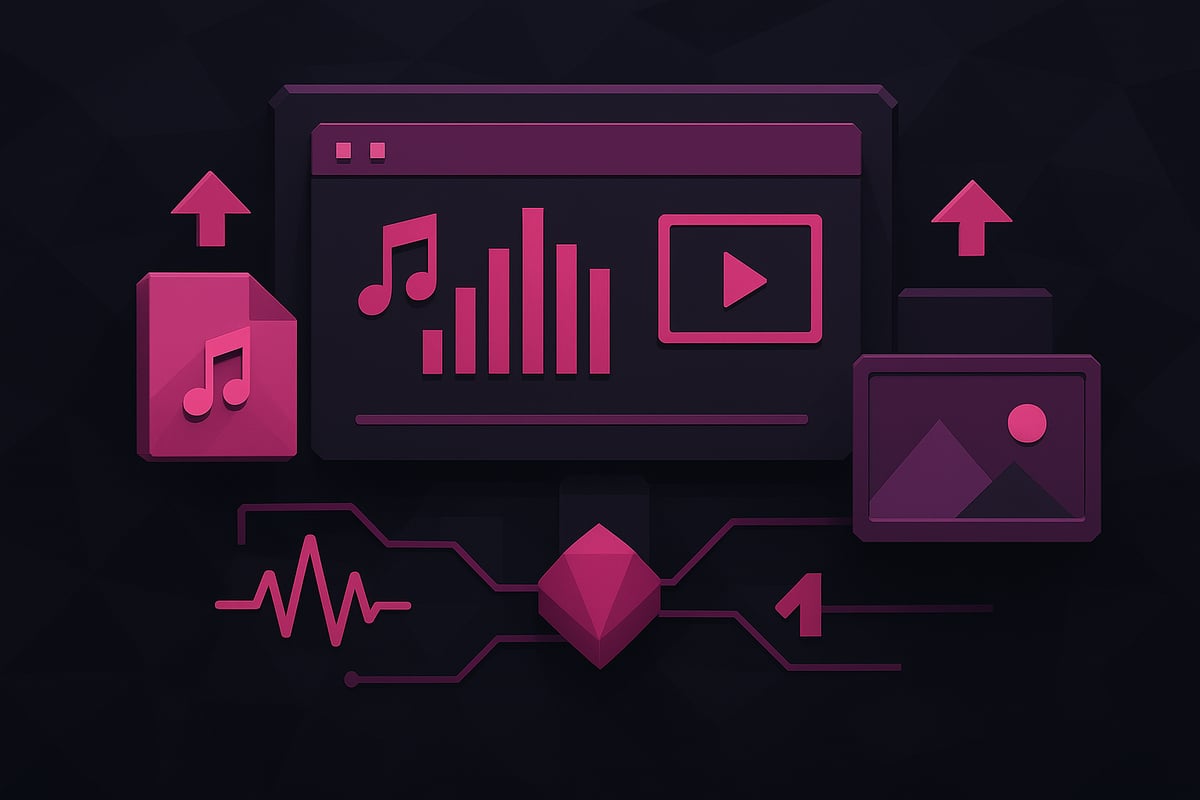
A free ai music video generator typically begins by allowing you to upload your source material. Supported formats include MP3, WAV, AAC, and M4A for audio, and MP4, MOV, AVI, or WMV for video files.
Some platforms integrate directly with services like Spotify, Suno, or Udio, letting you import tracks with a single click. The quality of your input file will influence the final output, so always use high-resolution audio or video for best results.
You may also be able to drag and drop files or paste streaming links. This flexibility ensures the process remains simple regardless of your technical background.
Visual Generation and Customization
Once your file is uploaded, the free ai music video generator analyzes your track. It automatically detects tempo, mood, and lyrics to match visuals accordingly.
Choose from a broad library of visual assets, including stock footage, AI-generated clips, animated images, or your own uploads. Many platforms offer a wide array of style presets such as Anime, Pixar-inspired, Ultra Realism, Retro Cartoon, and more—some boasting over 40 unique looks.
You can further customize by adjusting color palettes, transitions, and layering effects, ensuring your video aligns with your artistic vision.
Automatic Syncing and Enhancements
One of the most powerful aspects of any free ai music video generator is its ability to synchronize visuals with your music. The platform automatically aligns cuts, effects, and lyric captions with the beat and flow of your track.
Sound wave visualizations can be layered for additional energy, especially for electronic or dance genres. AI-driven captioning makes lyric videos easy, with text animations that follow the rhythm of your song.
For a deeper look at how automatic beat and lyric sync works, see the Perfect Sync Feature Explained. This technology ensures every transition feels natural and professionally timed.
Editing and Fine-Tuning Tools
Even if you have no editing experience, a free ai music video generator includes built-in editors that let you refine your project. Adjust timings, swap out visuals, and tweak captions with simple drag-and-drop controls.
Advanced tools provide frame-by-frame editing and real-time previews, giving you granular control when needed. You can also add text overlays, transitions, and effects for a more polished look.
These features are designed to empower creators at every skill level, making professional video production accessible to all.
Output and Sharing Options
After finalizing your creation, a free ai music video generator offers multiple export options. Choose your preferred aspect ratio: portrait (9:16) for TikTok, landscape (16:9) for YouTube, or square (1:1) for Instagram.
Most platforms allow downloads in Full HD quality, often without watermarks, especially during free trials. Direct sharing to popular platforms is also built in, enabling you to publish instantly.
A summary table of typical output options:
| Aspect Ratio | Platforms | HD Export | Watermark-Free |
|---|---|---|---|
| 9:16 | TikTok, Reels | Yes | Often |
| 16:9 | YouTube | Yes | Sometimes |
| 1:1 | Yes | Often |
Supported Use Cases and Video Types
The versatility of a free ai music video generator means it serves a wide range of creators. You can produce meme song visualizations, cinematic music videos, lyric videos, podcast visuals, and more.
These tools are ideal for independent musicians, content creators, marketers, and AI music enthusiasts. Whether you want to create a viral meme, a polished lyric video, or an engaging podcast clip, the generator adapts to your vision.
Pairing creative input with robust AI features, these platforms are redefining how music and visuals come together in the digital age.
Step-by-Step Guide: How to Create Stunning AI Music Videos for Free
Ready to make your music go viral? Using a free ai music video generator, you can turn any track into a share-worthy video with just a few clicks. This step-by-step guide walks you through the process from picking the best tool to sharing your creation with the world. Whether you are a musician, content creator, or marketer, you will find this workflow approachable and effective.
Step 1: Choose the Right AI Music Video Generator
Selecting the ideal free ai music video generator is the foundation of your project. Start by researching top platforms like Revid.ai and 1 More Shot. Compare their features, such as visual style presets, automatic lyric syncing, and export formats.
Look for tools that offer a free trial, no watermark on exports, and compatibility with your preferred social platforms. Some platforms provide built-in editors for fine-tuning, while others focus on speed and automation. For a detailed walkthrough, check out the Step-by-Step AI Music Video Guide.
Evaluate trial limits and export quality. Prioritize platforms with user-friendly interfaces and robust support. The right free ai music video generator will streamline your workflow and help you achieve professional results.
Step 2: Prepare and Upload Your Music
Before uploading, ensure your audio file is of high quality. Export tracks in common formats like MP3, WAV, AAC, or M4A. If you are using AI music platforms such as Suno or Udio, download tracks directly or use platform integrations for seamless import.
Most free ai music video generator tools support direct uploads and links from streaming services. Avoid compressed, low-bitrate files, as these can affect the final video’s clarity and synchronization.
Organize your music files and double-check metadata. Properly labeled tracks make it easier for the generator to match lyrics and visuals. Starting with a clean, high-quality file increases the professional polish of your finished video.
Step 3: Select Visual Styles and Customization Options
Now comes the creative part. With a free ai music video generator, you can choose from a range of visual styles. Options often include Anime, Ultra Realism, Pixar-inspired, and Retro Cartoon, among others.
Decide whether to use stock footage, AI-generated visuals, or your own media. Stock footage works well for universal themes, while AI-generated clips offer originality. For personal branding, uploading custom images or video snippets can make your video stand out.
Enhance your video by adding sound wave animations, lyric synchronization, and beat-based effects. These features help boost engagement and make your music video visually dynamic. Experiment with combinations to find the best fit for your song’s mood and message.
Step 4: Generate Your Video and Review the Output
Once your music and visuals are set, initiate the generation process. Most free ai music video generator platforms process videos in two to five minutes. The AI analyzes your track, matches visuals to the tempo and lyrics, and builds a cohesive video.
After processing, preview the first draft. Pay close attention to how visuals align with the music. Are the transitions smooth? Do the captions sync with the lyrics? Use the preview to identify any sections that may need refinement.
Remember, the quality of your input directly impacts the output. Take this opportunity to ensure your project meets your expectations before moving to the next stage.
Step 5: Edit, Refine, and Personalize Your Video
Editing is where you turn a good video into a great one. Most free ai music video generator tools include built-in editors. Adjust timings, swap out visuals, and fine-tune lyric captions to match your creative vision.
Use frame-by-frame editing for precise control over transitions and effects. Add text overlays, animated captions, or brand logos for a personalized touch. Experiment with different fonts, colors, and animation styles to enhance readability and appeal.
If the AI-generated captions need tweaks, adjust them manually for accuracy and timing. This step ensures your video not only looks polished but also resonates with your audience. Investing time in editing maximizes the impact of your free ai music video generator project.
Step 6: Export and Share Your Video
After editing, it is time to export. Choose the right aspect ratio for your target platform: portrait for TikTok, square for Instagram, or landscape for YouTube. Most free ai music video generator platforms let you download in Full HD, often without watermarks.
Take advantage of direct sharing features to post instantly on social media. Review the download options to ensure your video maintains its quality and formatting. Double-check export settings to avoid any last-minute surprises.
For maximum reach, add relevant hashtags, descriptions, and calls to action when posting. Consistent branding and optimized captions help your video gain traction and encourage audience interaction.
Example Use Cases and Inspirations
Many creators have leveraged a free ai music video generator to produce viral content. Meme songs, for instance, come alive with AI-powered visuals and dynamic lyric displays. Independent artists use cinematic visualizations to elevate instrumental tracks and reach new audiences.
Professional lyric videos, once reserved for major labels, are now accessible to everyone. Marketers craft quick-turnaround promos for campaigns, while podcasters visualize audio clips to boost engagement on social platforms.
Draw inspiration from these diverse examples. With the right approach, your next project could spark a trend or amplify your brand. The creative possibilities with a free ai music video generator are virtually limitless.
Top Free AI Music Video Generators to Try in 2025
The landscape of free ai music video generator tools has never been more dynamic. With rapid advancements, creators now have access to innovative platforms that deliver professional results at no cost. The growth in this sector is remarkable, reflecting how technology is shaping music promotion for everyone. If you want deeper insights into the industry’s expansion, the AI Music Generator Market Growth Analysis provides current data and trends that underscore this evolution.
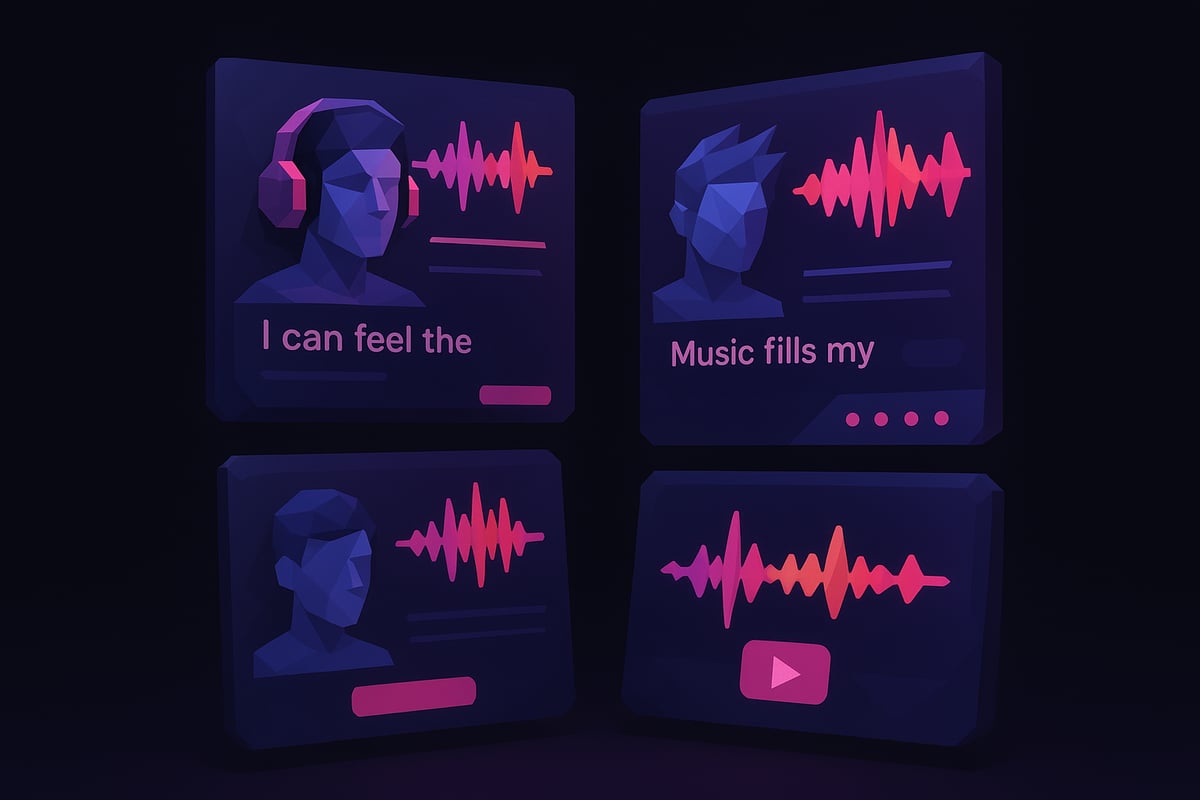
Revid.ai
Revid.ai stands out as a leading free ai music video generator for artists and creators. It enables users to transform any song into a studio-quality music video within minutes. The platform boasts over 42 visual style presets, including Anime, Ultra Realism, and Retro Cartoon, giving users creative flexibility.
Key features include:
- Automatic lyric and beat synchronization
- Dynamic sound wave effects
- Built-in editor for fine-tuning visuals and timing
- No credit card required for access to core features
Revid.ai supports various formats, making it easy to share videos on social media. Its intuitive workflow ensures anyone can create engaging visuals, regardless of experience.
1 More Shot
1 More Shot is another exceptional free ai music video generator trusted by over 50,000 creators. It instantly generates perfectly synchronized music videos from any audio track, using advanced lip-sync technology for a polished result.
Core strengths include:
- Multiple export formats for different platforms
- Smart asset library with curated visuals and templates
- Free trial offering three watermark-free videos
- Optimized for AI-generated music from platforms like Suno and Udio
Users can personalize their videos with style presets and real-time previews. The platform’s focus on accessibility helps both indie artists and marketers elevate their content.
Other Notable Free Tools
The market for free ai music video generator solutions has expanded with several reputable options. Some notable mentions include platforms specializing in audio-to-video conversion, lyric video creation, and waveform animations.
Popular alternatives offer:
- Seamless integration with Spotify and YouTube
- Simple drag-and-drop interfaces for quick editing
- Support for various audio and video file types
Each tool brings unique features, such as AI-generated backgrounds, custom caption animations, or meme-friendly templates. Exploring these alternatives broadens your creative possibilities.
Feature Comparison Table
Below is a quick comparison of top free ai music video generator platforms:
| Platform | Visual Styles | Editing Options | Export Quality | Free Trial Limit | Watermark Policy | Supported Formats |
|---|---|---|---|---|---|---|
| Revid.ai | 42+ | Yes | Full HD | Unlimited | Minimal/None | MP3, MP4, WAV, MOV |
| 1 More Shot | 30+ | Yes | Full HD | 3 Videos | None | MP3, MP4, WAV |
| Others | 10–25 | Basic-Advanced | HD/Full HD | Varies | May Apply | MP3, MP4, WAV, AVI |
This table helps you quickly assess which free ai music video generator fits your project’s requirements.
Choosing the Best Platform for Your Needs
Selecting the right free ai music video generator depends on your specific goals. If you want a wide variety of visual styles and deep editing, Revid.ai is a strong choice. For creators focused on lip-sync accuracy and smart asset management, 1 More Shot offers advanced capabilities.
Consider these tips:
- Match the tool’s features to your video type, whether it’s a lyric video, meme, or cinematic visualization
- Take advantage of free trials to test platforms before committing
- Review watermark and export quality policies to ensure your final product meets your standards
With the right free ai music video generator, you can bring your musical vision to life and connect with audiences across platforms.
Creative Tips and Best Practices for AI Music Video Creation
Creating standout music content with a free ai music video generator requires more than just picking random visuals. To truly engage your audience, focus on how your video looks and feels. The right combination of effects, imagery, and timing can help your music go viral and leave a lasting impression.
Maximizing Visual Impact
Start by selecting visuals that reflect your song’s mood and genre. Use trending styles available in your free ai music video generator, such as Anime or Ultra Realism, to instantly capture attention. Consider combining stock footage with AI-generated clips to create a unique blend that stands out from standard templates.
Experiment with color schemes and visual effects that match the energy of your track. For example, upbeat dance songs often benefit from vibrant colors and dynamic transitions. To learn more about what makes videos pop on social platforms, explore these Viral AI Music Video Tips.
Lyric Sync and Captioning
Accurate lyric syncing is crucial for engaging viewers, especially if you are making a lyric video with a free ai music video generator. Review the AI-generated captions for timing and readability. Sometimes, you may need to tweak the placement or style of the text to match your song’s rhythm.
Choose fonts and animations that enhance the message of your lyrics instead of distracting from it. If your lyrics are fast-paced or contain wordplay, slow down the captions or add text effects for emphasis. Manual editing can turn a basic video into a professional-looking production.
Platform-Specific Optimization
Different platforms have unique requirements, so optimize your video for where it will be shared. Most free ai music video generator tools let you export in portrait, landscape, or square formats. Choose the right aspect ratio for TikTok, Instagram Reels, or YouTube Shorts.
Add branding elements, like your logo or a call-to-action, to help viewers remember you. Keep videos short and to the point, as attention spans are limited on social media. Research the latest platform trends to ensure your content stays relevant and visible.
Legal and Copyright Considerations
Always use music you own or have permission to use when creating videos with a free ai music video generator. Copyright violations can lead to your content being removed or your account facing penalties. Check each platform’s policy on AI-generated videos and make sure your visuals and audio are compliant.
If you plan to use public domain or royalty-free assets, double-check the licensing terms. Proper attribution may be required in some cases, especially for commercial projects. Staying informed protects your work and reputation.
Examples from Viral Videos
Analyzing successful videos created with a free ai music video generator can offer valuable insights. Viral clips often feature snappy edits, bold visual styles, and perfect timing between audio and visuals. Many creators use meme formats, trending challenges, or cinematic themes to increase shareability.
Study what made these videos resonate, such as clever use of sound wave animations or interactive captions. Adapting these strategies to your own content can increase your chances of reaching a wider audience and making a memorable impact.
Frequently Asked Questions About Free AI Music Video Generators
Curious about using a free ai music video generator? Below, we answer the most common questions creators, musicians, and marketers have when starting out with these powerful AI tools.
What file types and formats are supported?
Most free ai music video generator platforms support a wide range of audio and video files. Commonly accepted audio formats include MP3, WAV, AAC, and M4A. Video formats such as MP4, MOV, AVI, and WMV are also standard. Some tools even allow direct imports from music streaming services or AI music platforms.
| File Type | Common Formats Supported |
|---|---|
| Audio | MP3, WAV, AAC, M4A |
| Video | MP4, MOV, AVI, WMV |
The growing AI video generator market is driving rapid innovation, so expect support for even more formats in the near future.
How accurate is AI lyric synchronization?
A free ai music video generator uses advanced algorithms to match lyrics with your music. While AI can achieve impressive accuracy, some manual adjustments may be necessary for complex songs or unconventional vocal styles. Most platforms provide easy-to-use editors for refining lyric timing, ensuring your video looks polished and professional.
For the best results, review the autogenerated captions and adjust any lines that appear out of sync. This extra step guarantees that your audience experiences clear and engaging lyric displays.
Can I use AI-generated videos for commercial purposes?
Yes, you can use videos from a free ai music video generator for commercial projects, provided you have the rights to the music and visuals used. Always check the platform’s license agreements and the copyright status of your audio tracks and imagery.
Major platforms, including YouTube’s AI Integration in Content Creation, are investing in AI tools to support creators, but they also enforce strict copyright rules. Ensure your content complies with all relevant policies before publishing or monetizing your video.
How long does video generation take?
Video generation times vary depending on the platform and the complexity of your project. Most free ai music video generator tools can process a standard-length song in about 2 to 5 minutes. Factors like file size, chosen visual effects, and platform server load may affect speed.
You can typically preview your video before finalizing, allowing for quick adjustments without lengthy waits. Advanced tools may offer real-time previews, making the process even more efficient.
What editing options are available after generation?
After your video is generated, most platforms provide built-in editors for further customization. You can adjust visual timing, swap clips, refine lyric captions, and add effects or transitions. Some free ai music video generator platforms even allow frame-by-frame control for advanced users.
These editing features make it easy to personalize your video and ensure it matches your creative vision, all without needing professional video editing experience.
Are there any hidden costs or watermarks?
Many platforms offer a genuinely free ai music video generator experience with no hidden fees. However, some free plans may include watermarks or limit the number of exports. Always review the pricing and export policies before starting a project.
If you need watermark-free downloads or higher resolution, consider upgrading to a paid plan. Most tools are transparent about their trial limitations and make it easy to compare features.
Where can I get support or help?
Most platforms provide robust support options, including help centers, FAQs, and community forums. If you encounter technical issues or need advice on maximizing your free ai music video generator, check the official support resources or reach out to user communities for guidance.
Some platforms also offer tutorials, video walkthroughs, and responsive customer service teams to help you create the best possible music videos.
Now that you know how simple and powerful AI music video generators have become, why not put this knowledge into action? With platforms like 1 More Shot, you have the tools to transform any track into a visually stunning, professional video—no technical background required. You can experiment with unique styles, sync lyrics effortlessly, and share your creations across major platforms. If you are ready to bring your music to life and connect with your audience in new ways, there is no better time to dive in. Start Creating Now