


 Chosen by 500,000+ artists
 AI Music Video Generator
Upload a track. Get a professional AI music video in minutes. No filming, no editing, no crew.
Trusted by





How an AI Music Video Generator Works
An AI music video generator takes an audio file as input and produces a synchronized visual output — a complete music video — without any manual filming or editing. The process starts with audio analysis: the AI examines waveform data, detects beats and tempo changes, identifies vocal segments, and interprets the emotional tone of the track. Essentially, it works as a song-to-video AI pipeline that turns any track into a visual experience.
Next, the generator selects and composes visual elements. Depending on the chosen style, it may render 3D environments, animate characters, compose abstract visual patterns, or assemble cinematic footage — all timed to the rhythm and energy of the music. Transitions land on beat drops, scene changes follow verse-chorus structures, and visual intensity mirrors the dynamics of the audio.
The technology behind modern generators draws on diffusion models, neural rendering, and temporal coherence algorithms that ensure frame-to-frame consistency. Whether you start from a finished master or a raw audio-to-video AI conversion, you get smooth, professional-looking footage rather than a slideshow of disconnected images. The result is a deployable music video ready for YouTube, social platforms, or streaming services — see how One More Shot AI compares in our best AI music video generator guide.
The Fastest AI Music Video Maker for Every Genre
Most artists call the same tool a different name — AI music video generator, AI music video maker, AI music video creator — because the goal is the same: take a song and ship a finished video without renting a studio. One More Shot AI is built for all three audiences. It is a fully automated AI music video maker for artists who want one click between upload and download, and a scene-by-scene AI music video creator for directors who want hands-on control over every cut, character, and color palette.
For most users, the workflow is three steps. Drop in your audio (MP3, WAV, FLAC, or a Suno or Udio link), pick a visual style — cinematic, anime, 3D, watercolor, retro VHS, abstract — and click generate. The AI handles tempo detection, scene composition, transitions, color grading, and optional lip-sync. A standard three-minute track renders in two to five minutes. Power users can switch into Project Mode to override the AI on any scene, blend styles between verse and chorus, or assign characters with reference images.
Create AI Music Videos for Any Platform
A modern release lives on more than one screen. The generator exports landscape 16:9 videos for YouTube, vertical 9:16 clips for TikTok and Instagram Reels, square 1:1 for the feed, and short looping cuts sized for Spotify Canvas — all from a single source render. Output is up to 4K, watermark-free on paid plans, and royalty-free on the visual side, so you can publish straight to YouTube, Spotify Canvas, TikTok, Instagram, and any other platform that accepts video.
Whether you produce on Suno, on Udio, in Ableton, in FL Studio, or you are recording your own vocals, One More Shot AI meets your music where it already is — no format conversion, no preprocessing, no friction. Try the free AI music video generator tier to make your first video without a credit card, or jump straight into the full creator with the AI music video app on any device.
See It In Action
Watch how our AI transforms your music into stunning visuals in just minutes

Powerful & Intuitive Interface
Professional tools designed for creators. Generate, edit, and export stunning music videos with ease.
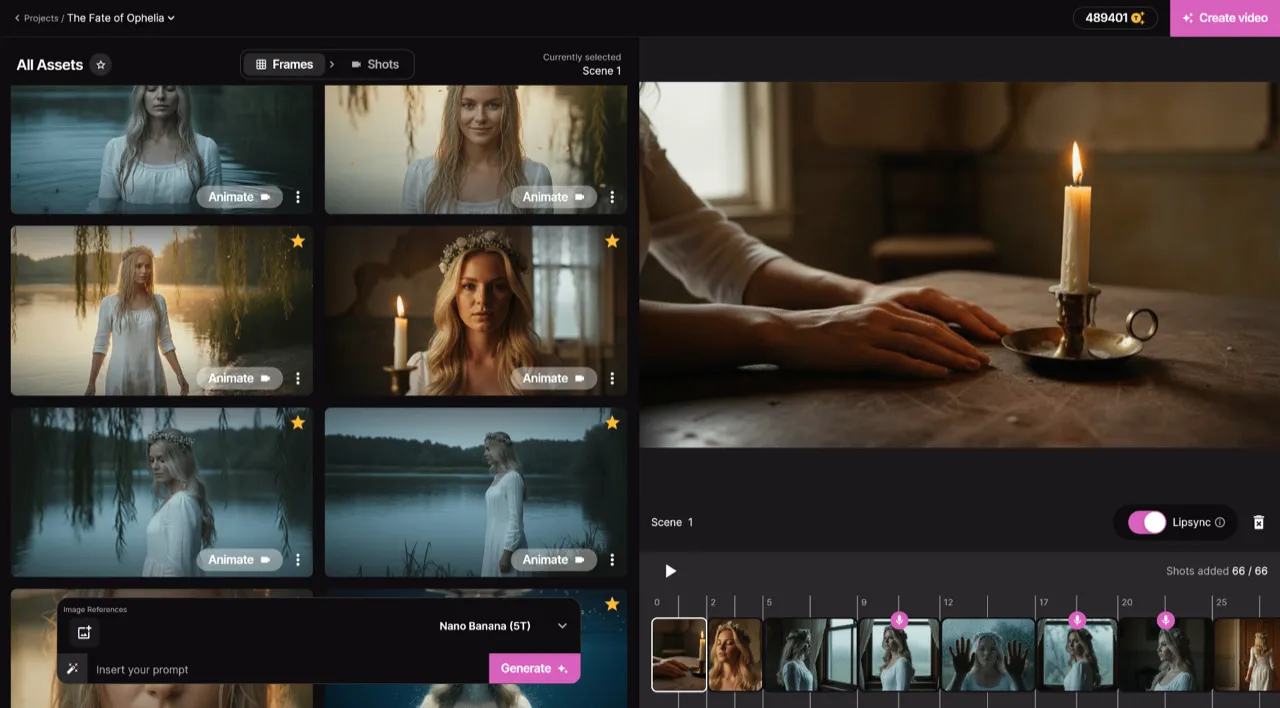
Frame by Frame Control
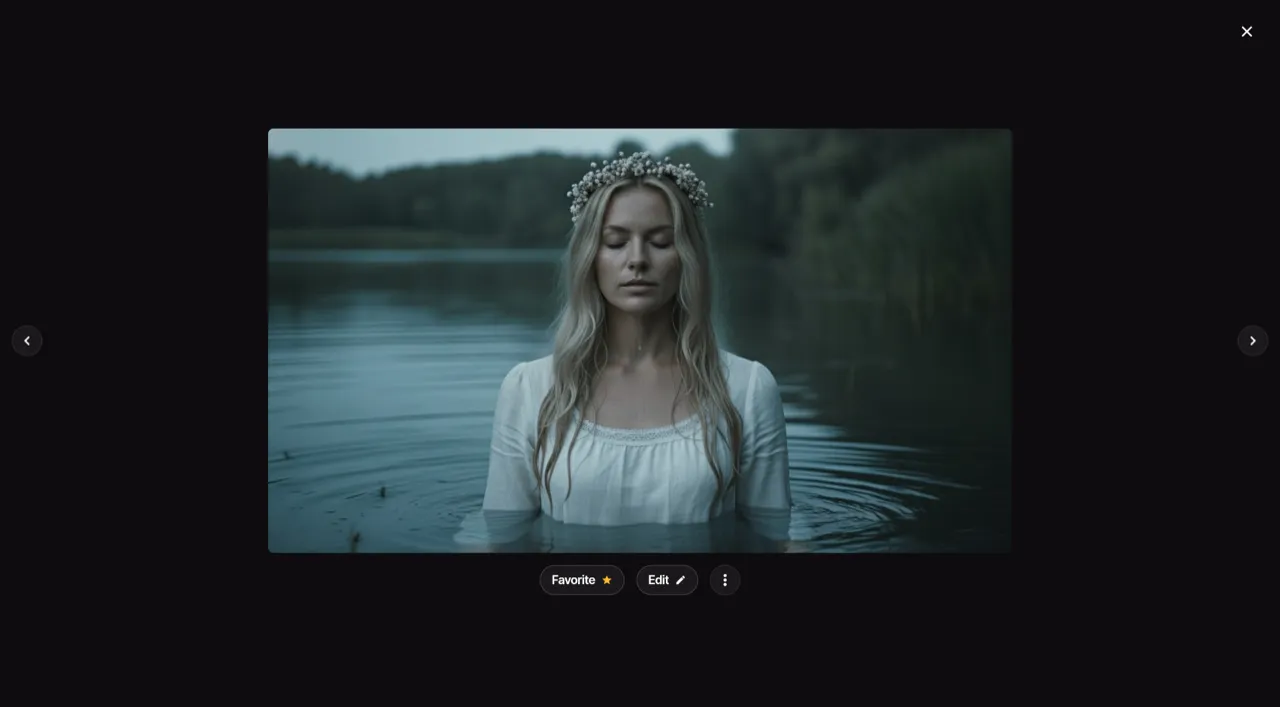
Real-time Preview
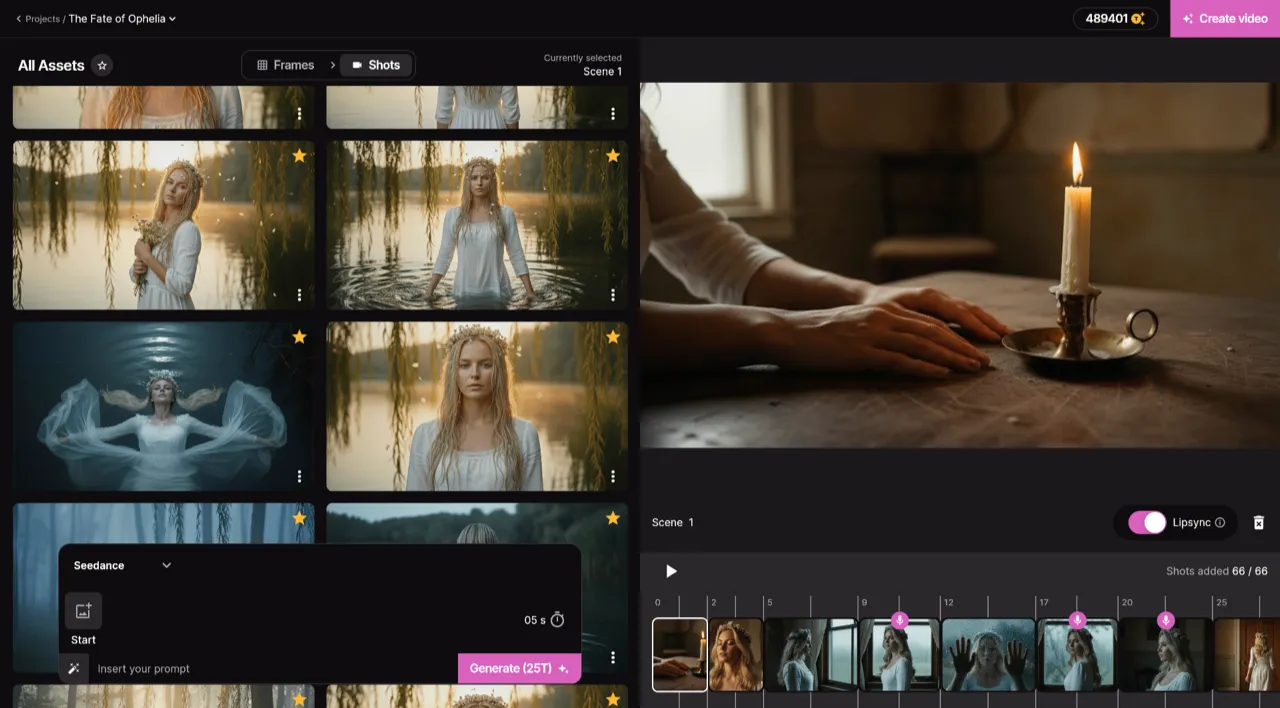
Smart Asset Library
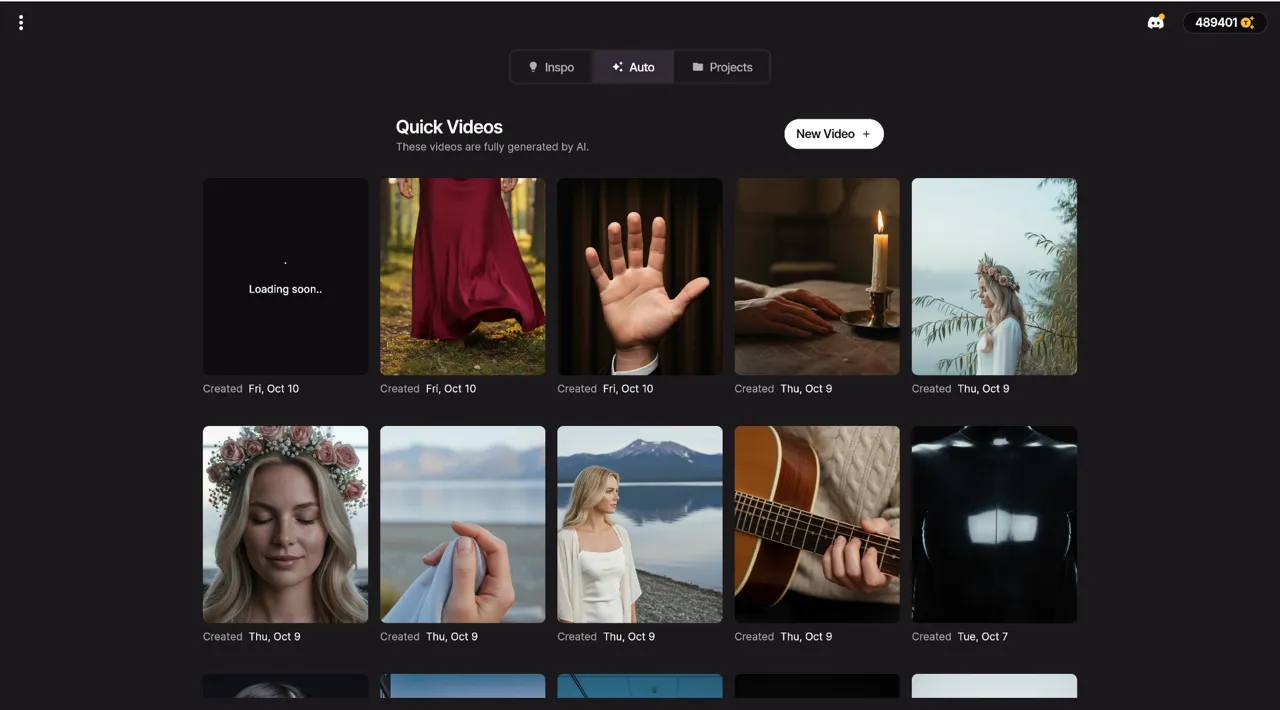
Quick Video Generation
Your AI production crew
AI Artist
Create a virtual artist using a photo or just a description. Generate social media content and music videos with a consistent, recognizable identity.
Auto Videos
Let our AI agents work like a real production crew. Just input your song and a photo — they handle the rest and deliver an amazing music video.
Precise Editing
Start from scratch or modify an existing video. With Project Mode you get granular control over each individual shot.
Top Notch Lip-Sync
We host the best lip-syncing model available to ensure your singing scenes look completely natural and perfectly in sync.
What You Can Create with the AI Music Video Maker
Full-Length Music Videos
Generate complete 3–5 minute videos ready for YouTube and streaming platforms from a single upload, with cinematic transitions and beat-perfect sync.
Quick Social Clips
Produce 15–60 second clips optimized for TikTok, Reels, and Shorts in vertical or square format — perfect for promoting your latest single.
Visualizers for Beats and Lo-Fi
Turn instrumental beats, lo-fi mixes, or podcast audio into engaging visual content for online distribution and 24/7 streams.
AI Singer Videos with Lip-Sync
Generate a virtual performer that lip-syncs to your vocals — realistic, anime, or fully stylized — so your voice has a face on screen.
Concept and Narrative Videos
Use Project Mode to direct scene-by-scene, blend styles between verse and chorus, and build narrative arcs that match your lyrics.
Pre-Release Teasers
Generate visual teasers from a snippet of your upcoming track to build anticipation across social media before release day.
Multi-Platform Distribution
Export your video in landscape, portrait, square, and Spotify Canvas formats from one render — coordinated releases across every channel.
Visual Albums
Apply a consistent artistic direction across an entire EP or album to ship a cohesive visual identity alongside the music.
Demos and Press Kits
Produce polished video assets for EPKs, label submissions, sync pitches, and playlist curators in minutes instead of weeks.
Traditional vs AI-powered
See how AI music video creation compares to traditional production across every dimension that matters.
Examples That Inspire
Discover what's possible with our AI-powered video generation. From music videos to visualizers, create content that captivates.
knd - hell
Watch how One More Shot AI turns music into video
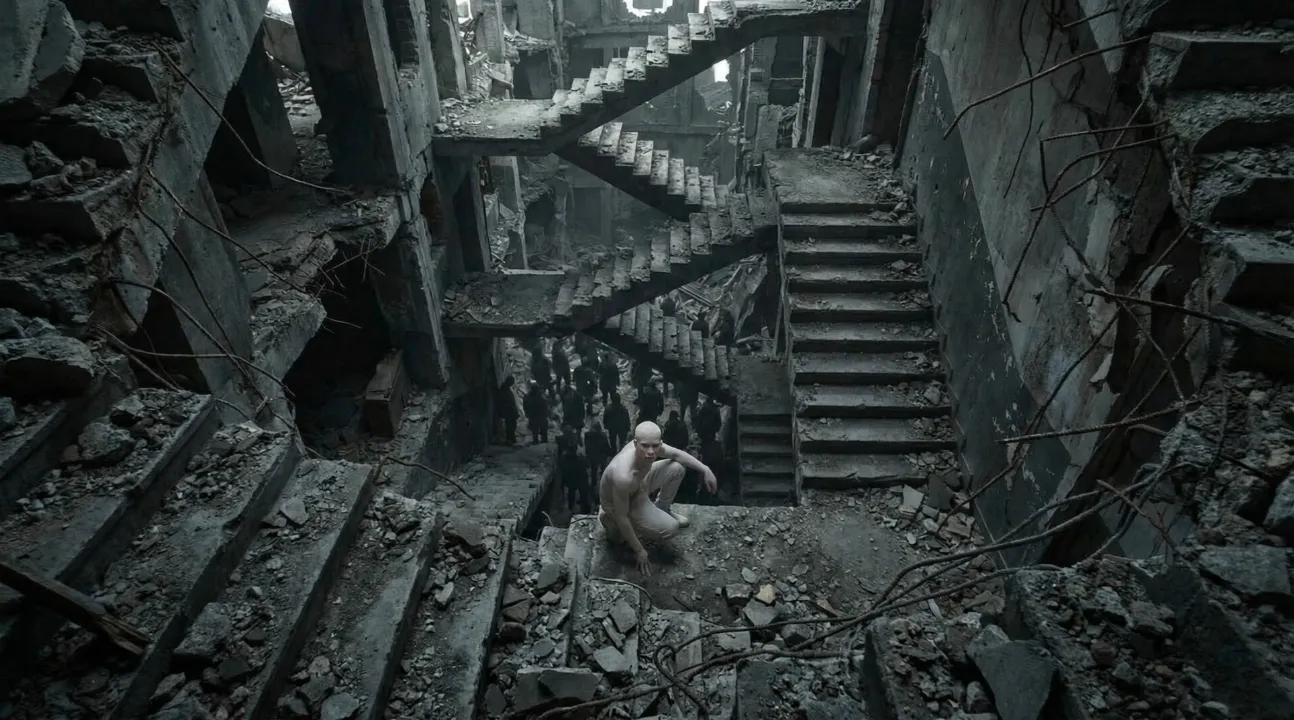
POLYPHEMUS
Amazing AI-generated music video showcase
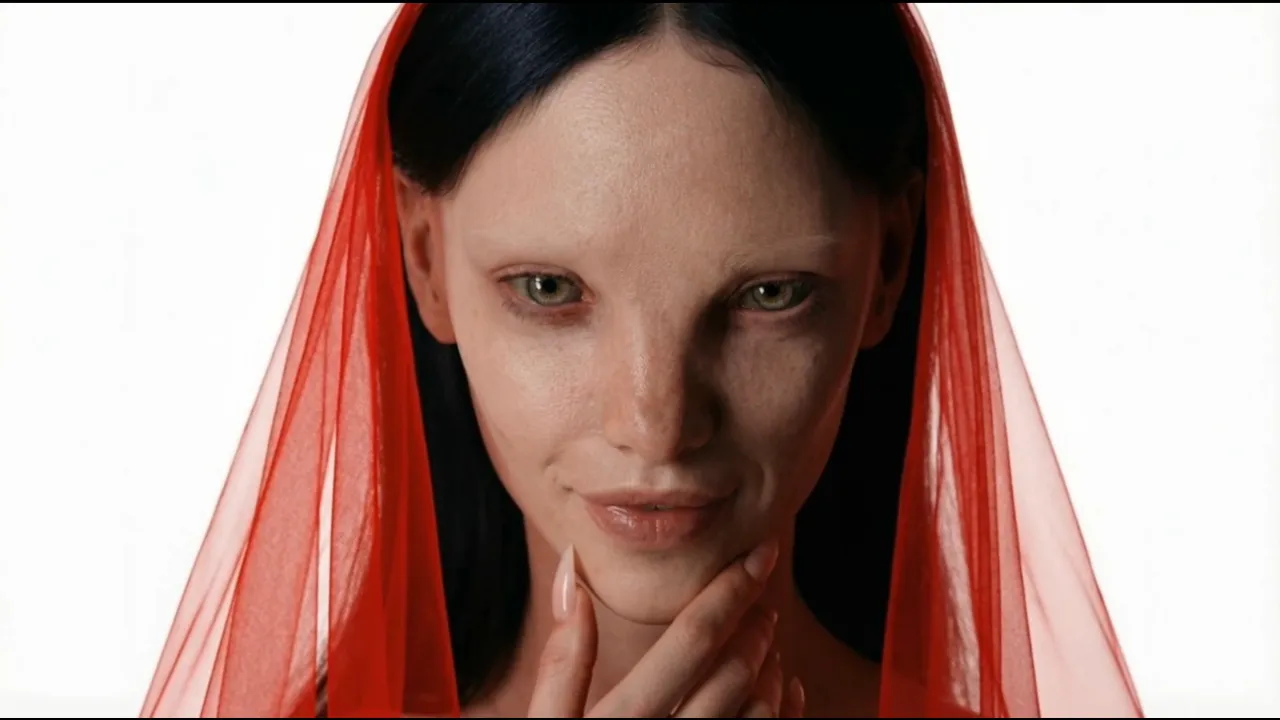
HYPNOTIC
Transform your music into captivating videos
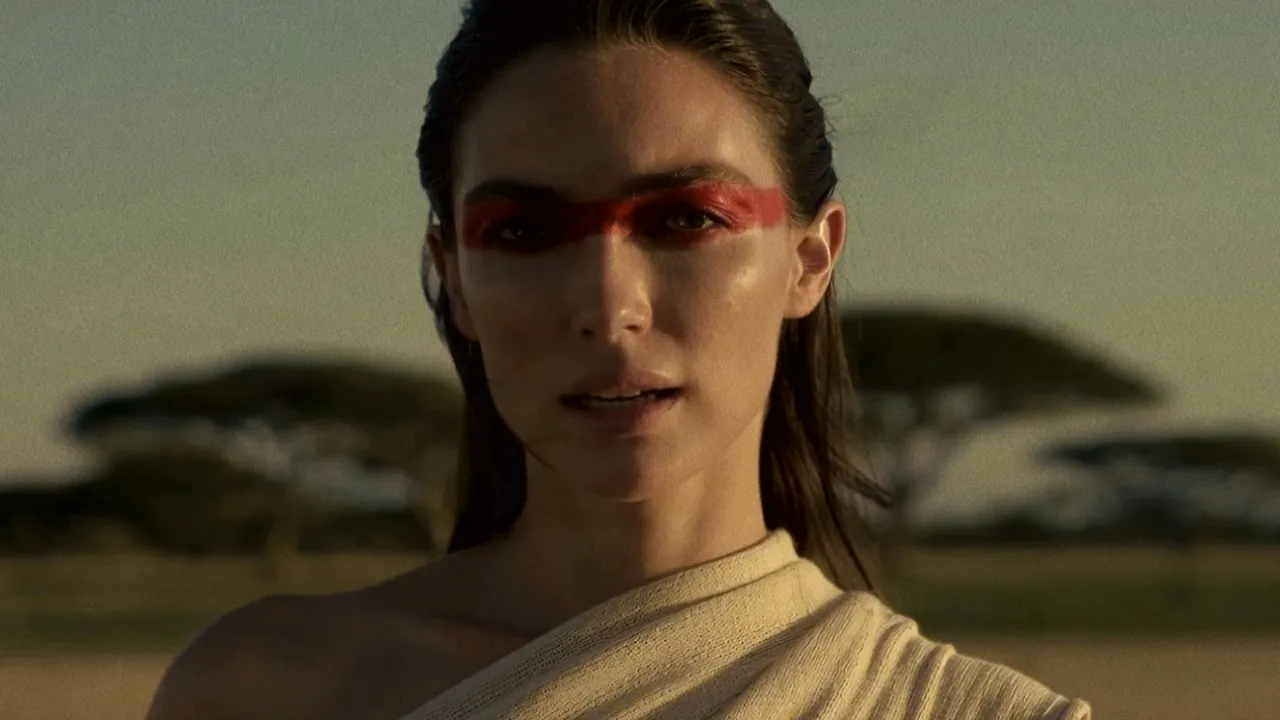
Standing in the Hush
Amazing AI-generated music video showcase
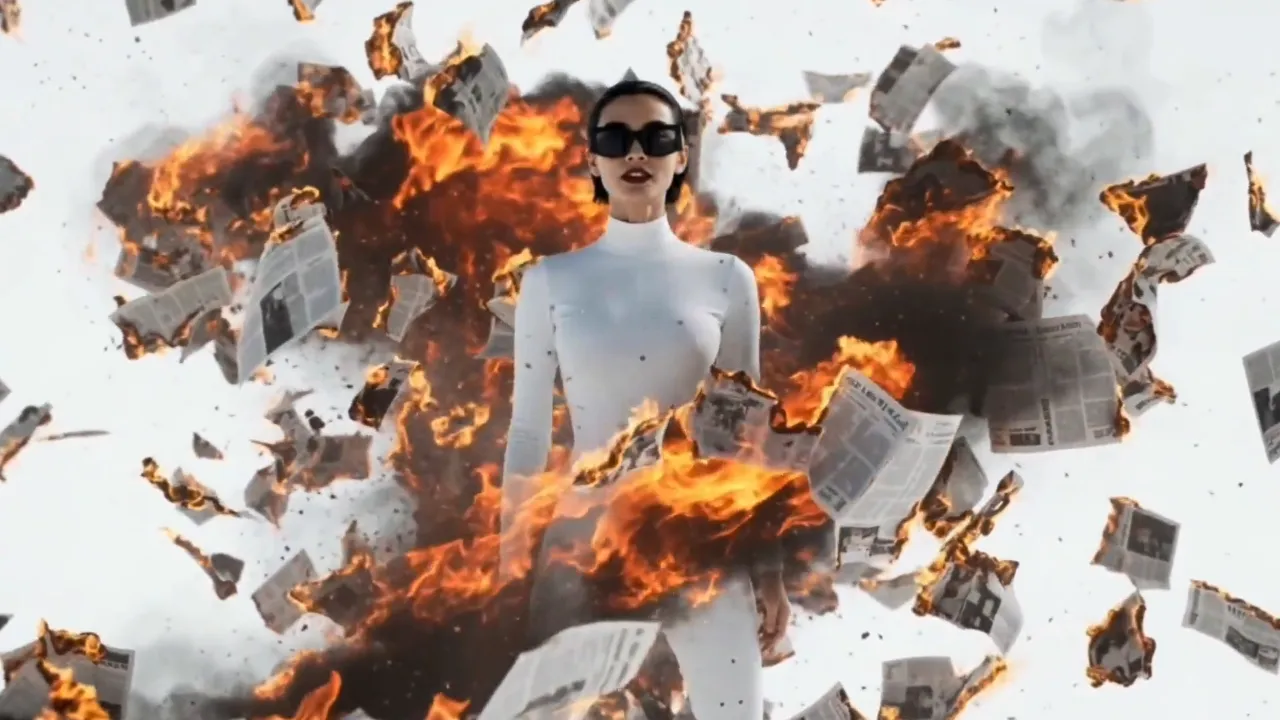
Hold On The Moment
Amazing AI-generated music video showcase
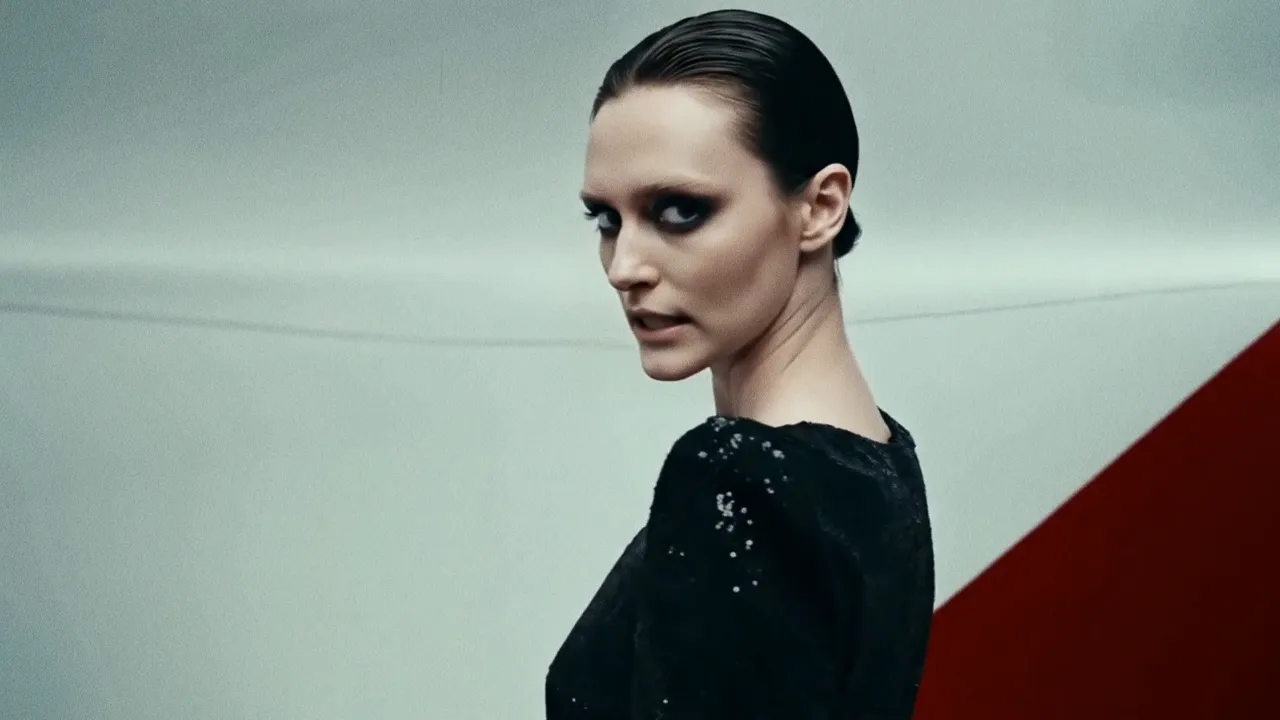
Back to Basic
Amazing AI-generated music video showcase
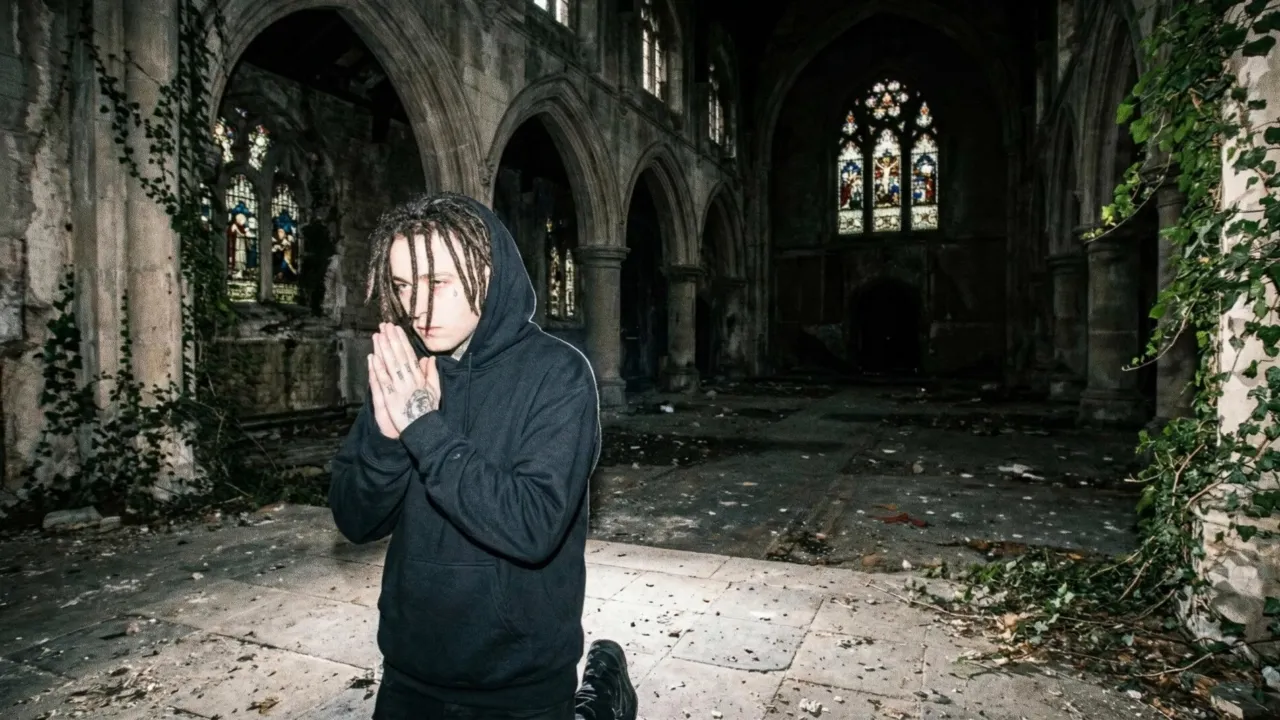
6 Feet
Transform your track into a stunning visual experience
Pricing
Choose between fully automatic video generation or build your video scene by scene.
Both powered by the same simple token system.
Auto Mode
Upload your song and let AI generate a complete music video. Fast, effortless, stunning results in minutes.
Starting from $0.20/sec with Hyper
Project Mode
Build your video scene by scene in the editor. Full creative control over every clip, transition, and effect.
Average cost — varies by AI model and clip duration
Estimate your Auto mode cost
See how much a full music video costs with the Hyper plan
Need a custom plan? We've got you covered.
Contact Sales →Loved by thousands of creators
Join the community of artists who are revolutionizing their music promotion with AI-generated videos.
"One More Shot AI transformed my bedroom track into a visual masterpiece. The AI perfectly captured the dreamy vibe I was going for. My streams doubled overnight!"

"I've tried every video editor out there. Nothing comes close to how fast and creative One More Shot AI is. My TikTok engagement went through the roof!"

"The cyberpunk style videos it creates for my electronic tracks are insane. Clients are blown away every single time. This is the future of music promotion."

Frequently asked questions
Everything you need to know about creating AI music videos.
What is an AI music video generator?
An AI music video generator is a tool that uses artificial intelligence to turn an audio track into a fully synchronized music video. It analyzes the tempo, structure, vocals, and mood of your song, then generates scenes, transitions, and effects that move with the beat — no filming, no editing software, no production crew required.
How is an AI music video generator different from a maker or a creator?
They describe the same category of tool. A "maker" usually emphasizes a fast, one-click workflow from upload to finished video. A "creator" emphasizes hands-on, scene-by-scene control. A "generator" covers both. One More Shot AI is built as all three: pick Auto Mode if you want the AI to make every decision, or Project Mode if you want to direct each scene yourself.
How do I make an AI music video with One More Shot AI?
Three steps. Upload your audio (MP3, WAV, FLAC, or paste a Suno or Udio link), choose a visual style — cinematic, anime, 3D, retro VHS, abstract, and more — and click generate. The AI handles beat detection, scene composition, transitions, color grading, and optional lip-sync. A finished video is ready to download in 2–5 minutes.
Is the AI music video generator free?
Yes. Your first AI music video on One More Shot AI is free — full HD, no watermark, no credit card required at signup. Premium plans unlock more videos per month, 4K exports, extra characters, and priority rendering. See the <a href="/free-ai-music-video-generator/">free AI music video generator</a> page for details.
What kind of music works best with an AI video generator?
Every genre works. The AI adapts to the audio characteristics — it handles hip-hop, pop, rock, electronic, country, R&B, lo-fi, classical, and everything in between. Tracks with clear rhythmic structure tend to produce the most dynamic results, but ambient and instrumental music also work well.
Can I generate a video from a song that has no vocals?
Yes. Instrumental tracks, beats, and ambient music all work. The AI focuses on tempo, key changes, and instrumental dynamics to drive the visual narrative when no vocals are present.
How does the AI sync visuals to the beat?
The generator performs real-time audio analysis — detecting BPM, transients, vocal entries, and energy curves. It aligns visual transitions, camera movements, and effects to those rhythmic markers automatically, so every cut lands on a meaningful musical moment.
Can I control the visual style or do I have to take what the AI gives me?
You control the visual style. Pick from dozens of presets — cinematic, anime, 3D animation, retro VHS, abstract, watercolor, comic book — or write text prompts to describe a custom look. In Project Mode you can also write per-scene prompts, swap styles between sections, and regenerate any clip you don't love.
Can I generate multiple videos from the same song?
Yes. Each generation can use a different style, seed, or set of parameters, giving you multiple unique videos from a single track — perfect for A/B testing thumbnails or releasing different visual versions across YouTube and social platforms.
What is the maximum song length supported?
You can generate videos for tracks up to 10 minutes long. For longer compositions, you can split the audio and generate segments separately, then stitch them together.
What audio formats can I upload?
One More Shot AI accepts MP3, WAV, FLAC, AAC, and OGG. You can also paste a link from Suno, Udio, YouTube, or SoundCloud, and the platform will import the audio automatically.
What resolution and aspect ratios are supported?
One More Shot AI supports up to 4K output in 16:9 (landscape for YouTube), 9:16 (vertical for TikTok, Reels, and Shorts), and 1:1 (square for Instagram feed). You can also export a short looping clip sized for Spotify Canvas.
Can I add lip-sync to a singer or character?
Yes. The platform provides frame-accurate lip-sync that maps mouth movements to your vocals across any language and any singing style. You can enable or disable lip-sync per scene and choose realistic, stylized, or animated performer designs.
Do AI generated music videos have watermarks?
Videos generated on paid plans are watermark-free. The free tier on One More Shot AI also ships your first video without a watermark — see the <a href="/ai-music-video-generator-no-watermark/">no-watermark generator</a> for details.
Can I use AI music videos on YouTube and Spotify?
Yes. Videos generated with One More Shot AI are royalty-free for the visual content. You retain full rights to distribute them on YouTube, Spotify Canvas, TikTok, Instagram, and any other platform.
How long does it take to generate an AI music video?
A standard three-to-four-minute song generates in 2–5 minutes. Shorter clips for social media render in under a minute. Project Mode takes longer if you customize every scene, but individual scene renders are fast.
Do I need video editing experience?
None. The AI music video generator is built so that anyone with a song can make a finished video. There is no timeline editor, no keyframes, and no rendering on your hardware — just upload, pick a style, and download the finished MP4.
Related tools
Best AI Music Video Generator
We compared the top AI music video generators of 2026 — sync quality, lip-sync, pricing, and export options — so you can pick the right one.
Free AI Music Video Generator
Turn any song into a stunning music video with AI — completely free to start.
AI Music Video App
Create music videos on any device with the One More Shot AI app.
Song to Video AI
Upload any song and let AI generate a full music video — matched to your beat, mood, and genre.
AI Music Video with Lip Sync
Generate music videos with AI characters that sing your lyrics in perfect sync — no actors, no motion capture.
Create epic videos today
Join the AI revolution in music video creation. Transform your tracks into stunning visuals that captivate audiences and boost your reach.
Free to try • No credit card required