AI Clip Generator Guide: Unlock Creative Clips in 2026
Imagine transforming hours of video into polished, shareable highlights in just moments. This is not a distant dream but the new reality of content creation in 2026.
The ai clip generator stands at the heart of this revolution. It empowers creators to craft engaging clips with unprecedented speed and creativity.
In this guide, we will explore how these tools work, what features matter, and which platforms lead the market. You will also discover actionable tips to elevate your workflow.
Ready to unlock the next level of video content? Let’s dive in.
Understanding AI Clip Generators in 2026
Imagine being able to transform hours of raw video into a series of captivating highlights, ready to share in just minutes. This is the promise of the ai clip generator in 2026. As video content explodes across platforms, creators, businesses, and educators are embracing these intelligent tools to stay ahead.
What Is an AI Clip Generator?
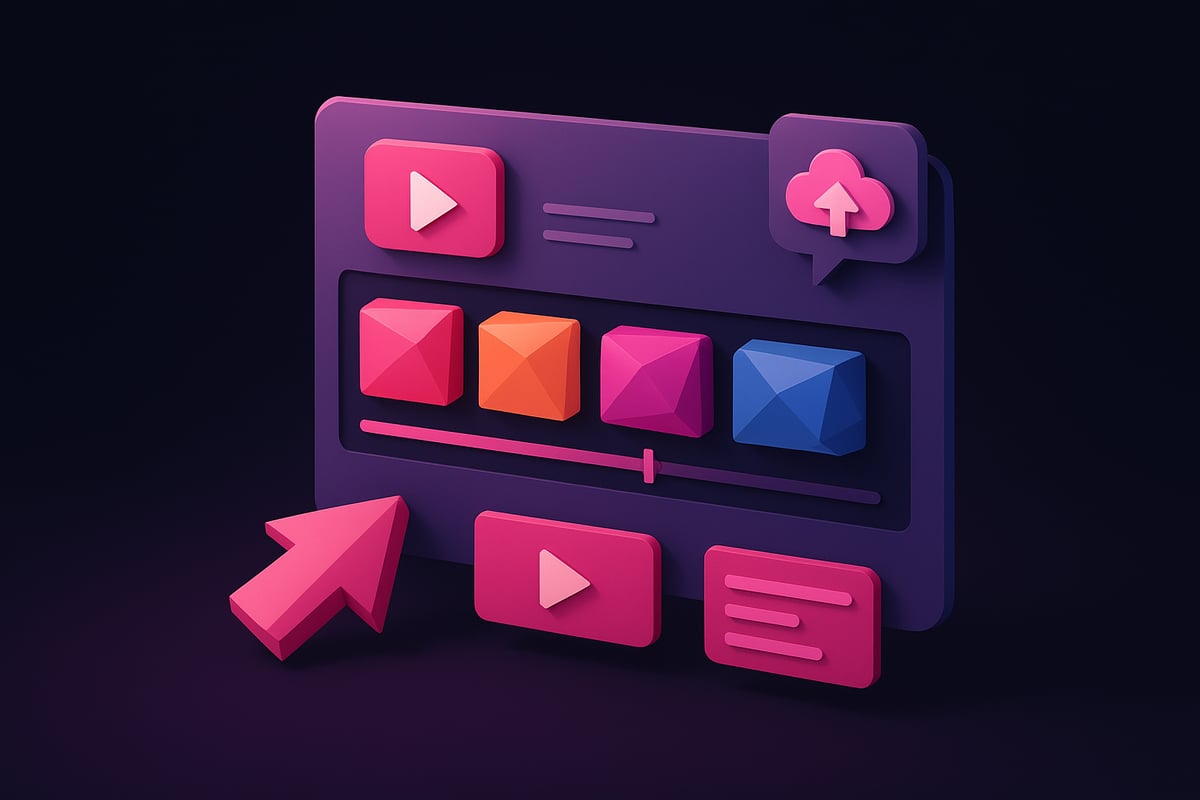
An ai clip generator is a software tool powered by artificial intelligence designed to automatically identify, extract, and assemble the most engaging moments from longer videos. Its primary goal is to save time and elevate the quality of video content, making highlight creation seamless for users.
AI analyzes both audio and visual cues to determine which segments are most likely to captivate an audience. Unlike traditional video editing, which requires manual review and precise cutting, the ai clip generator leverages algorithms to do the heavy lifting. For example, Adobe Express AI Clip Maker and Descript AI Clips Generator scan footage for action, emotion, or key phrases.
To understand how this technology compares with manual editing, see this in-depth analysis of AI vs. Traditional Music Videos. The distinction is especially relevant for marketers, educators, and businesses that demand speed and consistency in content production.
How AI Clip Generation Works: The Technology Explained
At the heart of every ai clip generator is a combination of machine learning, computer vision, and natural language processing. These technologies allow the software to interpret both spoken words and visual scenes.
The ai clip generator detects highlights through audio analysis—such as detecting applause or laughter—and visual cues like fast movement or facial expressions. Platforms like Descript utilize AI-powered transcripts, enabling users to edit video by simply editing text, which boosts precision.
Automation is a key factor. By handling repetitive editing tasks, the ai clip generator reduces manual workload. Modern solutions offer real-time processing and cloud-based workflows, allowing users to upload content and receive edited clips almost instantly.
This blend of tech makes the ai clip generator a cornerstone for creators aiming to maximize efficiency and output quality.
Evolution and Trends: AI Video Editing in 2026
The ai clip generator has rapidly evolved to become a staple in the video editing landscape. Industry reports show tools like Descript maintaining a 4.6/5 rating on G2, reflecting widespread adoption.
Integration with platforms such as TikTok, YouTube, and Instagram is now standard. AI-generated summaries, automatic captions, and synthetic voiceovers have become key features, making content more accessible and engaging.
A major trend is the shift toward multi-modal content, where text, audio, and video are combined seamlessly. Accessibility has also improved, as the ai clip generator no longer requires advanced editing skills. Users of all backgrounds can produce professional clips with minimal effort.
This evolution means the ai clip generator is not only more powerful but also more user-friendly than ever.
Key Benefits of AI Clip Generators
The ai clip generator offers several compelling advantages:
- Significant time and cost savings for both individuals and organizations
- Consistent, high-quality output that meets professional standards
- Increased audience engagement through short, social-ready clips
- Lowered barriers to entry, enabling anyone to edit videos regardless of skill
- Efficient scaling for high-volume content production
These benefits make the ai clip generator an essential asset for modern content workflows.
Use Cases: Who Needs AI Clip Generators?
Who stands to gain the most from an ai clip generator?
- Social media managers and digital marketers
- Educators and trainers developing teaching materials
- Content creators, podcasters, and vloggers
- Businesses producing promotional or internal communication videos
- Influencers seeking to expand reach and engagement
The ai clip generator adapts to a variety of industries, streamlining video creation and boosting impact for all types of users.
Top AI Clip Generator Tools & Platforms in 2026
The fast-evolving ai clip generator landscape in 2026 offers creators, marketers, and businesses a wealth of options for transforming long-form videos into engaging, shareable clips. Let’s explore the leading platforms, their standout features, and how to choose the best solution for your workflow.
Adobe Express AI Clip Maker
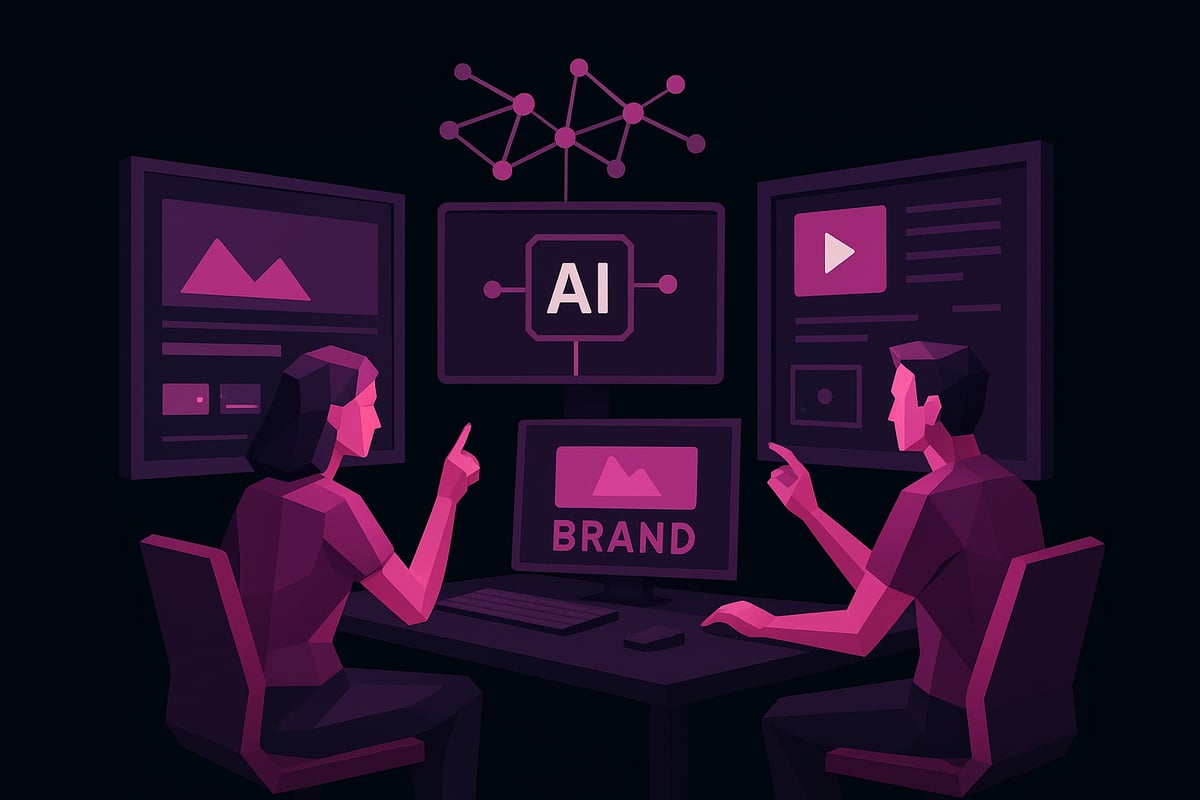
Adobe Express AI Clip Maker stands out as a top ai clip generator in 2026. This tool allows users to upload raw footage and instantly receive highlight clips, complete with auto-generated captions, trending audio, and customizable branding.
Integration with Creative Cloud and TikTok Symphony Assistant makes it seamless to move projects across platforms. The interface is designed for all skill levels, requiring no prior editing experience. Supported formats include MP4, GIF, and vertical or square video, with export options up to 4K.
Large enterprises like IBM and Accenture rely on this ai clip generator for scalable, professional content. With one-click sharing, teams can distribute clips directly to social channels or download for later use.
Descript AI Clips Generator
Descript AI Clips Generator is a leading ai clip generator trusted by major brands such as Amazon, Apple, and Salesforce. Its core strength lies in AI-powered transcript editing, enabling users to cut, rearrange, and enhance clips using text-based tools.
The Underlord AI engine automatically identifies the most engaging moments, removes filler words, and applies customizable templates for consistent branding. Teams can collaborate in real time, making feedback and revisions effortless.
Descript supports a variety of formats, including text, audio, and video summaries. This ai clip generator’s workflow is cloud-based, ensuring fast processing and easy access for distributed teams.
Other Notable AI Clip Generator Solutions
The ai clip generator market in 2026 features several other powerful platforms, each with unique strengths. VEED offers auto-captioning, stock media libraries, and AI avatars for dynamic content creation. Kapwing is known for its rapid video editing and social media templates, while Clipchamp provides user-friendly interfaces and strong integration with Microsoft tools.
For a broader look at top solutions, the Best AI Video Creator Tools guide reviews leading platforms and highlights their best use cases, pricing, and trial options. Many of these tools offer free plans, making it easy to experiment before committing.
Comparing Features: What Sets Leading Tools Apart
When evaluating an ai clip generator, several factors distinguish the best from the rest:
| Feature | Customization | AI Accuracy | Speed & Scalability | Export Quality | User Ratings |
|---|---|---|---|---|---|
| Adobe Express | High | Excellent | Fast, batch | 4K, no watermark | 4.8/5 |
| Descript | High | Excellent | Fast, collaborative | 4K, no watermark | 4.6/5 |
| VEED | Moderate | Good | Fast | HD, watermark-free | 4.5/5 |
| Kapwing | Moderate | Good | Fast | HD, watermark-free | 4.4/5 |
Customization options include branded templates, music integration, and animation. AI accuracy is measured by highlight detection and transcript precision. Speed and scalability are critical for high-volume users, while export quality ensures professional results. User ratings reflect reliability and satisfaction.
Choosing the Right AI Clip Generator for Your Needs
Selecting the ideal ai clip generator depends on your goals, workflow, and platform compatibility. Consider your budget, required features, and preferred integrations. For social media, prioritize tools with trending sounds and vertical export formats. Educational users may value transcript accuracy and auto-captioning, while businesses often need branding and batch processing.
Most platforms offer trial plans, so hands-on evaluation is encouraged. Look for solutions that integrate with your existing creative suite, and tap into support resources and community forums for ongoing learning. The right ai clip generator will scale with your ambitions and simplify your content creation journey.
Step-by-Step Guide: Creating Creative Clips with AI in 2026
Unlocking the full potential of an ai clip generator begins with a solid workflow. Whether you are a creator, marketer, or educator, following a clear process ensures professional, engaging results every time.
Preparing Your Source Material
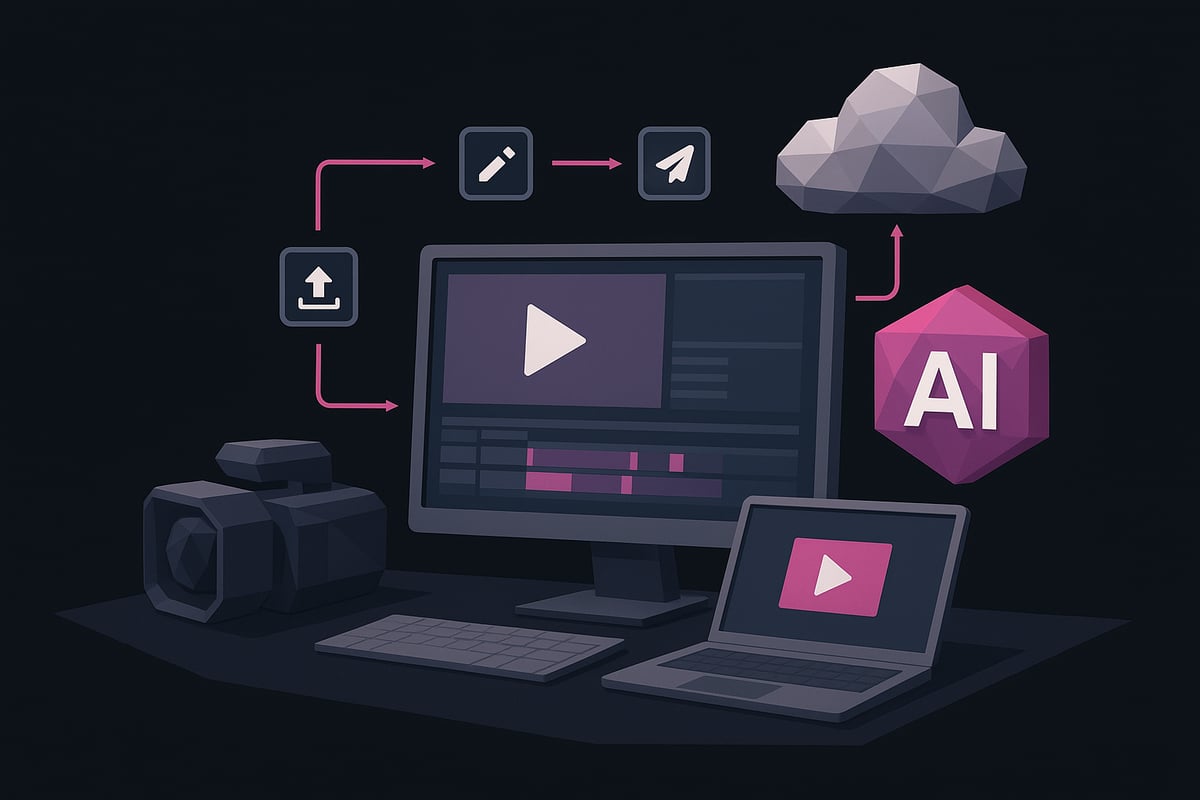
Start by choosing the right video or audio files for your ai clip generator. Select clear, high-resolution footage, as better input leads to higher-quality clips. Short to medium-length videos (1–10 minutes) work best for automated highlight detection.
Organize your content into folders and label files for efficient processing. Make sure audio is crisp and free from background noise, as AI relies on sound clarity for accurate transcription and scene detection.
If you plan to use branded elements or specific music, gather these assets in advance. This preparation stage is vital for maximizing the performance of your ai clip generator and streamlining the editing process.
Uploading and Importing to Your Chosen Platform
After preparing your content, log in or sign up on your preferred ai clip generator platform. Most tools offer drag-and-drop interfaces, making it easy to import files directly from your device or cloud storage.
Supported file types typically include MP4, MOV, and WAV. Monitor upload progress, as larger files or slower connections may impact processing times. For a smooth experience, ensure your internet connection is stable and files are within platform limits.
If you encounter upload errors, check file compatibility and naming conventions. For a detailed walkthrough, see Using AI to Make Videos, which explores how AI tools simplify the video creation journey from start to finish.
Generating AI Clips: The Automated Process
Once your files are uploaded, initiate the ai clip generator’s analysis. The platform will automatically scan your footage, using AI to identify highlights, key moments, and engaging segments.
Customize your output by setting clip duration, number of clips, and preferred layout. Many platforms allow you to add captions, select music, or apply branding during this stage.
Preview generated clips in real time, making quick adjustments as needed. This instant feedback loop empowers you to fine-tune results and ensure the ai clip generator captures your intended message before moving to the next phase.
Editing and Customizing Your Clips
AI-generated clips are impressive, but manual refinement can elevate them further. Use built-in templates, overlays, and animations to enhance visual appeal. Adjust timing or trim segments to perfect the flow.
Remove filler words or unwanted pauses, a feature available in advanced platforms like Descript. Experiment with adding AI voices, avatars, or custom assets to reinforce your brand identity.
Maintain consistency by aligning fonts, colors, and logos across all clips. With an ai clip generator, balancing automation and manual tweaks produces high-quality, shareable content tailored to your goals.
Exporting, Downloading, and Sharing
After editing, export your clips in the desired format. Most ai clip generator platforms support MP4, GIF, and a range of aspect ratios, including vertical, square, and horizontal options.
Choose output quality settings such as HD or 4K, and verify whether watermark-free exports are available. Many platforms offer direct sharing to social media channels like TikTok, Instagram, and YouTube.
Download finished clips to your device or cloud storage for backup. Efficient export and sharing features ensure your content reaches audiences quickly, maximizing the impact of your ai clip generator workflow.
Troubleshooting and Optimization Tips
Even with advanced AI, occasional misidentifications or errors can occur. If the ai clip generator misses important moments, try re-uploading higher-quality source material or adjusting your highlight preferences.
Leverage platform tutorials and support channels for troubleshooting advice. Iterative editing—making small, targeted changes and reviewing output—often leads to the best results.
Finally, monitor engagement metrics after publishing. Use audience feedback and analytics to refine future projects, ensuring your ai clip generator delivers increasingly effective, creative clips over time.
Creative Applications and Advanced Strategies
Unlocking the full power of an ai clip generator means exploring its wide range of creative and strategic uses. In 2026, these tools have become essential for professionals seeking efficiency and innovation in video content. Let’s examine how you can leverage advanced ai clip generator features across different industries and content types.
Social Media Mastery with AI Clips
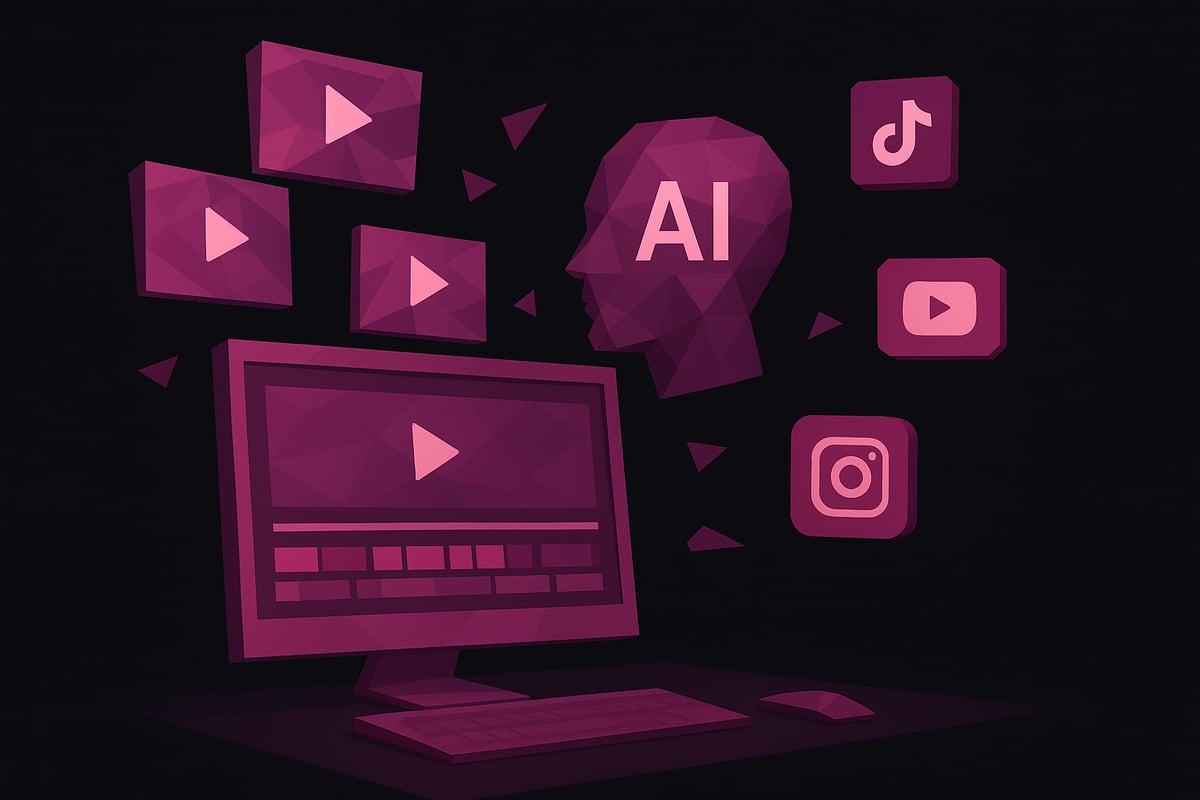
Mastering social media means delivering attention-grabbing, shareable content. An ai clip generator can automatically identify viral moments in your footage, making it easier to create clips optimized for TikTok, Instagram Reels, and YouTube Shorts.
Use AI to add captions, trending sounds, and branded overlays. Schedule and batch-produce content for consistent posting. Brands are seeing increased engagement and reach by letting AI surface compelling highlights. Tools like CapCut’s AI-Powered Video Editing Tools are leading the way with auto-captioning and smart video editing features.
Educational and Training Content
Educators and trainers can use an ai clip generator to break down lengthy lessons into concise, digestible modules. AI can auto-generate summaries, captions, and even translate content for global classrooms.
This approach not only improves accessibility but also boosts learner retention. Instructors can quickly produce instructional videos, quizzes, and knowledge checks, all with minimal manual editing. The ai clip generator saves time and delivers high-quality educational assets that engage students and support diverse learning needs.
Business and Marketing Campaigns
For businesses, an ai clip generator streamlines the creation of promotional clips, product demos, and testimonials. AI automates highlight selection, so marketing teams can focus on messaging rather than technical editing.
Internal communications also benefit, with highlight reels summarizing meetings or training sessions. By using an ai clip generator, organizations reduce costs, speed up production, and maintain brand consistency. The result is professional-quality video assets ready for campaigns or internal use.
Podcasting and Audio-Visual Content
Podcasters and content creators can transform long-form audio into snackable video clips using an ai clip generator. AI analyzes transcripts, identifies key soundbites, and generates engaging video snippets or audiograms.
This expands discoverability across platforms like YouTube and Instagram, driving new audience growth. With multi-format export options, creators can share content in video, audio, or text formats. The ai clip generator empowers even solo podcasters to produce polished, shareable clips with minimal effort.
Maximizing AI Creativity: Tips and Best Practices
To get the most from your ai clip generator, experiment with templates, layouts, and AI-driven features like avatars or voiceovers. Blend manual edits with AI automation for unique, branded results. Stay current by exploring new features and updates from leading platforms.
Tap into creator communities and online resources for inspiration. For a broader overview of available tools and creative strategies, check out AI Tools to Create Videos. User testimonials and case studies offer practical insights for refining your workflow and boosting results.
Future Trends: What’s Next for AI Clip Generation?
Looking ahead, ai clip generator technology will evolve with predictive content creation, deeper personalization, and integration with AR or VR platforms. Real-time editing, interactive media, and AI-driven audience targeting are on the horizon.
Expect seamless collaboration, smarter automation, and even more intuitive interfaces. As the industry grows, staying informed about advancements and best practices will ensure your content remains ahead of the curve.
Expert Tips for Unlocking Creative Potential with AI Clips
Unlocking the full power of your ai clip generator requires more than just hitting “generate.” Strategic planning, high standards, and a commitment to learning help creators consistently achieve standout results. Below, explore expert tips for maximizing creativity, efficiency, and impact in every clip.
Planning for Maximum Impact
Begin every project by setting clear objectives for your ai clip generator. Are you aiming to boost engagement, educate your audience, or promote a product? Define the story you want each clip to tell, and outline a basic storyboard or script before uploading content.
Understanding platform algorithms is essential. Tailor your clips to suit the preferred formats and trends of TikTok, YouTube Shorts, or Instagram Reels. According to recent data, short-form video consistently outperforms static posts in engagement, making a well-planned ai clip generator strategy indispensable.
Brands that use precise planning often double their output, leveraging the ai clip generator to maximize reach and impact. Consider integrating prompt-based AI tools such as Google’s Veo 3 AI Video Generator to further streamline ideation and content creation.
Enhancing Quality and Professionalism
Quality is non-negotiable. Start with high-resolution footage and crisp audio to ensure your ai clip generator delivers professional results. Use advanced features like lip-sync correction, frame-by-frame control, and real-time previews to fine-tune each segment.
Maintain consistent branding across all clips. Upload logos, select branded colors, and add signature elements. Avoid over-automation by balancing AI suggestions with human creativity, always reviewing clips before publishing.
Explore the latest platforms, such as Adobe Firefly’s AI Video Editing Features, which offer AI-powered upscaling and intuitive web-based editing for maximum professionalism with your ai clip generator.
Workflow Efficiency and Collaboration
Efficient workflows are essential for scaling content. Use your ai clip generator for batch processing, transforming multiple videos into shareable clips in one session. Cloud platforms enable team collaboration, allowing real-time feedback and seamless file sharing.
Integrate your ai clip generator with other creative tools to streamline production. Assign clear roles and use version control to keep projects organized. Teams leveraging AI-driven workflows have reported up to 75% reductions in editing time, freeing up resources for creativity and strategy.
Measuring Success and Iterating
To ensure your ai clip generator delivers results, track metrics like engagement, reach, and conversions. Use built-in analytics dashboards to analyze which clip styles resonate most with your audience.
A/B test different formats, lengths, and creative elements. Gather audience feedback and iterate quickly, using insights to refine your approach. Many marketers have increased ROI through continuous learning and data-driven adjustments with their ai clip generator workflows.
Legal, Ethical, and Accessibility Considerations
Staying compliant is vital. Ensure all music, visuals, and AI-generated assets used by your ai clip generator are licensed or royalty-free. Add accurate captions and translations to improve accessibility for all viewers.
Address ethical concerns by being transparent about AI usage and respecting privacy. Stay informed on evolving regulations and best practices in AI video creation to protect your brand and audience.
Resources and Learning for Ongoing Mastery
Mastering your ai clip generator is an ongoing journey. Tap into tutorials, webinars, and official support channels provided by leading platforms. Join creator communities to share tips, discover new techniques, and stay inspired.
Regularly read industry news, trend reports, and case studies. These resources will help you stay ahead of innovations and continually elevate your creative output with AI.
As we’ve explored throughout this guide, AI clip generators are changing the way we approach video content—making it faster, easier, and more creative for everyone from marketers to musicians. If you’re ready to put these insights into action and see just how simple high quality music video creation can be, why not take the next step yourself? With 1 More Shot’s advanced AI powered tools, you can produce professional clips in moments—no editing expertise required. Let’s unlock your creative potential together.
Start Creating Now