Create AI Video Guide: Step-by-Step Tutorial for 2026
AI video creation is experiencing explosive growth in 2026, making it easier than ever to create ai video for social media, marketing, or storytelling. Whether you are a beginner or an experienced creator, this comprehensive step-by-step guide walks you through choosing the right AI video generator, preparing assets, crafting prompts, customizing your video, and exporting the final product. With advanced models like Google VEO, Sora, and PixVerse, anyone can now produce cinematic, professional-quality results—no editing skills required. Ready to transform your ideas into stunning videos? Follow this tutorial and start creating your own AI-powered content from scratch.
Understanding AI Video Generation in 2026
The field of AI video generation has rapidly transformed the way creators produce content. At its core, AI video generation refers to using artificial intelligence models to automate the production, editing, and animation of videos. Unlike traditional methods, where manual editing and scene construction dominate, AI-driven platforms can interpret text, images, and even video input to generate engaging scenes automatically. For example, platforms like ImagineArt, Freepik, Runway, OpenAI Sora, and Google VEO enable users to create ai video content by simply describing their vision or uploading assets. If you want a deeper dive into the process, check out this practical overview on how to use AI for video creation.
What is AI Video Generation?
AI video generation is the process of leveraging machine learning to automate the creation and editing of videos. These systems have evolved from basic animation tools to advanced platforms capable of interpreting prompts and assets to generate entire scenes. The main difference from traditional video creation is automation—AI handles scene construction, animation, editing, and even some storytelling. Users can create ai video projects by providing a simple text prompt or uploading reference images. Popular examples include ImagineArt, Freepik, Runway, OpenAI Sora, and Google VEO, which translate ideas into polished, ready-to-share videos in minutes.
Major AI Video Models and Their Capabilities
Several advanced models now lead the AI video landscape. Notable names include Google VEO, Sora, PixVerse, Kling, Seedance, and MiniMax Hailuo. Each model excels in different areas. For instance, Google VEO delivers lifelike motion and realism, while PixVerse is known for multi-shot consistency, making it ideal for storytelling. Seedance prioritizes prompt adherence and allows native audio or style transfer. These platforms help users create ai video content with features like reference frame support and built-in music. ImagineArt, for example, has attracted over 300,000 creators by offering cinematic, ad-ready outputs.
| Model | Key Strengths | Unique Features |
|---|---|---|
| Google VEO | Lifelike motion | Physics realism |
| PixVerse | Multi-shot consistency | Animation styles |
| Seedance | Prompt adherence | Style transfer, audio |
Who Should Use AI Video Generators?
AI video generators are versatile tools for a wide range of users. Content creators, marketers, educators, and filmmakers can all benefit from these platforms. Typical use cases include social media shorts, ad campaigns, explainer videos, and training materials. The best part is that you can create ai video projects even without design expertise, thanks to intuitive interfaces and automation. Both free and paid plans exist, making these tools accessible for individuals and businesses. For example, small businesses can quickly boost sales by producing AI-generated ads that rival traditional agencies in visual quality and speed.
- Content creators: Enhance social engagement
- Marketers: Rapid ad production
- Educators: Create training materials
- Filmmakers: Prototype or storyboard ideas
Benefits and Limitations of AI Video Generation
AI video platforms offer significant benefits for anyone looking to create ai video content. Videos can be rendered in minutes, saving hours compared to manual editing. Costs are often lower, with many tools offering free plans or affordable subscriptions. However, there are limitations. Output quality may vary depending on the prompt or model, and some creative control is still restricted by the technology. Despite this, leading platforms like ImagineArt produce realistic videos without visible AI watermarks. User satisfaction remains high, with ImagineArt reporting a 98% satisfaction rate among its growing community.
- Fast turnaround: Minutes, not hours
- Affordable options: Free and premium plans
- Limitations: Varying quality, some creative constraints
- High satisfaction: 98% positive feedback (ImagineArt)
Step 1: Choosing the Right AI Video Generator
Selecting the ideal platform to create ai video content is the foundation of a successful workflow. With so many new AI video generators available, understanding their strengths and how they align with your goals is essential. This section will help you compare platforms, explore model types, understand pricing, review integration, and assess community support.
Comparing Top AI Video Platforms
When you want to create ai video content, start by comparing the leading platforms. ImagineArt, Freepik, Runway, and OpenAI Sora each offer unique capabilities. Consider the following table to help clarify your options:
| Platform | Output Quality | Model Variety | Customization | Export Options |
|---|---|---|---|---|
| ImagineArt | Cinematic | High | Advanced | HD, Social Formats |
| Freepik | Versatile | Multiple | Moderate | MP4, Web |
| Runway | Creative | Moderate | Basic | MP4, MOV |
| OpenAI Sora | Realistic | High | Advanced | HD, Web |
Key criteria include output quality, model diversity, customization, and supported export formats. For a curated review of top platforms, see the Best free AI video generators article. This resource can help you make an informed decision before you create ai video projects.
Understanding Model Types and Use Cases
Knowing which model type fits your needs is crucial when you create ai video. Platforms support text-to-video, image-to-video, and video-to-video workflows. For instance, text-to-video converts a written prompt into animated scenes. Image-to-video animates static images, and video-to-video lets you enhance or restyle existing footage.
PixVerse excels at animation, while Seedance is designed for multi-shot storytelling. Selecting the right model ensures your create ai video process matches your creative vision. Review each platform’s documentation to see which models best align with your content goals.
Pricing, Plans, and Free Trials
Budget is a key consideration as you create ai video content. Most platforms offer both free and premium plans. For example, Freepik’s Premium+ provides unlimited generations, while ImagineArt’s free tier includes 6,000 credits per month.
Understand each platform’s credit system and export limitations. If you plan to scale your create ai video workflow for an agency or brand, look for bulk credits and team management features. Carefully assess trial options to test capabilities before committing to a paid plan.
Platform Integration and Accessibility
A platform’s accessibility can make or break your ability to create ai video efficiently. Many generators offer web and mobile access, plus API and plugin support. This flexibility is essential for creators who need to export directly to TikTok, YouTube, or Instagram.
For example, 1 More Shot offers instant HD exports and mobile apps for on-the-go editing. Check if your chosen platform supports your preferred export formats and integrates smoothly with your existing tools. Streamlined integration saves time and boosts productivity in your create ai video routine.
User Community and Support
A vibrant user community is invaluable when you create ai video. Platforms with active Discord, Facebook, or Reddit groups provide access to tutorials, inspiration, and peer advice. ImagineArt’s community, now over 300,000 creators strong, is a great example.
Premium users often receive priority support, which can be crucial as you troubleshoot or seek advanced guidance. Look for platforms with accessible support channels and a history of responsive customer service. The right environment encourages you to explore, learn, and refine your create ai video skills.
Step 2: Preparing Your Assets and Prompts
Preparing high-quality assets and well-structured prompts is essential when you want to create ai video that stands out. Whether you’re a beginner or an experienced creator, planning your materials in advance streamlines the process and maximizes the capabilities of today’s AI video generators. Let’s break down each key step in this phase of the workflow.
Crafting Effective Prompts for AI Video
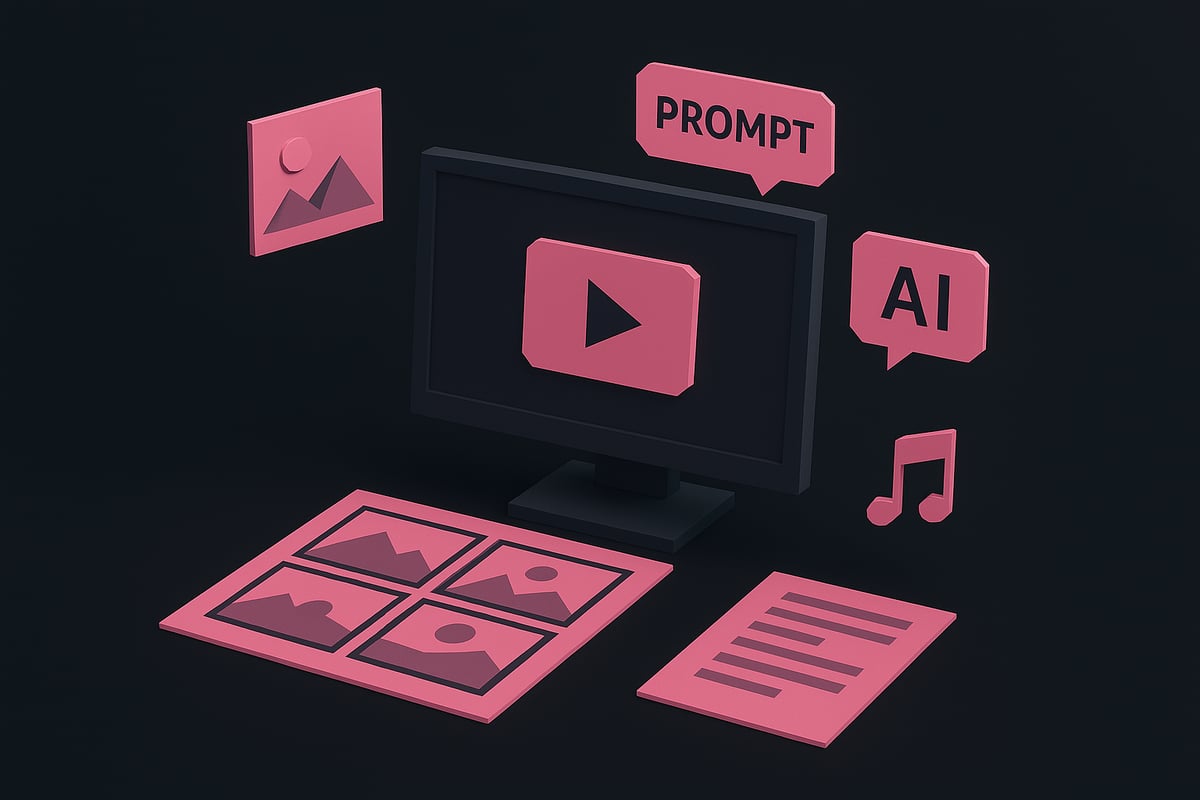
Writing clear, detailed prompts is the foundation to create ai video content that matches your vision. Start by specifying the subject, setting, style, and mood. For example, a prompt like “A slow cinematic shot of waves crashing at sunrise, with warm lighting and dramatic atmosphere” gives the AI clear direction.
Use built-in prompt enhancers available on platforms such as ImagineArt or Freepik to refine your ideas. These tools help expand your prompt by suggesting descriptive adjectives, camera angles, or emotional tones. If you need a more in-depth walkthrough, check this step-by-step video generation with AI guide for practical examples.
Test different variations to see how the AI interprets your input. Iteration is key to achieving the best possible results.
Selecting and Uploading Images or Video Clips
When you create ai video projects that require visual references, ensure your images or clips meet the platform’s supported formats and recommended resolutions. High-quality, consistent visuals lead to better animation and scene coherence.
Many AI video generators allow you to use AI-generated images as references. This is useful for maintaining character and setting continuity, especially in multi-shot videos. Freepik’s Custom Characters feature, for instance, lets you upload or design unique characters for use in multiple scenes.
Before uploading, organize your images or clips by scene or character. This organization speeds up the workflow and helps the AI maintain consistency throughout your video.
Writing Scripts and Storyboards
To create ai video with a strong narrative, develop a clear script or storyboard. Scripts can include dialogue, narration, or detailed scene descriptions, while storyboards break down the video into visual panels or shot lists.
For complex videos, a shot list helps the AI understand the intended sequence and pacing. Google VEO supports scene depth and can sync voiceovers with animated mouth movements, adding realism.
Keep your script concise and focused. Use bullet points or numbered lists for each scene to guide the AI’s interpretation and maintain narrative flow.
Organizing and Managing Visual Assets
Efficient asset management is crucial when you create ai video at scale. Most platforms offer asset libraries for storing scenes, props, and characters. ImagineArt’s smart asset management system, for example, allows users to tag and categorize assets for easy retrieval.
Set up folders for different projects, scenes, or asset types. This structure speeds up bulk video generation and ensures that you can quickly locate or reuse elements as needed.
Regularly update your asset library to include new visuals or audio components. This habit keeps your creative toolkit fresh and ready for future projects.
Ensuring Audio and Music Readiness
Audio is a vital component when you create ai video that engages viewers. Prepare your background music, voiceovers, and sound effects in advance. Many platforms now offer AI-driven text-to-speech and sound effect generators, with Freepik providing built-in options for seamless integration.
Syncing audio with visuals is easier with modern AI tools. Use features that align narration with character lip movements or time sound effects to scene transitions.
Test your audio tracks within the platform before final export to ensure clarity and proper balance. Well-prepared audio elevates the overall impact of your AI-generated video.
Step 3: Generating and Customizing Your AI Video
The process to create ai video content is both intuitive and powerful in 2026. Once your assets and prompts are ready, you can unlock the full creative potential of AI video generators. This step will guide you through the hands-on process, from uploading your materials to fine-tuning the final video for a polished, professional result.
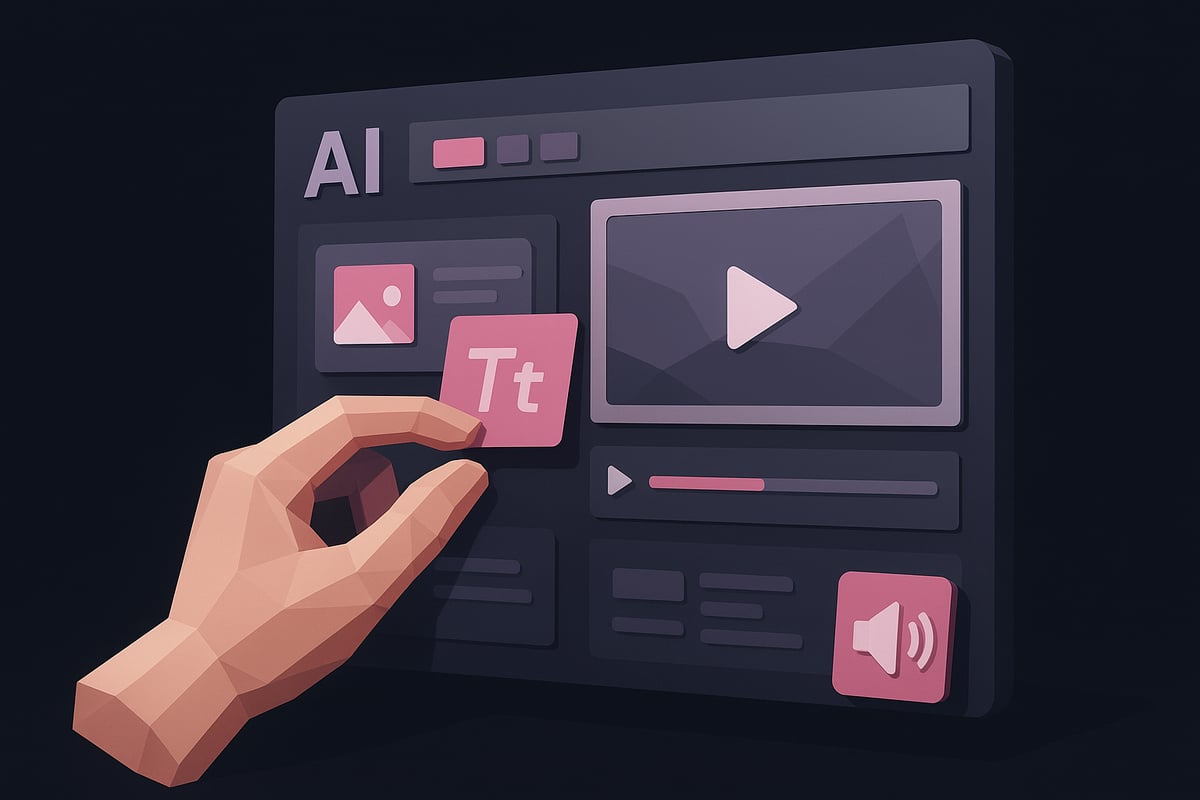
Inputting Prompts and Assets into the Platform
To begin, log into your preferred AI video generator platform. Most leading tools offer a streamlined interface for users to create ai video projects with ease. You will typically see options to enter a text prompt, upload images, or add video clips. The platform will prompt you to select a specific AI model—such as Google VEO or PixVerse—depending on your creative goals.
Some platforms, like ImagineArt, analyze your inputs and automatically suggest settings for optimal results. For more insights on how different platforms handle input and model selection, explore this AI tools for video making resource for a comprehensive overview.
Be sure to double-check that your assets meet the platform’s recommended resolutions and format requirements. This ensures a smooth workflow and the best possible output when you create ai video content.
Customizing Video Style, Motion, and Effects
Once your assets are uploaded, it’s time to shape the aesthetic of your project. AI video platforms allow you to select from a range of visual styles, such as cinematic, animated, photorealistic, or surreal. You can also adjust camera angles, motion speed, and transitions to match your vision.
PixVerse, for example, excels at providing multi-shot and style options. Here, users can choose fluid camera moves or bold color grading with a few simple sliders. When you create ai video sequences, experimenting with style presets can help you achieve a unique visual identity.
If your platform supports it, try previewing different combinations of effects before finalizing your choices. This ensures your video stands out while remaining consistent with your brand or story.
Ensuring Character and Visual Consistency
Maintaining visual coherence across your video is essential, especially for multi-shot storytelling. Many AI tools now offer features to lock character appearance, style, and even background elements from scene to scene. This is particularly important when you create ai video content featuring recurring characters or branded assets.
Reference frames can be uploaded at the start and end of your project to guide the AI in preserving consistency. Seedance’s native multi-shot generation is a prime example, ensuring that all shots align visually, no matter the prompt variations.
Consistent design not only elevates production quality but also reinforces viewer recognition and engagement throughout your video.
Adding and Syncing Audio
High-quality audio transforms a good video into a truly immersive experience. Modern AI video platforms allow you to integrate background music, voiceovers, and sound effects directly within the editing interface. When you create ai video projects, look for tools with built-in AI-driven lip-sync capabilities and emotional direction controls.
Kling AI, for instance, enables synchronized dialogue and narration with just a few clicks. Upload your audio files or use text-to-speech features to generate voiceovers on the fly. Fine-tune timing and mood to ensure audio complements the visual flow.
Proper audio integration helps your video resonate with audiences, making your message clearer and more engaging.
Reviewing and Editing AI-Generated Output
Before exporting, always review your AI-generated video using the platform’s real-time preview feature. This step allows you to catch any inconsistencies in color, lighting, or pacing. Leading tools like ImagineArt offer frame-by-frame editing, enabling granular adjustments without needing advanced editing skills.
When you create ai video content, take advantage of instant previews to experiment with minor tweaks. Adjust transitions, correct colors, or modify scene timing to perfect your video. This iterative approach ensures your final product meets both creative and technical standards.
A careful review phase can make the difference between a satisfactory and an exceptional video.
Enhancing Video Quality and Export Settings
The last step is to enhance quality and prepare your video for sharing. AI video enhancers can repair shaky, grainy, or dull clips, elevating overall production value. Choose export settings that best fit your target platform: Full HD resolution, vertical for TikTok, square for Instagram, or horizontal for YouTube.
When you create ai video projects, verify that your chosen platform supports watermark-free exports and multiple file formats like MP4 or MOV. Adjust aspect ratios as needed to maximize reach and compatibility.
A well-optimized export ensures your AI-generated video is ready to captivate viewers across any channel.
Step 4: Exporting, Sharing, and Scaling Your AI Video Creation
Efficiently finalizing and distributing your AI-powered videos is essential for maximizing their impact. In this step, you will learn how to export your creations, share them across platforms, scale up production, and measure performance. These best practices ensure you get the most value every time you create ai video content.
Exporting Videos in Optimal Formats
To create ai video content ready for any platform, start by selecting the ideal export settings. Most AI video tools support popular formats like MP4 and MOV, ensuring compatibility with TikTok, YouTube, and Instagram.
- Choose the correct aspect ratio: vertical for TikTok, square for Instagram, horizontal for YouTube.
- Adjust resolution to match your needs, with Full HD being the standard for most platforms.
- Double-check for watermark-free exports.
A quick export process lets you maintain quality and consistency as you create ai video assets for different audiences.
Sharing to Social Media and Beyond
Once you create ai video projects, sharing them is seamless with built-in tools. Many platforms offer direct publishing to social media, allowing instant access to your followers.
- Use one-click sharing features to post directly from your AI video generator.
- Schedule posts for optimal engagement, leveraging analytics to choose the best time.
- Tailor captions and hashtags for each platform.
According to the IAB Report on AI in Video Ads, nearly 90 percent of advertisers will use generative AI for video ads, highlighting the growing importance of mastering how to create ai video content for marketing channels.
Scaling Production: Bulk Generation and Team Collaboration
To efficiently create ai video content at scale, leverage bulk generation and collaborative features. Leading platforms allow users to produce multiple videos simultaneously, reuse assets, and manage projects as a team.
- Use asset libraries for consistent branding across campaigns.
- Assign roles and permissions for smooth workflow.
- Automate repetitive tasks to save time.
The AI Video Generator Market Growth report shows rapid adoption of these tools across industries, making it easier than ever to create ai video projects for agencies and brands seeking to boost output.
Tracking Performance and Iterating Content
After you create ai video content and distribute it, monitoring its performance is crucial. Analyze engagement metrics such as views, shares, and conversions to understand what resonates with your audience.
- Review analytics dashboards provided by your platform.
- Gather feedback from your audience and team members.
- Iterate on prompts, styles, and formats to improve future results.
A data-driven approach ensures each time you create ai video assets, your content evolves and remains effective, helping you stay ahead in a competitive landscape.
Advanced Tips, Trends, and Future Outlook for AI Video in 2026
AI video technology in 2026 moves far beyond simple automation. To create ai video content that stands out, users need to understand the latest features, personalization options, and ethical considerations shaping the field. Let us explore the advanced strategies and anticipated trends influencing how creators approach AI video generation.
Leveraging Advanced AI Features
Modern AI video tools offer capabilities that allow creators to shape the mood and style of their content with precision. Features like emotional direction let users guide the atmosphere of a scene, whether aiming for suspense, joy, or calm. Advanced motion transfer and style transfer further empower those who want to create ai video projects with unique visual signatures.
For example, Google VEO’s physics-based realism brings natural movement, while Seedance supports seamless style transfer between shots. These features open new creative avenues for storytellers and marketers alike. Experimenting with these advanced tools can elevate your content, making each project more dynamic and engaging.
Personalization and Brand Consistency
As brands and individuals strive for recognition, creating consistent visuals becomes crucial. AI platforms now support custom styles and branded assets, helping users create ai video content that aligns perfectly with their identity.
With features like Freepik’s Custom Styles and Brand Kits, creators can maintain brand colors, fonts, and character designs across all videos. This ensures every project feels cohesive and professional. Consistent character generation also supports long-term storytelling and series production, making it easier to build audience loyalty over time.
Integrating AI Video with Other Creative Tools
To maximize efficiency, many choose to create ai video content as part of a broader creative workflow. Leading platforms offer integrations with design tools, audio editors, and APIs to streamline production.
For instance, you can import assets from Figma, add AI-generated music, or use mobile apps for editing on the go. Freepik and ImagineArt both provide suite integrations, supporting collaborative work and asset reuse. Connecting AI video generators with other creative solutions enables faster iteration, higher quality, and a more seamless content creation experience.
Ethical Considerations and Copyright in AI Video
Responsible creators must consider the ethical implications when they create ai video projects. Copyright questions arise with AI-generated content, especially regarding commercial use and attribution. It is important to disclose when content is AI-generated and respect intellectual property boundaries.
Transparency, accurate representation, and ethical prompt writing are essential best practices. For a deeper dive into these issues and policy implications, see Ethical Challenges in Generative AI. Staying informed helps ensure your work remains both compliant and trustworthy.
The Future of AI Video Creation
Looking ahead, those who create ai video content will benefit from longer, real-time, and even interactive outputs. New models, such as LTX-2, are pushing the boundaries of open-source AI video generation, as detailed in the LTX-2 AI Video Model Overview.
Expect to see expanded creative control, greater integration, and adoption by diverse industries. User satisfaction and platform capabilities continue to grow, making AI video generation an essential skill for content creators in the coming years.
Now that you’ve learned how accessible and powerful AI video creation has become in 2026, you’re ready to put these insights into action. Whether you want to create engaging music videos, boost your brand, or simply experiment with new technology, platforms like 1 More Shot make it easy to turn your ideas into professional-quality content. You don’t need a background in video editing—just your creativity and a willingness to explore. If you’re ready to see what you can achieve with today’s AI-powered tools, let’s take the next step together.
Start Creating Now