How to Create AI Music Videos for Lo-Fi
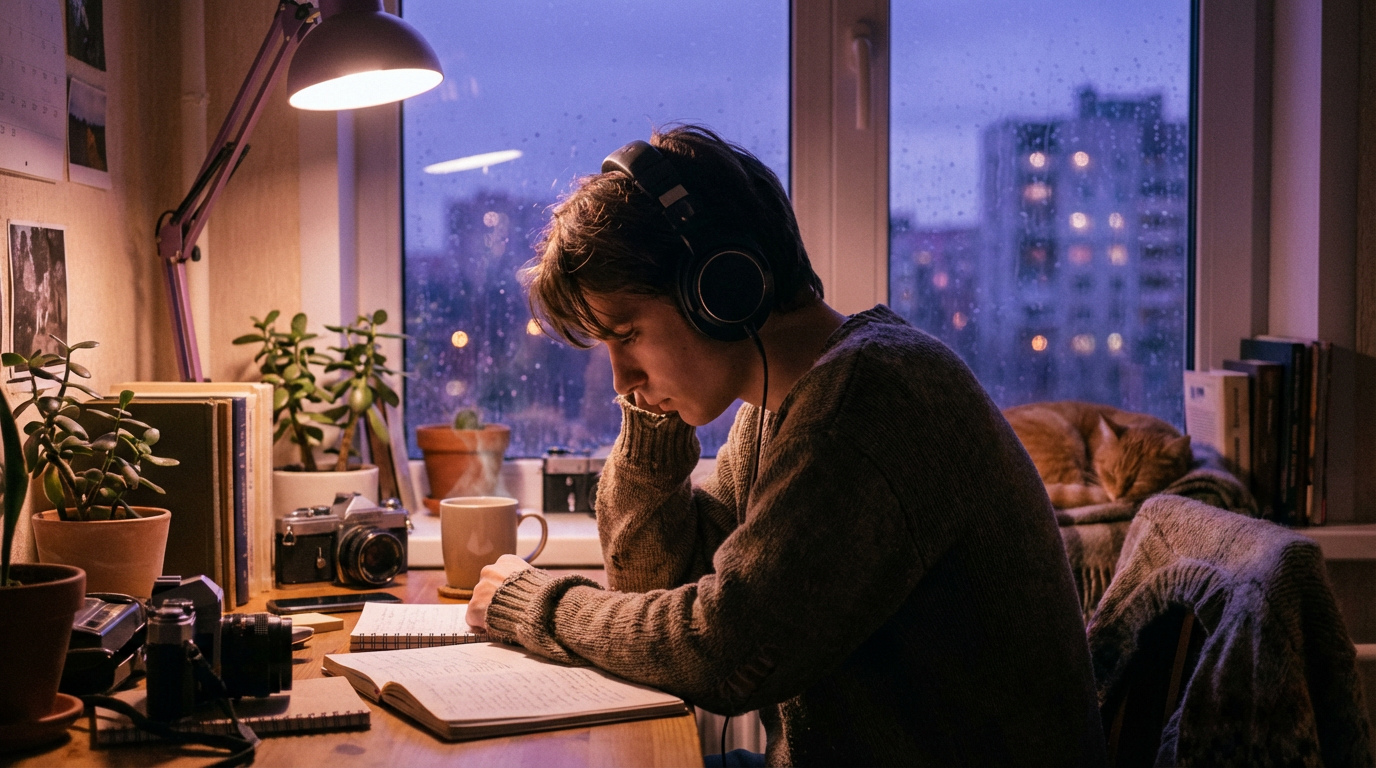
There’s a reason that a simple looping animation of a girl studying at her desk has been watched over 668 million times. Lo-fi isn’t just a genre—it’s a visual world, a mood, a place you go when the rest of the internet is too loud. And in 2026, AI video generation has finally caught up to the dreamy, imperfect aesthetic that defines it.
Interest in lo-fi and retro-tech styles is up 48.9% on Canva, including a 527% spike in “lo-fi aesthetic” searches.
The rise of streaming platforms and AI-assisted production tools has made lo-fi music more accessible than ever, and in 2026 the genre’s popularity is fueled by mental wellness, remote working, and AI-driven creativity.
If you’re a lo-fi producer, chillhop beatmaker, or ambient creator looking to pair your sound with visuals that feel right—without hiring an animator or spending weeks in After Effects—this guide is for you. We’ll walk through the lo-fi visual language, the best AI tools for the job, and exactly how to create a Lo-Fi AI music video that captures the warmth and nostalgia your listeners already feel.
For a broader overview of AI-powered music video creation, check out The Complete Guide to AI Music Videos in 2026.
Lo-Fi Visual Aesthetics: The Signature Visual Language
Before you open any AI tool, you need to understand why lo-fi visuals look the way they do. The genre’s imagery isn’t arbitrary—it’s a carefully evolved visual language with deep cultural roots.
The Origins: From Nujabes to Lofi Girl
The visual language for lo-fi hip-hop began to form through the influence of animated bumpers on television blocks like [adult swim] and the art styles of anime such as Samurai Champloo. The definitive codification of Lo-fi Art occurred with the launch of the YouTube channel Lofi Girl (formerly ChilledCow) in 2017.
Its 24/7 livestream, “lofi hip hop radio - beats to relax/study to,” became a cultural phenomenon, largely due to its looping animation of a girl studying at her desk. This character, officially named Jade and created by artist Juan Pablo Machado, encapsulated the core elements of the aesthetic: a cozy, relatable domestic setting and a Studio Ghibli-esque anime art style.
Samurai Champloo draws its musical inspiration from 90s hip-hop. The soundtrack, produced by Nujabes and Fat Jon, is filled with relaxing, melodic tracks which underscore the show’s breathtaking animation.
Nujabes laid the groundwork for what is now known as modern-day “chillhop,” leaving a legacy that not many have been able to follow. His unique blend of jazz and hip-hop captured the hearts of western audiences.
This history matters because it tells you what to reference in your AI prompts. Lo-fi visuals aren’t generic anime—they’re a specific intersection of Japanese animation, cozy domesticity, and nostalgic imperfection.
The Color Palette
The color palette is typically muted and limited, often using analogous cool colors like blue, pink, and purple to depict nighttime or rainy scenes. This is contrasted with soft, warm lighting from sources like desk lamps or glowing screens.
Here are the core color families you’ll want to reference in your AI prompts:
- Cool tones: Dusty purples, muted blues, soft lavender, blue-gray
- Warm accents: Amber lamp light, soft orange glows, golden hour yellows
- Neutral grounding: Warm sand, muted teal, taupe, off-white
- Accent pops: Dusty rose, faded coral, sage green from houseplants
A common palette consists of muted orange highlight, red to purple main colors and blue shading. Some artists steer away from orange highlights and focus only on purple shades.
The time setting in a lot of lo-fi art usually is either evening or night, which suits the purple color palette perfectly.
Settings and Motifs
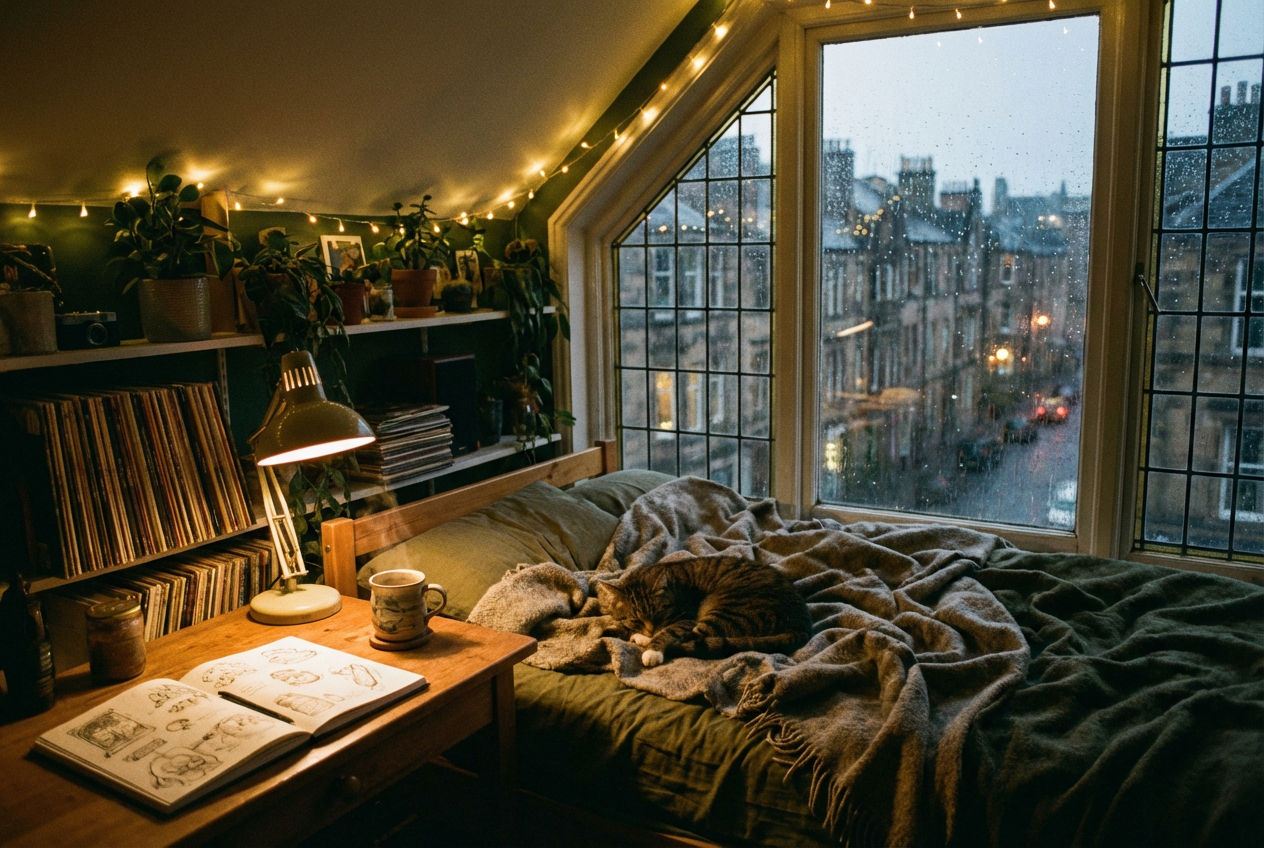
The settings are often mundane and familiar, such as bedrooms, quiet city streets at night, coffee shops, or train interiors. This familiarity brings a sense of comfort and safety to the viewer. These scenes are frequently populated with comforting details like sleeping pets, well-kept houseplants, and characters engaged in solitary, relaxing activities like reading or listening to music.
The most effective lo-fi visuals include:
- Indoor scenes: Bedrooms with fairy lights, cluttered desks, cozy reading nooks
- Urban landscapes: Rain-streaked windows overlooking city skylines, quiet rooftops at twilight
- Transitional spaces: Train interiors, café corners, bookshop aisles
- Nature moments: Gentle rain, falling leaves, moonlit lakes
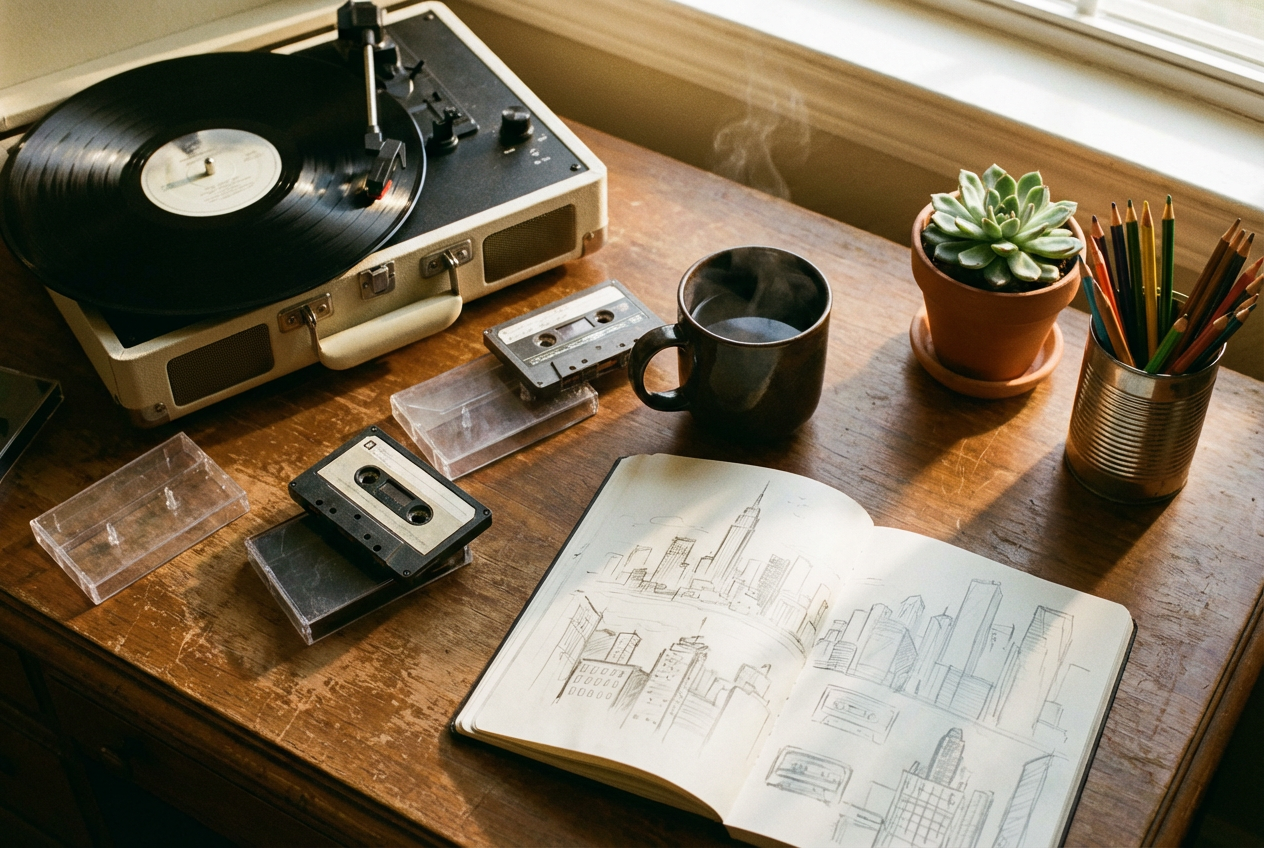
- Nostalgic objects: Vinyl records, cassette tapes, CRT monitors, old books, steaming mugs
Motion and Pacing
This is critical for AI music video creation. Lo-fi visuals move slowly. Think subtle animation loops—steam rising from a cup, rain sliding down a window, a curtain gently swaying, a cat’s tail flicking. Lofi animations are usually featured in cartoon style, with repeated and subtle movement. The pacing should mirror the music: unhurried, meditative, and continuous.
When prompting AI video tools, avoid fast cuts, dramatic camera movements, or high-energy transitions. Lo-fi is the visual equivalent of a deep breath.
Best AI Tools for Lo-Fi Videos
Creating a Lo-Fi AI music video in 2026 requires tools that understand muted palettes, gentle motion, and anime-influenced aesthetics. Here’s what works best for the genre.
OneMoreShot.ai — Best for Musicians
OneMoreShot.ai is purpose-built for musicians who want to turn their tracks into complete music videos. What makes it especially powerful for lo-fi creators:
- Audio-reactive generation: Upload your lo-fi track and the AI analyzes its tempo, mood, and energy to generate visuals that genuinely match the music’s feeling
- Style control: Dial in specific aesthetic directions—anime-influenced, painterly, pixel art—that align with lo-fi visual traditions
- Gentle motion: The platform handles slow, ambient movement naturally, avoiding the hyperactive transitions that kill lo-fi vibes
- Full-length output: Generate complete music videos, not just 5-second clips, making it ideal for YouTube uploads and streaming visuals
For a step-by-step walkthrough of the platform, see How to Make an AI Music Video.
DomoAI — Style Transfer
DomoAI is a complete AI animation platform for video generation and creation workflow, turning any text, image, and video into anime, realistic, or artistic visual styles instantly. Its video-to-video style transfer is particularly useful if you have existing footage (a walk through a rainy city, a time-lapse of your studio) that you want to convert into an anime-influenced lo-fi aesthetic.
Neural Frames — AI Music Video Loops
As a company that specializes in AI music videos, Neural Frames has seen a lot of users creating lofi songs into full-length music videos. Their approach works well for the long-form, looping visual style that lo-fi YouTube channels demand.
Revid.ai — Lofi-Specific Generator
Revid’s AI Lofi Video Generator is a specialized tool designed to create complete lofi music videos from scratch. It utilizes AI to compose original chill beats or songs based on your text prompts and simultaneously generates matching aesthetic visuals—such as anime-style loops or cozy atmospheres.
The Ideal Stack for Lo-Fi Creators
For most lo-fi musicians, the simplest path is:
- Create your music (your DAW, or AI-assisted tools)
- Generate your music video with OneMoreShot.ai — upload your track, describe your visual direction, and let it build a complete video
- Post-process if desired — add film grain, VHS filters, or color grading in your editor of choice
Step-by-Step: Creating a Lo-Fi AI Music Video
Let’s walk through the actual process of creating a lo-fi music video using AI, from concept to export.
Step 1: Define Your Visual Concept
Before touching any tool, decide on your scene. Ask yourself:
- Where are we? A bedroom, a café, a train, a rooftop?
- What time is it? Evening and nighttime dominate lo-fi visuals, but rainy afternoons and golden hour work beautifully too.
- What’s the weather? Rain is the classic choice—it adds both visual texture and an implied ambient sound layer.
- Who’s there? A solitary figure studying, reading, gazing out a window? Or is this an empty scene—just the space itself?
- What details tell the story? Books, plants, a cat, coffee, headphones, vinyl records?
Match your visual concept to the subgenre of your track:
| Subgenre | Visual Direction |
|---|---|
| Lo-fi hip-hop | Anime-style character studying at a desk, city view |
| Chillhop | Jazzy café interior, warm tones, vintage details |
| Study beats | Library corner, stacked books, rain on a window |
| Ambient lo-fi | Natural landscapes, misty forests, moonlit water |
| Lo-fi jazz | Smoky bar interior, piano close-ups, evening lights |
Step 2: Prepare Your Track
Export your lo-fi track as a high-quality audio file (WAV or 320kbps MP3). If you’re creating a long-form YouTube video (30–60 minutes), you can either:
- Generate visuals for a shorter segment and loop them seamlessly
- Create multiple visual segments that transition gently between scenes
- Use a single slowly-evolving scene with subtle variation
Step 3: Upload to OneMoreShot.ai
Head to OneMoreShot.ai and upload your track. The platform will analyze your audio’s tempo, mood, and structure. For lo-fi tracks, it will detect the laid-back rhythm and adjust its visual generation accordingly.
Step 4: Craft Your Visual Prompt
This is where the magic happens. Your prompt should be specific about:
- Setting and scene details
- Color palette and lighting
- Art style (anime-influenced, painterly, pixel art)
- Motion quality (slow, gentle, ambient)
- Atmospheric elements (rain, steam, floating dust particles)
Here’s the difference between a weak and strong lo-fi prompt:
Weak: “A chill room with music playing”
Strong: “A cozy attic bedroom at dusk, anime-style, muted purple and amber tones, warm desk lamp illuminating scattered notebooks and a sleeping orange cat, rain streaking the window, city skyline glowing softly in the distance, gentle curtain movement, film grain texture, Studio Ghibli-inspired atmosphere”
The strong prompt gives the AI everything it needs: setting, style, palette, lighting, details, motion, texture, and reference point.
Step 5: Generate and Review
Generate your video and evaluate it against these lo-fi checkpoints:
- ✅ Colors are muted, not oversaturated
- ✅ Motion is slow and ambient, not frenetic
- ✅ Scene feels cozy and inviting
- ✅ Details are present (books, plants, warm objects)
- ✅ Lighting has warm/cool contrast
- ✅ Overall mood matches your track’s energy
If something feels off, adjust your prompt. Small changes—swapping “bright” for “soft,” adding “film grain,” specifying “muted palette”—can dramatically shift the output.
Step 6: Post-Processing (Optional)
For maximum authenticity, consider adding these effects in post:
- Film grain or VHS noise: Reinforces the “low fidelity” visual metaphor
- Subtle color shift: A slight purple or sepia wash unifies the look
- Vignette: Darkened edges draw focus to the center and add warmth
- Chromatic aberration: A very subtle RGB split adds analog character
Prompt Examples for Lo-Fi AI Music Videos
Here are copy-paste-ready prompts tailored to specific lo-fi subgenres. Use these directly in OneMoreShot.ai or adapt them to your preferred tool.
1. Classic Lo-Fi Hip-Hop
A young woman wearing oversized headphones studying at a wooden desk by a rain-streaked window at night, anime style, muted purple and soft amber lighting from a desk lamp, stacked textbooks, a sleeping tabby cat, houseplants, distant city lights glowing through the rain, gentle steam rising from a coffee mug, film grain texture, slow ambient movement, Studio Ghibli atmosphere
2. Chillhop Jazz Café
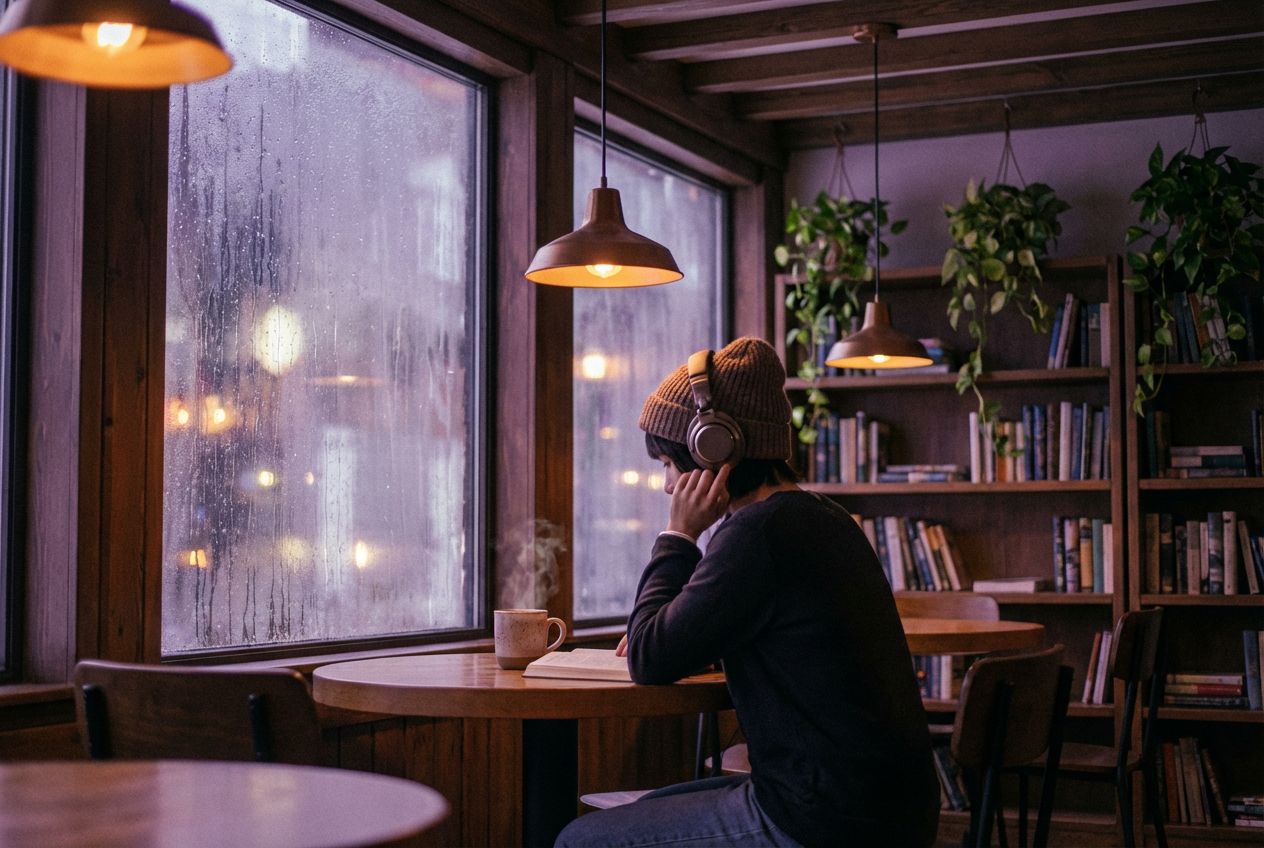
Interior of a small jazz café at evening, warm wood paneling, vintage pendant lights casting golden pools, a lone figure reading at a corner booth, muted earth tones and dusty rose accents, vinyl records displayed on the wall, gentle rain visible through frosted windows, soft bokeh lights, painterly anime style, slow motion of steam and light flicker
3. Study Beats — Library Scene
A quiet corner of an old university library at dusk, tall wooden bookshelves stretching upward, warm reading lamp on a cluttered study table, open notebooks and scattered pens, dust motes floating in amber light beams from a window, muted sage green and warm brown palette, anime art style, very slow camera drift, cozy and focused atmosphere
4. Ambient Lo-Fi — Nature
A misty Japanese garden at dawn, still pond reflecting pale pink sky, wooden bridge with moss, gentle fog drifting between pine trees, distant mountain silhouette, muted teal and soft lavender palette, watercolor painting style, extremely slow movement of mist and water ripples, meditative and serene mood
5. Lo-Fi Beats to Sleep To
A bedroom at deep night, moonlight casting blue-silver light through sheer curtains, a figure curled under a thick duvet, fairy lights along the headboard, a sleeping cat at the foot of the bed, soft shadows, muted indigo and warm cream tones, subtle glow of a digital clock, anime style, nearly still with gentle curtain sway, peaceful and drowsy
6. Retro Lo-Fi — VHS Aesthetic
A 1990s-style bedroom with a CRT television showing static, VHS tapes stacked on a shelf, retro posters on the wall, warm orange lamplight against blue-purple darkness, pixel art anime style, scanline overlay, chromatic aberration, a figure sitting on the floor leaning against the bed wearing headphones, nostalgic and bittersweet atmosphere
7. Urban Chillhop — Rooftop Night
A rooftop scene overlooking a sprawling city at night, distant buildings with warm glowing windows, a figure sitting on the ledge with headphones, string lights draped across a makeshift seating area, potted plants, an open sketchbook, muted blue and orange palette, anime illustration style, slow drift of city haze and blinking lights, contemplative and expansive mood
8. Ambient Study — Rainy Window
Extreme close-up of rain running down a window glass, blurred warm interior reflected in the drops, soft out-of-focus bookshelves and amber light in the background, muted cool blue and warm honey tones, photorealistic with painterly softness, very slow macro movement of individual raindrops, ASMR-like meditative quality
Lo-Fi AI Music Video Inspiration
The lo-fi visual universe is vast, and the best way to refine your own creative direction is to study what’s working. You can’t talk about lofi without Lofi Girl—the iconic channel known for its endless streams of chill beats. With over 14M subscribers and the beloved Ghibli-inspired study girl, Lofi Girl has something for every vibe.
Chillhop Music is another essential reference—known for their smooth, jazzy beats and gorgeous animations, this channel is a chill haven. Their hand-crafted animations set a high bar, but AI tools are now making that level of visual polish accessible to independent creators.
Other channels worth studying for visual inspiration include Feardog, The Jazz Hop Café, and Lofi Everyday—each brings a distinct take on the lo-fi visual language, from pastel anime to urban photography overlays.
A Lofi Girl themed café, named Lofi Café, is even set to open in Paris in early 2026 —a testament to how deeply this aesthetic has embedded itself in culture beyond just YouTube.
For a curated collection of AI-generated lo-fi music video examples, visit our Lo-Fi AI Music Video Examples Gallery.
Tips for Authenticity
The line between a lo-fi music video that feels right and one that feels like it was made by someone who Googled “lofi aesthetic” is thinner than you’d think. Here’s how to stay on the right side.
Embrace Imperfection (Intentionally)
The lo-fi trend is not a rejection of quality, but rather a strategic embrace of authenticity in a landscape saturated by hyper-realistic, AI-generated content. As generative AI tools become capable of producing perfectly lit and framed imagery at scale, flawless production has lost its status as a marker of credibility. Nearly 73% of designers and creators are now deliberately incorporating imperfect elements to differentiate their work from algorithmic output.
This is especially important when using AI. Your AI output might be too clean. Add grain. Soften edges. Desaturate slightly. The goal is warmth, not perfection.
Avoid These Clichés
- Over-reliance on the “girl studying at desk” trope: It’s been done. Find your own scene.
- Oversaturated neon: Lo-fi is muted, not cyberpunk.
- Too much movement: If your scene has more action than a Studio Ghibli background, slow it down.
- Generic “chill vibes”: Be specific. A particular city. A particular season. A particular time of day.
- Ignoring cultural roots: Lo-fi’s visual language comes from Japanese animation. Respect and reference that intentionally rather than superficially.
Build a Consistent Visual Identity
The most successful lo-fi channels have a recognizable visual style. Pick 2-3 recurring elements—a specific color palette, a recurring character, a signature setting—and use them consistently across your videos. This builds brand recognition and gives your audience a visual “home.”
Let the Music Lead
Lo-fi thrives on less. Fuzzy textures, soft drums, and ambient loops create a sonic space that feels personal and unpolished. It’s the opposite of stadium pop—no fireworks, no overproduction. Just a beat, a vibe, and a feeling.
Your visuals should follow the same philosophy. If your track is minimal, your video should be minimal. If your beat has jazzy warmth, your scene should feel warm. The video serves the music, not the other way around.
If you’re also creating videos for other genres, our guides on AI Music Videos for Hip-Hop and AI Music Videos for EDM offer genre-specific approaches that contrast nicely with the lo-fi philosophy.
Distribution Strategy: Reaching Lo-Fi Audiences
Lo-fi has specific distribution channels where audiences actively seek this content. Here’s how to maximize your reach.
YouTube — The Home Base
YouTube remains the epicenter of lo-fi culture. Searches for the term “lo-fi” on YouTube have tripled since 2020. Key strategies:
- Long-form videos (1-3 hours): The bread and butter of lo-fi YouTube. Compile multiple tracks with continuous visuals.
- Livestreams: 24/7 lo-fi radio streams with looping AI-generated visuals can build massive passive viewership.
- YouTube Shorts: 15-60 second clips of your most visually striking moments, optimized for discovery.
- Thumbnails: Use a consistent, recognizable visual style. Anime-influenced art with muted tones performs best.
Spotify Canvas
Spotify’s Canvas feature lets you attach short looping videos to your tracks. A 3-8 second AI-generated lo-fi visual loop is perfect for this—and it increases streaming engagement significantly.
TikTok and Instagram Reels
Short-form lo-fi content thrives on these platforms. Strategies:
- 15-30 second mood clips with your track as the audio
- “POV” style content: “POV: it’s 2am and you’re studying with rain outside”—pair with your AI-generated lo-fi visuals
- Behind-the-scenes: Show your AI video generation process—audiences love seeing the creative workflow
Discord and Reddit
The lo-fi community is deeply embedded in Discord servers (like Lofi Girl’s community) and subreddits like r/LofiHipHop. Share your videos, contribute genuinely, and build relationships.
Platform-Specific Formats
| Platform | Format | Resolution | Duration |
|---|---|---|---|
| YouTube (long) | 16:9 | 1920×1080 | 30-180 min |
| YouTube Shorts | 9:16 | 1080×1920 | 15-60 sec |
| TikTok | 9:16 | 1080×1920 | 15-60 sec |
| Instagram Reels | 9:16 | 1080×1920 | 15-90 sec |
| Spotify Canvas | 9:16 (vertical loop) | 720×1280 | 3-8 sec |
For broader music video distribution strategies, our AI Music Videos for Pop guide covers platform optimization techniques that apply across genres.
Create Your Lo-Fi AI Music Video Today
Lo-fi music has always been about accessibility—about proving you don’t need a million-dollar studio to create something that moves people. Creating lo-fi songs in 2026 is about emotion, texture, and atmosphere. The same is now true for lo-fi visuals.
With AI video generation, you can create the kind of dreamy, nostalgic, endlessly-watchable visuals that used to require professional animators—in minutes, not months. Whether you’re building a lo-fi YouTube channel, promoting your chillhop EP on TikTok, or adding ambient study visuals to your latest beat tape, the tools are here.
The lo-fi ethos has always celebrated the beauty of imperfection and the warmth of doing it yourself. AI doesn’t change that—it extends it. It gives you the brushes. The aesthetic soul still comes from you.
Ready to bring your lo-fi beats to life? Head to OneMoreShot.ai and create your first Lo-Fi AI music video today. Upload your track, describe the world you hear when you close your eyes, and watch it appear on screen.
The rain on the window. The amber glow. The cat on the bed. Your beat underneath it all.
That’s the vibe. Now go make it yours.