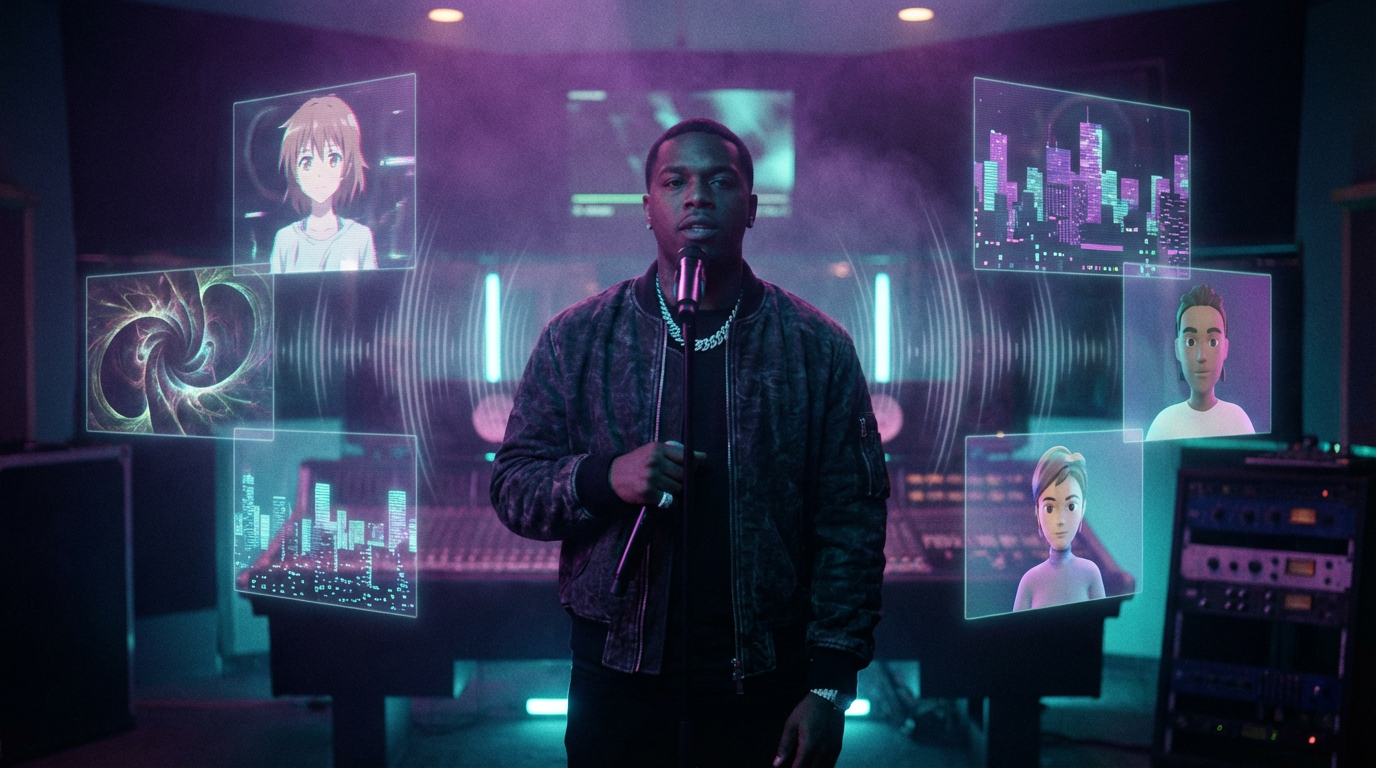
Best AI Music Video Examples for Hip-Hop
Hip-hop has always been the genre that adopts new technology first — from drum machines and sampling to Auto-Tune and streaming. Now, AI-generated music videos are the next frontier, and hip-hop artists are leading the charge.
A Goldmedia/GEMA study found that 53% of urban and rap artists already use AI tools in their creative workflows.
Up-and-coming rappers are incorporating AI into their music videos or their own album art with little public outcry. From deepfake face-morphing to fully generative cinematic visuals, the range of what’s possible in 2026 is staggering — and it’s accessible to anyone with a laptop and a beat.
This gallery showcases the best AI hip-hop music video examples we’ve found across YouTube, TikTok, and Instagram. Whether you’re looking for inspiration or proof that AI visuals can match the energy of your bars, these examples deliver. For a broader overview of the technology powering all of this, check out The Complete Guide to AI Music Videos in 2026.
Gallery by Style
AI hip-hop music videos aren’t one-size-fits-all. The genre’s visual language is as diverse as its sound — from gritty drill aesthetics to psychedelic trap visuals to anime-inspired narratives. Below, we break down the most compelling examples by visual style category.
1. Deepfake / Face-Morphing Performance
Kendrick Lamar — “The Heart Part 5”
Visual Style: Deepfake Performance Tool Used: Deep Voodoo (by Trey Parker & Matt Stone)
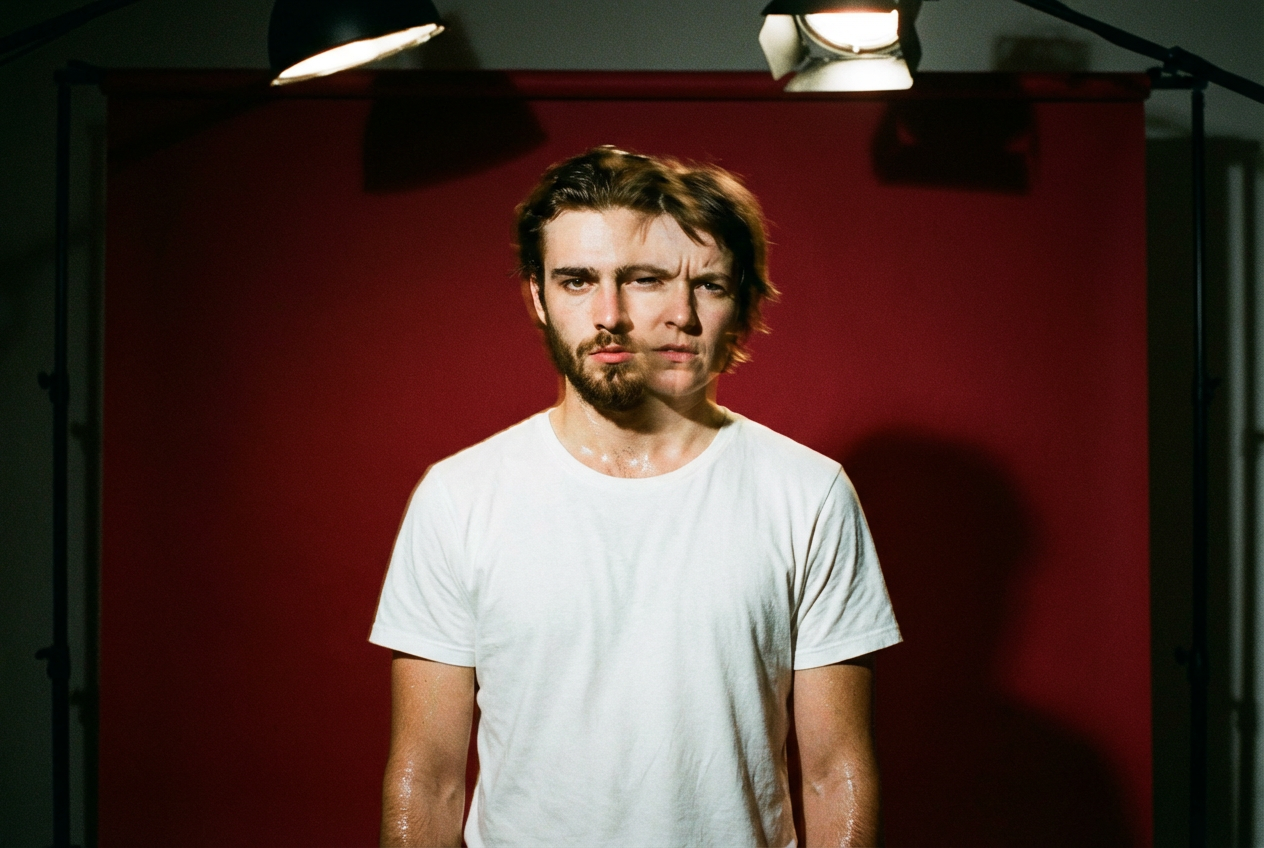
This is the video that changed everything. The Heart Part 5 sees Lamar morph into deepfake versions of Kanye West, O.J. Simpson, Will Smith, Kobe Bryant, and Nipsey Hussle, while discussing themes relevant to each figure’s story. Against a stark crimson backdrop, Lamar stands alone — and then his face becomes someone else’s. It’s minimalist in staging but maximalist in concept.
Lamar doesn’t just trade faces with these figures like Michael Jackson in his 1991 “Black or White” video. He becomes them. In partnership with South Park’s Matt Stone and Trey Parker’s Deep Voodoo production company, the video tells the stories of these men using seamless deepfake technology.
What makes it work: The restraint. No flashy backgrounds, no rapid cuts. Just one man, one camera, and AI technology that forces you to confront identity, empathy, and legacy simultaneously. The song received five nominations at the 65th Annual Grammy Awards, including for Best Music Video, eventually winning Best Rap Performance and Best Rap Song.
Why this matters for creators: You don’t need a massive budget to create a conceptually powerful video. A single performer, a bold color backdrop, and AI face-morphing technology can tell a story that resonates with millions.
Juice WRLD & Cordae — “Doomsday”
Visual Style: Deepfake Face Swap / Tribute Tool Used: AI face-swap technology (Cole Bennett / Lyrical Lemonade)
Cole Bennett enlists Cordae and the late Juice WRLD for “Doomsday,” the first single off the forthcoming album from Bennett’s multimedia company Lyrical Lemonade. The track arrives alongside an accompanying music video that revives Juice using AI technology. The emotional weight here is immense — this is a conversation between the living and the dead, made possible through technology.
The deepfake effect in the video is used in a creative way, allowing Cordae to perform for the both of them as he morphs back and forth between his own face and Juice’s.
Juice WRLD was especially excited about this video, and it was special that Cordae was able to posthumously feature him so prominently in it using AI technology. This innovative use of AI shows how the technology can enable touching tributes of unfinished collaborations when used with respect for deceased artists’ legacies.
Why this matters for creators: AI face-swap doesn’t have to be gimmicky. When rooted in genuine emotion and personal connection, it becomes a powerful storytelling device.
2. Fully Generative AI Visuals
Snoop Dogg — “Love You More” (feat. Dave East & WHOISTEVENYOUNG)
Visual Style: Fully AI-Generated Cinematic Tools Used: Ideogram, Luma AI, Kling, Magnific AI, Runway, Midjourney
The Dor Brothers created the official AI music video for Snoop Dogg’s single “Love You More.” This video marks a historical milestone in the music video industry as one of the first AI music videos created for an iconic artist.
This was a combined effort of the Dor Brothers and a talented team of artists led by the direction of Jaron Marquis. The music video leveraged a plethora of AI tools including Ideogram, Luma AI, Kling, Magnific AI, Runway, and Midjourney. The result is a kaleidoscopic journey — Snoop riding a horse-drawn chariot through the sky, zipping through streets in GTA-style sequences, and appearing in a mock claymation style. Each scene shifts visual language entirely, showcasing the breadth of what multi-tool AI workflows can produce.
Why this matters for creators: This video proves that combining multiple AI tools creates richer, more varied results than relying on a single platform. The Dor Brothers used image generators for keyframes, video models for animation, and upscalers for polish.
Snoop Dogg — “Sophisticated Crippin’”
Visual Style: AI-Generated Nostalgic / Tribute Tool Used: Generative AI (directed by Jesse Wellens)
Snoop Dogg dropped the official music video for his single “Sophisticated Crippin’” from his album Iz It A Crime?, packed to the brim with generative AI footage. The music video starts out with a suited-up current-day Snoop Dogg having a conversation with a younger Snoop Dogg.
Directed by Jesse Wellens, the video rolls on with AI-generated cameos from a lineup that includes Kobe Bryant, LeBron James, Michael Jordan, Tupac Shakur, Michael Jackson, Nate Dogg, and Warren G. Classic photos of Snoop are brought to life with AI animation — lips moving, eyes blinking. It’s a love letter to West Coast hip-hop history rendered through generative technology.
Why this matters for creators: AI lets you resurrect visual references and build tribute narratives that would otherwise require expensive archival licensing and VFX teams.
3. Anime / Animation Style
The Hip-Hop × Anime Connection
Visual Style: AI-Generated Anime Tools Used: Various AI anime generators, Midjourney, custom LoRA models
Hip-hop and Japanese animation have long had an intertwined history. There have been many official pairings through scores and soundtracks — Samurai Champloo featuring Fat Jon and the late Nujabes, Afro Samurai musically envisioned by the RZA, and Tokyo Tribe helmed by DJ Muro. Now, AI is democratizing what was once the domain of professional animation studios.
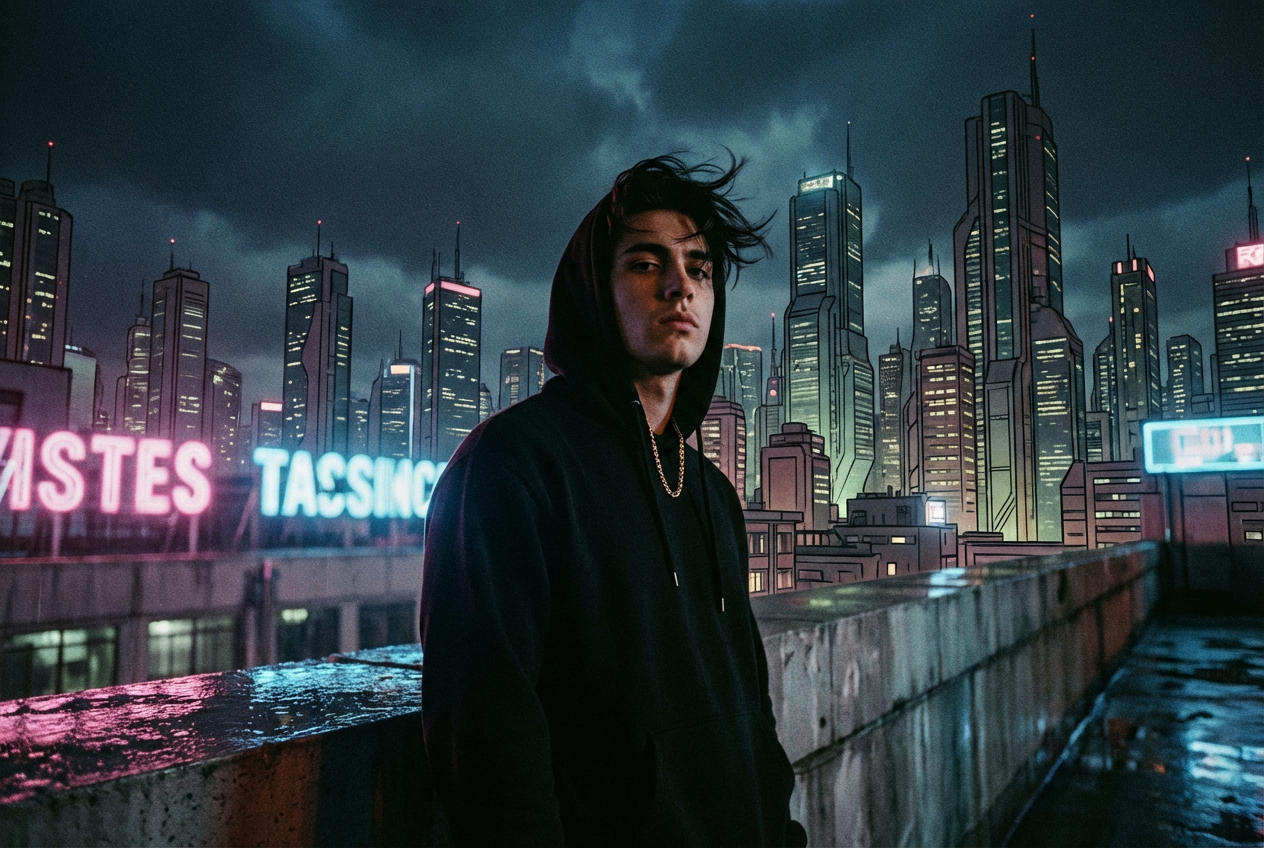
Across TikTok and YouTube, independent rap artists are generating anime-style music videos that channel the aesthetic of Akira, Samurai Champloo, and Dragon Ball Z — all without drawing a single frame. Think: a protagonist in a cyberpunk cityscape, rain-slicked streets reflecting neon kanji signs, katana in one hand and a microphone in the other, all generated from text prompts.
Anime music videos have been a staple of fan culture for decades, but AI has transformed how they’re made. By 2025, generative AI tools allow creators to automate animation, maintain character consistency, and experiment with multiple styles — all without traditional frame-by-frame editing.
The best AI anime hip-hop videos share common traits: high-contrast color palettes, dynamic camera movement suggesting action sequences, and character designs that blend streetwear with fantastical elements. Artists like Lil Ricefield have built entire brands at this intersection, and AI makes the visual execution accessible to anyone.
Why this matters for creators: Anime-style AI videos consistently outperform other visual styles in engagement among Gen Z audiences. If your sound has any melodic trap, emo-rap, or experimental qualities, this aesthetic is a natural fit. Learn how to apply this to your own tracks in our Hip-Hop AI Music Videos guide.
4. Audio-Reactive Visualizer
Beat Visualizers for Producers and Beatmakers
Visual Style: Audio-Reactive Abstract Tools Used: Neural Frames, OneMoreShot.ai, Freebeat
For producers dropping instrumentals on YouTube and Spotify, audio-reactive visualizers are the bread and butter of AI music video content. AI music video generators create stunning digital art ranging from abstract to hyper-realistic with not more than a few words. You can create animations from audio and create the trippiest music visualizers in the world.
Picture this: A dark trap beat drops. Fractal patterns pulse with each 808 kick, geometric crystals shatter and reform on every hi-hat, and an ethereal fog of neon particles swirls around an invisible center of gravity. The entire visual landscape breathes with the music. This isn’t a random screen saver — it’s a visualizer that maps bass, drums, vocals, and melody to distinct visual layers.
Neural Frames lets you map drums, bass, vocals, and more to motion, cuts, and effects for true audio-reactive results.
Thousands of artists have made over two million videos with Neural Frames.
Why this matters for creators: If you’re a beatmaker uploading to YouTube or sharing on Spotify Canvas, an audio-reactive visualizer transforms a static upload into an engaging visual experience. These are the fastest AI videos to create — often ready in minutes — and they dramatically increase watch time.
5. Narrative / Story-Driven
AI Cinematic Storytelling for Rap
Visual Style: AI-Generated Narrative Tools Used: Freebeat, Runway, Kling, OneMoreShot.ai
The newest wave of AI music videos tells actual stories. Freebeat is a purpose-built AI music video generator designed specifically for music-first video generation. It analyzes rhythm, structure, and mood to generate visuals that align with the song. Compared with typical tools, Freebeat supports advanced style control, character consistency, and agent-based planning.
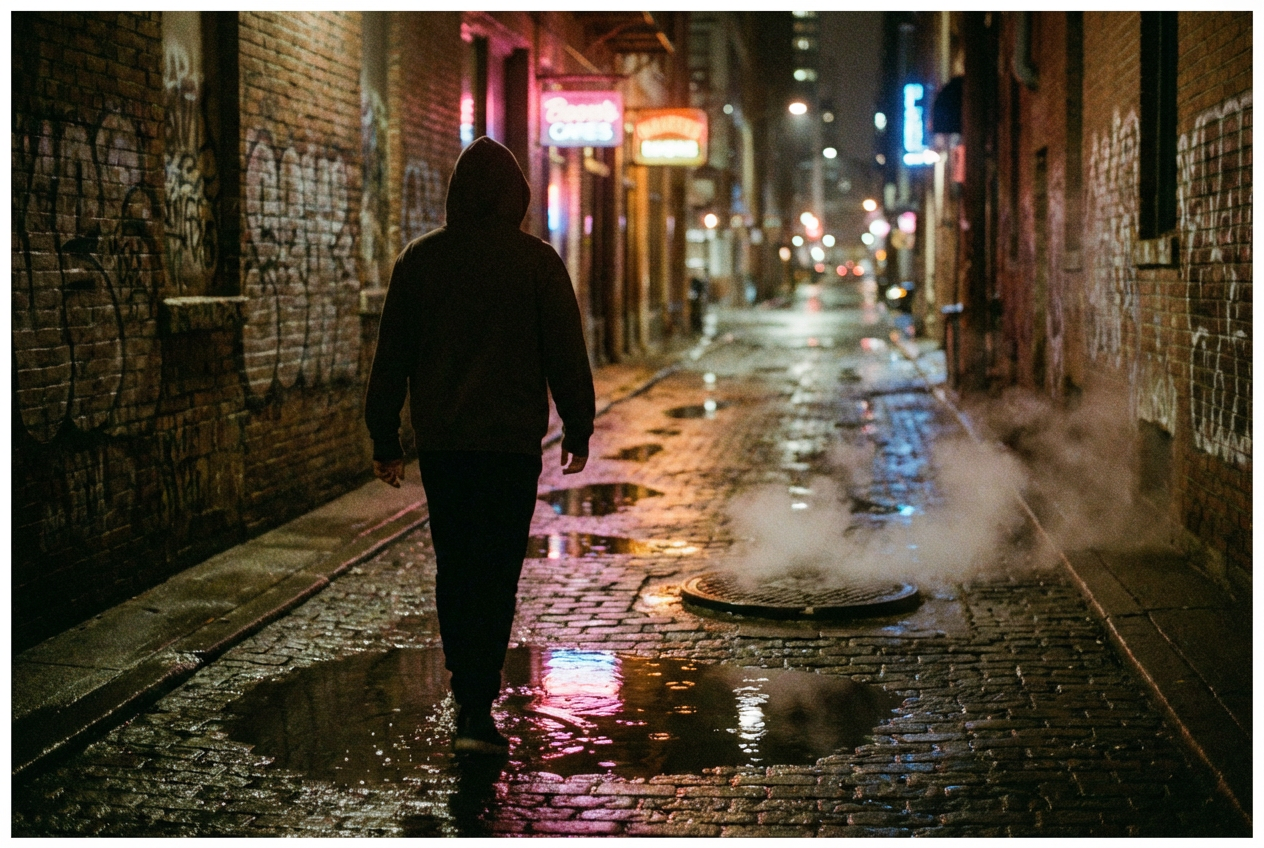
Imagine a drill track where the AI generates a miniature film: a hooded figure walking through rain-drenched city streets at midnight, neon signs reflecting off puddles, then cutting to a rooftop scene overlooking a sprawling urban skyline. The shots change with the verse structure — close-ups during intimate bars, wide establishing shots during the chorus. The “director” is an AI agent that plans pacing, shots, and atmosphere automatically based on your track’s structure.
The key challenge with narrative AI videos in hip-hop is character consistency — keeping the same protagonist looking identical across multiple scenes. In 2026, platforms are solving this with persistent character models that maintain face, clothing, and body type across an entire video.
Why this matters for creators: Narrative videos drive the highest engagement on YouTube. They give viewers a reason to rewatch and share. For rappers telling stories through their bars, AI narrative videos can finally match the visual ambition to the lyrical one.
6. Lyric Video / Kinetic Typography
AI-Powered Rap Lyric Videos
Visual Style: Synced Lyric / Kinetic Typography Tools Used: Revid AI, OneMoreShot.ai, Freebeat
The classic lyric video gets a hip-hop upgrade with AI. Describe your desired musical vibe — whether it’s ’90s boom bap, modern trap, lo-fi chill, or aggressive drill — to guide the AI. Select the visual aesthetic. Choose from ‘AI Video’ for unique generative clips, ‘Moving AI Images’ for animated art, or ‘Stock Videos’ for high-quality urban footage. You can also toggle the ‘Sound Wave’ feature for a dynamic visualizer effect and choose to sync the animation with the lyrics or the beat.
The best AI lyric videos in hip-hop don’t just display words on screen — they make each bar hit visually. Words crash in with the kick drum, animate on beat, highlight punchlines in contrasting colors, and dissolve on the exhale. Behind the text, AI-generated scenes shift to match the lyrical content: a verse about the hustle might show an abstract urban landscape, while the hook floats above golden-hour clouds.
Why this matters for creators: Lyric videos are the lowest-friction way to get visuals for your track. They’re perfect for pre-release hype, social media teasers, and building playlist presence on YouTube.
7. AI Lip-Sync Performance
Avatar-Based Rap Performance Videos
Visual Style: AI Lip-Sync / Virtual Performance Tools Used: OneMoreShot.ai, AIRapGen, Freebeat
OneMoreShot.ai offers the most advanced lip-syncing technology available on the market. Their cutting-edge AI model delivers perfect mouth movement synchronization with unmatched precision.
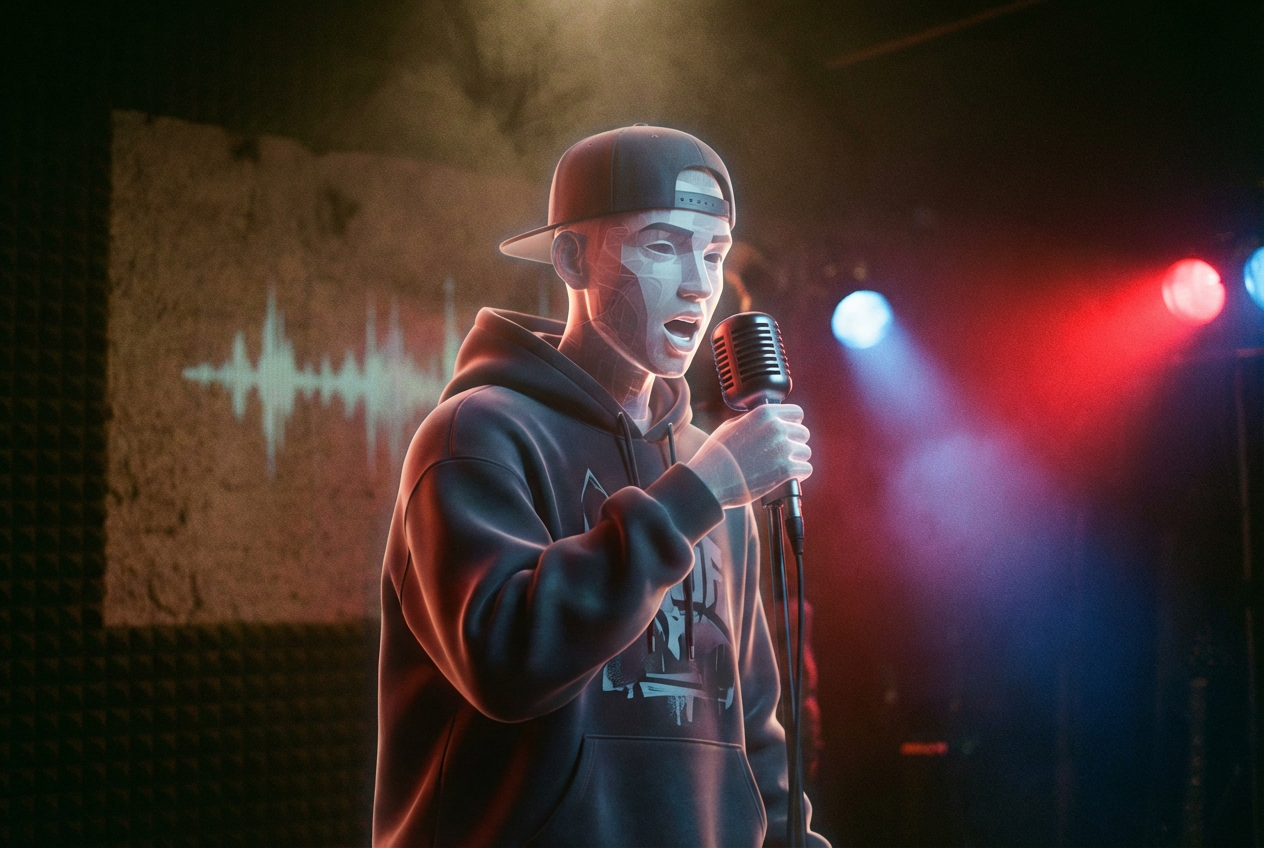
This style creates a virtual performer — either a stylized avatar or a realistic AI-generated character — that raps your lyrics with synchronized lip movements. AI lip-sync means the mouth movement and facial timing follow your audio. It analyzes pronunciation and rhythm so the character looks like it’s actually rapping or speaking the words.
For artists who want a visual presence without appearing on camera, AI lip-sync performance videos offer a compelling solution. You can create a consistent virtual persona — an anime character, a 3D avatar in streetwear, or a photorealistic digital double — that performs across all your releases.
Why this matters for creators: This is the fastest-growing category for hip-hop AI videos. Independent artists who are camera-shy, international artists building a brand, or producers who want a visual identity for instrumental tracks — lip-sync performance videos serve them all. Head to our Hip-Hop template page to get started with pre-built setups.
Gallery by Platform
Not every AI hip-hop music video works the same way on every platform. Here’s what performs best — and why — across the big three.
YouTube: Go Long, Go Cinematic
YouTube rewards watch time, which means narrative videos and full-length visualizers dominate. The Kendrick Lamar “Heart Part 5” deepfake video and Snoop Dogg’s “Love You More” both found massive audiences on YouTube because they offered something worth watching start to finish.
Best styles for YouTube:
- Full narrative AI videos (3–5 minutes)
- Audio-reactive visualizers for full tracks
- Deepfake / conceptual performance pieces
- Lyric videos with rich AI-generated backgrounds
Format: Horizontal (16:9), HD or 4K. You can export in multiple formats including HD 1080p for YouTube.
TikTok: Short, Punchy, Loop-Worthy
TikTok’s algorithm loves fast cuts, visual surprise, and loopability. TikTok-style AI music videos are short-form visual clips that pair generative visuals with custom, AI-made songs. Unlike traditional music videos, these AI-powered creations compress the workflow into minutes. Users can input text descriptions, moods, or even full lyrics, and AI engines automatically produce well-arranged songs that synchronize with rhythmic short clips.
Best styles for TikTok:
- 15–60 second lip-sync performance clips
- Anime-style visual hooks
- Rapid-fire AI visualizer loops
- “Before/after” showcasing AI transformation
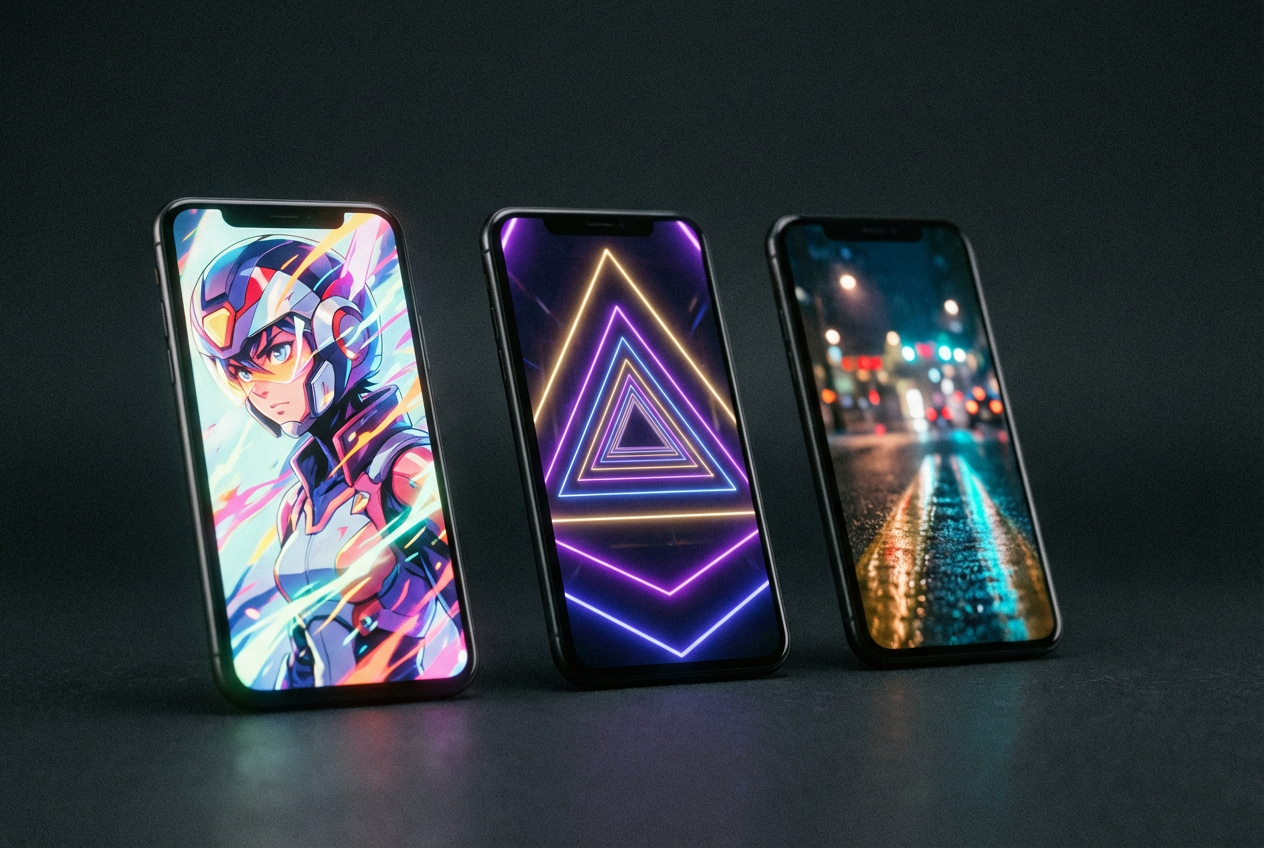
Format: Vertical (9:16). The AI creates videos in a 9:16 vertical aspect ratio by default, making them perfect for TikTok, YouTube Shorts, and Instagram Reels. The visuals, captions, and duration are optimized to maximize engagement on these short-form video platforms.
Instagram Reels: Aesthetic-First, Vibe-Driven
Instagram audiences gravitate toward mood. The most successful AI hip-hop content on Reels tends to be visually polished, aesthetically cohesive, and emotionally resonant. Think slow-motion AI cinematics over melodic rap, or perfectly color-graded anime scenes with your track underneath.
Best styles for Instagram:
- Aesthetic visualizer loops (15–30 seconds)
- Cinematic mood pieces with atmospheric beats
- Animated lyric snippets with bold typography
- AI-generated “album visual” content for Spotify Canvas
Format: Vertical (9:16) or Square (1:1). Export options matter here — look for platforms that support multiple aspect ratios in one workflow.
For a deeper dive into how different genres perform across platforms, explore our guides for EDM, Pop, and Lo-Fi.
Common Techniques Behind the Best Examples
After studying dozens of AI hip-hop music videos — from major-label releases to bedroom producers — clear patterns emerge in what separates the great from the generic.
1. Multi-Tool Workflows
The most impressive AI hip-hop videos rarely use a single tool. The Dor Brothers’ work for Snoop Dogg combined six different AI platforms. A typical professional workflow in 2026 looks like:
- Image generation (Midjourney, Ideogram) for keyframes and concept art
- Video generation (Kling, Runway, Sora) for animated sequences
- Upscaling (Magnific AI) for polished 4K output
- Audio analysis (Neural Frames, Freebeat, OneMoreShot.ai) for beat-synced visuals
- Lip-sync (OneMoreShot.ai, specialized models) for performance shots
2. Beat-Synced Visual Editing
The best AI hip-hop videos don’t just look good — they feel synced. Freebeat stands out as a leading AI music video generator because it analyzes BPM, beats, and song sections before generating visuals. This means visual cuts land on the snare, color shifts match verse-to-chorus transitions, and camera movements follow the energy arc of the track.
3. Genre-Appropriate Aesthetics
Different hip-hop subgenres demand different visual treatments:
| Subgenre | Visual Style | Color Palette | Motion |
|---|---|---|---|
| Drill | Dark, gritty, urban | Black, red, steel grey | Aggressive, quick cuts |
| Melodic Trap | Dreamy, surreal, ethereal | Purple, pink, neon | Slow, flowing |
| Boom Bap | Gritty, street photography | Earth tones, sepia | Documentary-style |
| Cloud Rap | Ethereal, minimalist | Pastels, white, soft blue | Floating, ambient |
| Experimental | Abstract, psychedelic | Full spectrum, clashing | Morphing, unpredictable |
4. Character Consistency
For narrative and performance videos, maintaining a consistent character across scenes is critical. The best tools in 2026 now offer persistent character models — upload a reference image, and the AI generates your protagonist in every scene with the same face, build, and clothing. Neural Frames lets you place any character or object into AI-generated scenes without filming a single frame, build narrative sequences, animate a consistent persona across your video, and craft performance-style visuals that look directed — not randomly generated.
5. Prompt Engineering for Hip-Hop
The secret weapon of great AI hip-hop visuals is specificity in prompting. Vague prompts like “rapper in city” produce generic results. The best creators use detailed prompts that reference specific aesthetic traditions:
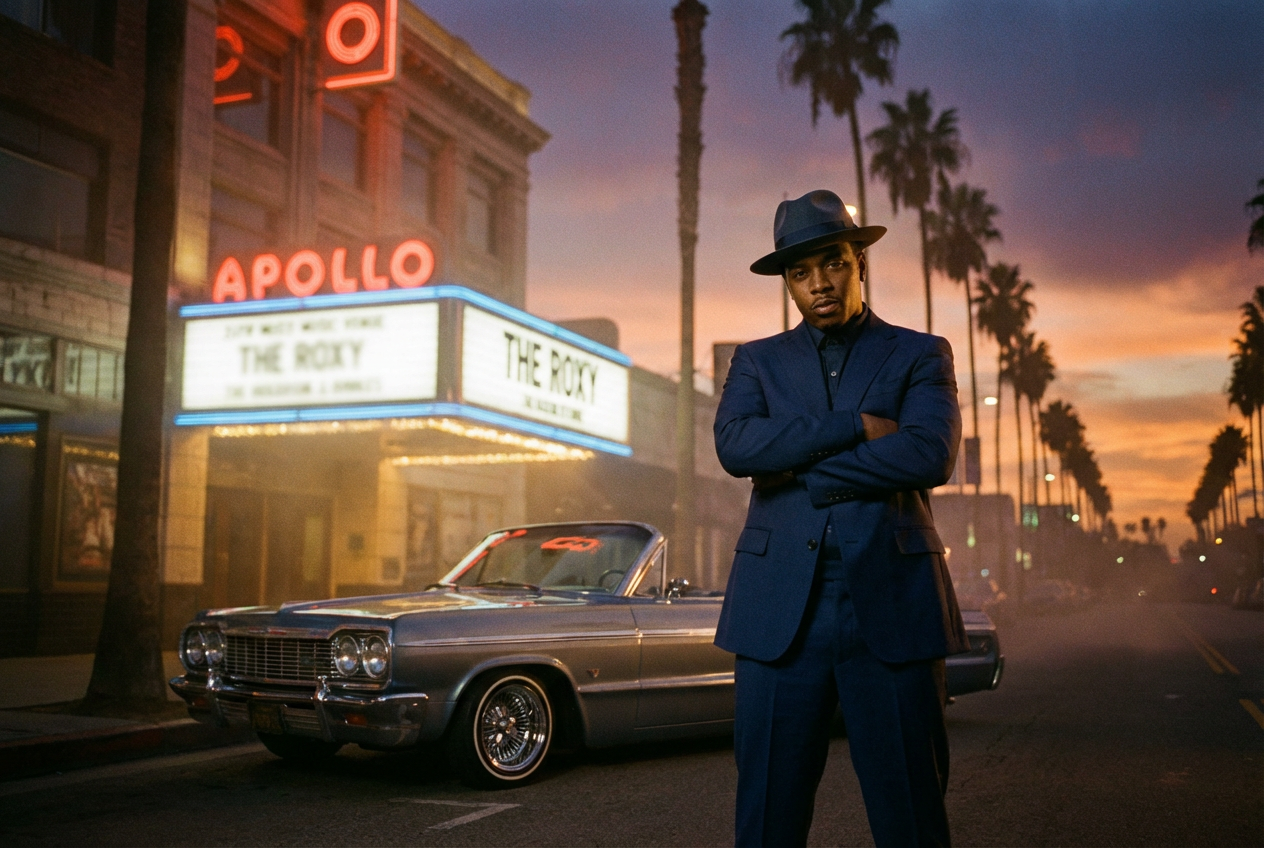
- “1990s West Coast lowrider culture, golden hour, warm film grain”
- “Tokyo cyberpunk alleyway, rain, neon kanji signs, figure in black techwear”
- “Abstract fractal geometry pulsing with bass frequencies, dark background, gold and purple accents”
- “Stop-motion claymation style, urban neighborhood, colorful characters”
For a complete walkthrough of prompt techniques and production workflows, see How to Make an AI Music Video.
Create Your Own AI Hip-Hop Music Video
Every example on this page started with one thing: a track and a vision. You don’t need a film crew, a VFX budget, or weeks of post-production. You need your music and a few minutes.
Here’s how to get started with OneMoreShot.ai:
- Upload your track — MP3, WAV, FLAC, or paste a link from Suno, Udio, or YouTube
- Choose your style — From cinematic narrative to anime, visualizer to performance
- Let AI direct — The platform analyzes your beat, maps the structure, and generates synchronized visuals
- Refine and export — Adjust scenes, tweak the mood, and export in the perfect format for YouTube, TikTok, or Instagram
Most music videos are generated in just 2–5 minutes. No editing skills required. No watermarks on your exports.
Whether you’re dropping a drill anthem, a melodic trap single, or an experimental cloud rap EP, your music deserves visuals that match the energy. The artists in this gallery prove that AI isn’t replacing creativity in hip-hop — it’s amplifying it.
Ready to make your first AI hip-hop music video?
👉 Start creating now at OneMoreShot.ai →
For genre-specific tips and workflows, dive into our AI Music Videos for Hip-Hop guide, or grab a ready-made starting point from our Hip-Hop Video Template page.
The examples featured in this article represent a range of AI-generated and AI-assisted music video approaches across the hip-hop genre. OneMoreShot.ai is not affiliated with the artists or production teams mentioned above — they’re highlighted as inspiration for what’s possible with AI music video creation in 2026.