How to Create AI Music Videos for Rock
How to Create AI Music Videos for Rock
Introduction: Where Raw Energy Meets Generative Power
Rock has always been a visual genre. From the grainy, anarchist pep rally of Nirvana’s “Smells Like Teen Spirit” to the million-dollar desert chapel in Guns N’ Roses’ “November Rain,” the greatest rock music videos don’t just accompany the song — they become the song. They burn imagery into your memory so completely that you can’t hear the opening riff without seeing the visuals.
But here’s the reality most independent rock musicians face in 2026: your music deserves a great visual, but hiring a director costs thousands, and most AI video tools weren’t actually built for music. They don’t understand the tension of a quiet verse before a wall-of-sound chorus. They can’t feel the difference between a sludgy doom riff and a jangly indie arpeggio.
The good news? That’s changing fast. As we move into 2026, the relationship between music and visual storytelling is evolving through the rapid rise of the AI music video generator. What once required cameras, crews, and weeks of editing is increasingly being reimagined through intelligent systems that respond directly to music itself.
And rock — with its dramatic dynamics, visceral energy, and deeply visual subculture — is arguably the genre that stands to benefit most from AI video creation. Rock is trending again in 2026, driven by three powerful forces: Gen Z listening behavior, social media virality, and the rebirth of live festival culture. The single biggest catalyst behind rock’s revival is short-form video culture, particularly on TikTok.
TikTok’s algorithm favors emotionally intense, high-energy soundtracks — and rock music fits perfectly. Guitar riffs, vocal breakdowns, and explosive drum fills are ideal for 15–30 second clips that drive engagement.
If you’re a rock musician ready to ride this wave, this guide will show you exactly how to create AI music videos that capture the raw, rebellious, emotionally charged spirit of rock — across every subgenre from arena rock to grunge, punk to indie, alternative to post-rock. Whether you want to build a full-length visual for YouTube or crank out vertical clips for TikTok and Reels, you’ll find genre-specific prompts, tools, and strategies below.
For a broader overview of AI music video creation across all genres, start with The Complete Guide to AI Music Videos in 2026.
Rock Visual Aesthetics: The Signature Language
Before you touch any AI tool, you need to understand what makes rock visuals feel like rock. The genre has a century of visual language baked into its DNA, and the best AI music videos tap into those conventions — then subvert them.
Color Palettes That Define Rock
Rock rarely lives in pastels. The genre’s visual identity is built on contrast and intensity:
-
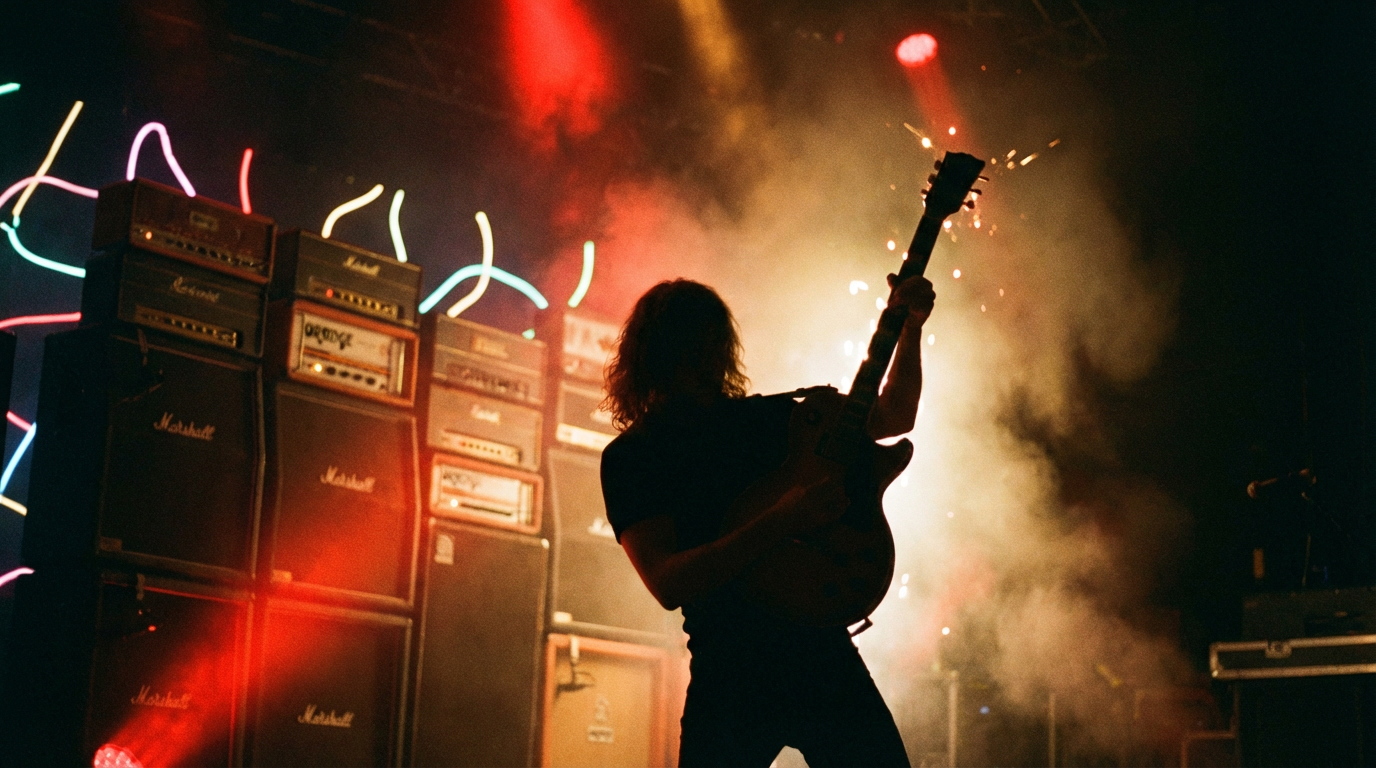
Classic/Hard Rock: Deep reds, blacks, ambers, and golds. Think stage lights cutting through smoke, the warm glow of tube amplifiers, and the fire-lit atmosphere of a packed arena.
-
Grunge: The aesthetic of an entire generation was redefined with a hazy, “underexposed” look — grainy film stock and a color palette of burnt oranges and murky browns. You just feel grunge as soon as you see it.
-
Punk: High-contrast black and white with occasional aggressive splashes of neon pink, safety-pin silver, or spray-paint red. The rebellious attitude and DIY aesthetic of bands like the Sex Pistols — their distinctive style of ripped clothing, safety pins, and bold hair colors — helped establish punk fashion as a significant cultural movement.
-
Indie Rock: Muted earth tones, vintage film warmth, overexposed highlights. In indie music, visual aesthetics are synonymous with DIY, creativity, and authenticity — expect out-of-this-world aesthetics and visuals you’ve never seen before.
-
Alternative: Cooler palettes — teals, deep blues, desaturated greens — often with dramatic shadows and moody atmospheric lighting.
-
Post-Rock/Shoegaze: Dreamlike washes of pastel, light leaks, lens flares, and soft-focus gradients that mirror the music’s textural approach.
Motion, Pacing, and Mood
Rock music videos often lean towards a grittier, more raw aesthetic. They might emphasize live performance footage, band interactions, and darker, more introspective themes. The pacing is crucial — rock videos don’t just play at a consistent pace; they breathe with the music:
- Verses: Slower camera movements, wider shots, atmospheric b-roll, building tension
- Choruses: Rapid cuts, close-ups on faces and hands, strobe-like editing, peak intensity
- Breakdowns: Abstract imagery, slow-motion destruction, visual chaos
- Guitar solos: Spotlight on the instrument, expressive camera angles, environmental effects (sparks, rain, fog)
Iconic Visual Motifs
The following imagery is deeply embedded in rock’s visual vocabulary:
- Live performance and stage footage (even if simulated)
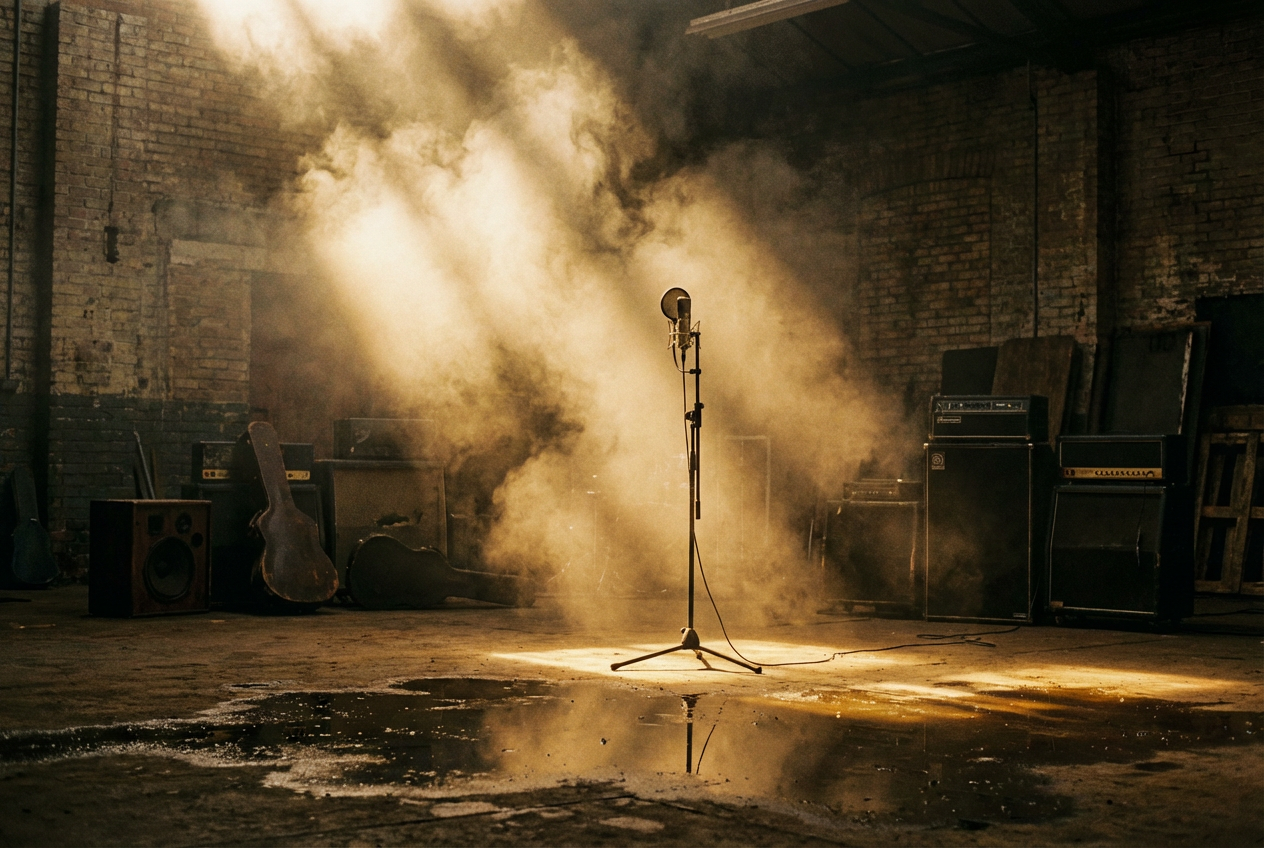
- Abandoned industrial spaces, warehouses, empty roads
- Rain, fog, smoke, fire, and other elemental forces
- Guitar close-ups — fingers on frets, pick on strings
- Urban decay and night cityscapes
- Crowds, mosh pits, and festival energy
- Road imagery — highways, vans, motels
- Surreal and psychedelic transformations
Best AI Tools for Rock Music Videos
Not every AI video tool handles rock’s intensity equally well. Rock demands dramatic contrast, rhythmic precision, and the ability to shift visual energy between quiet and explosive. Here are the tools that get it right.
OneMoreShot.ai — Built for Musicians, Perfect for Rock
OneMoreShot.ai stands out as a purpose-built platform for music video creation. OneMoreShot.ai’s AI-powered platform combines cutting-edge technology with artistic vision to transform your music into captivating visual experiences. It generates stunning music videos in under 5 minutes. Advanced AI analyzes your music’s rhythm, tempo, and mood to create visuals that perfectly match every beat.
For rock specifically, OneMoreShot offers features that matter enormously:
-
Beat-synced visuals: Guitar riff synchronization, drum hit emphasis, and visual intensity that matches the raw energy of rock music.
-
Dual workflow: Choose between fully automatic video generation or build your video scene by scene. Both powered by the same simple token system. Upload your song and let AI generate a complete music video — fast, effortless, stunning results in minutes. Or build your video scene by scene in the editor with full creative control over every clip, transition, and effect.
-
Lip-sync technology: The most advanced lip-syncing technology available on the market with cutting-edge AI model that delivers perfect mouth movement synchronization with unmatched precision. This is critical for rock performance videos where the vocalist’s delivery is the energy.
-
Virtual artist creation: Create a virtual artist using a photo or just a description. Generate social media content and music videos with a consistent, recognizable identity.
-
Multi-format export: Export in multiple formats including HD 1080p for YouTube, vertical format for TikTok and Instagram Reels, and square format for social media posts.
-
Flexible input: Supports all major audio formats including MP3, WAV, FLAC, AAC, and OGG. You can also paste a link to your track from platforms like Suno, Udio, or YouTube.
OneMoreShot’s AI understands that powerful, dynamic visuals with strong contrasts and aggressive movements match the intensity of rock music. The system automatically adjusts its output based on the energy of your track — a quiet acoustic intro generates moody, atmospheric visuals, while a distorted chorus triggers rapid cuts and high-contrast imagery.
Other Tools Worth Knowing
While OneMoreShot is the most musician-friendly option, the broader landscape includes several tools that can complement your rock video workflow:
-
Neural Frames: Provides audio-reactive animations that truly sync with your music through 8-stem analysis, character consistency for creating recurring avatars or band members, access to multiple AI models in one subscription. Excellent for abstract, trippy rock visualizers.
-
Kaiber AI: An innovative platform that empowers users to create captivating videos and animations using artificial intelligence. Designed for a diverse audience — including musicians, visual artists, animators, filmmakers, and designers. Audioreactivity: Kaiber enables users to create visuals that synchronize dynamically with audio. Notably, Kaiber was used to animate Linkin Park’s AI-generated music video for “Lost.”
-
Runway ML: A capable general AI video tool with high-quality output and sophisticated motion controls. It’s one of the most established names in AI video. However, Runway was not designed with audio in mind. There’s no mechanism for your track to influence what the visuals do. Best used for generating individual cinematic clips you then assemble elsewhere.
For a deeper comparison of all available tools, check out How to Make an AI Music Video.
Step-by-Step: Creating a Rock AI Music Video
Here’s a practical walkthrough for creating a rock AI music video using OneMoreShot.ai, with genre-specific guidance at every step.
Step 1: Prepare Your Track
Have your finished (or near-finished) audio ready. Rock music benefits from a clear, dynamic mix where the AI can distinguish between different sections and instruments. Make sure your quiet verse and loud chorus have real dynamic contrast — the AI uses this to modulate visual intensity.
Formats accepted: MP3, WAV, FLAC, AAC, OGG — or paste a link from Suno, Udio, or YouTube.
Step 2: Choose Your Visual Direction
This is where genre knowledge becomes your superpower. Before generating anything, decide which rock visual approach fits your track:
- Performance Video: The classic — a band (or solo artist) performing the song with intensity. OneMoreShot’s lip-sync and virtual artist features excel here.
- Narrative Arc: A mini-movie that unfolds across the song. Think “November Rain” or “Jeremy” — a story driven by the emotional arc of the music.
- Mood Piece: Atmospheric, abstract visuals that capture the feeling of the track without a literal storyline. Perfect for post-rock, shoegaze, or instrumental rock.
- Lyric Visualization: Scenes that literally illustrate the lyrics, transitioning with each verse. Works especially well for punk and alternative rock with strong lyrical imagery.
Step 3: Upload and Configure
Head to app.onemoreshot.ai and upload your track. Choose between:
- Automatic Mode: Let the AI analyze your track and generate a complete video. Best when you want fast results and trust the AI’s interpretation of your music’s energy.
- Project Mode: Build scene by scene with granular control over each shot. Ideal when you have a specific visual concept in mind.
Step 4: Define Your Visual Style Through Prompts
This is where rock-specific prompting makes all the difference. Be specific about the aesthetic elements that define your subgenre. Include references to:
- Lighting: “harsh stage lighting,” “neon glow through smoke,” “underexposed film look”
- Setting: “abandoned factory,” “rainy city streets at night,” “desert highway at dusk”
- Mood: “aggressive energy,” “melancholic tension,” “euphoric release”
- Camera: “handheld shaky cam,” “dramatic low angle,” “slow dolly push through fog”
- Texture: “16mm film grain,” “VHS distortion,” “clean digital contrast”
Step 5: Review, Refine, and Export
Watch the generated video alongside your track. Pay attention to:
- Does the visual energy match the musical energy at every section?
- Do the transitions align with musical transitions?
- Is the color palette consistent with your subgenre’s aesthetic?
- Does the pacing feel right — chaotic during intense moments, breathing during quieter ones?
Regenerate individual scenes if needed. Then export in the format(s) you need for your distribution channels.
Rock AI Music Video Prompt Examples
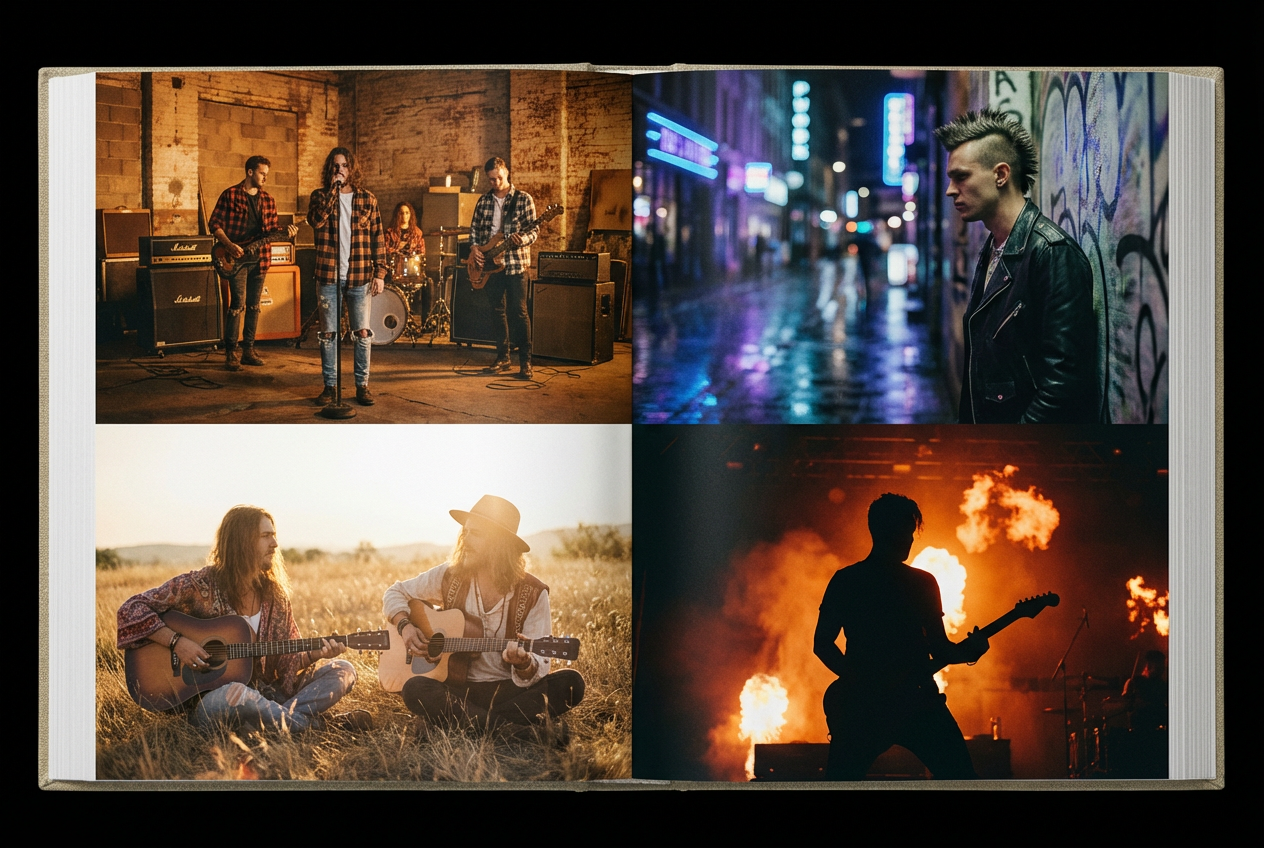
Here are copy-paste-ready prompts tailored to specific rock subgenres. Use these as starting points in OneMoreShot.ai or any AI video tool, and modify them to match your song’s unique personality.
1. Classic Rock / Arena Rock
A guitarist performing under a cascade of golden stage lights, massive amplifier wall behind them, smoke and lens flares filling a packed arena, dramatic low-angle shots, warm amber and red color palette, cinematic 35mm film look
2. Grunge
Rain-soaked Seattle alleyway at night, a lone figure in a flannel shirt walking past graffiti walls, underexposed grainy film aesthetic, muted browns and greens, puddle reflections of neon signs, handheld camera movement, raw and unpolished feel
3. Punk Rock
Chaotic basement show with sweaty walls and exposed pipes, high-contrast black and white with splashes of neon pink, rapid jump cuts between screaming vocalist and moshing crowd, safety pins and torn posters on the walls, DIY zine aesthetic, aggressive energy
4. Indie Rock
Quiet suburban rooftop at golden hour, a musician playing acoustic guitar overlooking a small town, vintage Super 8 film quality with light leaks and soft focus, muted earth tones and warm pastels, intimate and reflective mood, gentle camera movements
5. Alternative Rock
Surreal dreamscape transitioning between underwater scenes and floating through clouds, desaturated teal and purple color palette, a figure walking through morphing geometric environments, slow-motion fabric billowing in wind, ethereal yet emotionally intense atmosphere
6. Post-Punk / Darkwave
Stark brutalist architecture under overcast skies, a band performing in a concrete bunker with dramatic chiaroscuro lighting, sharp shadows and cold blue-grey tones, angular camera compositions, minimal and severe aesthetic with touches of deep red
7. Stoner Rock / Desert Rock
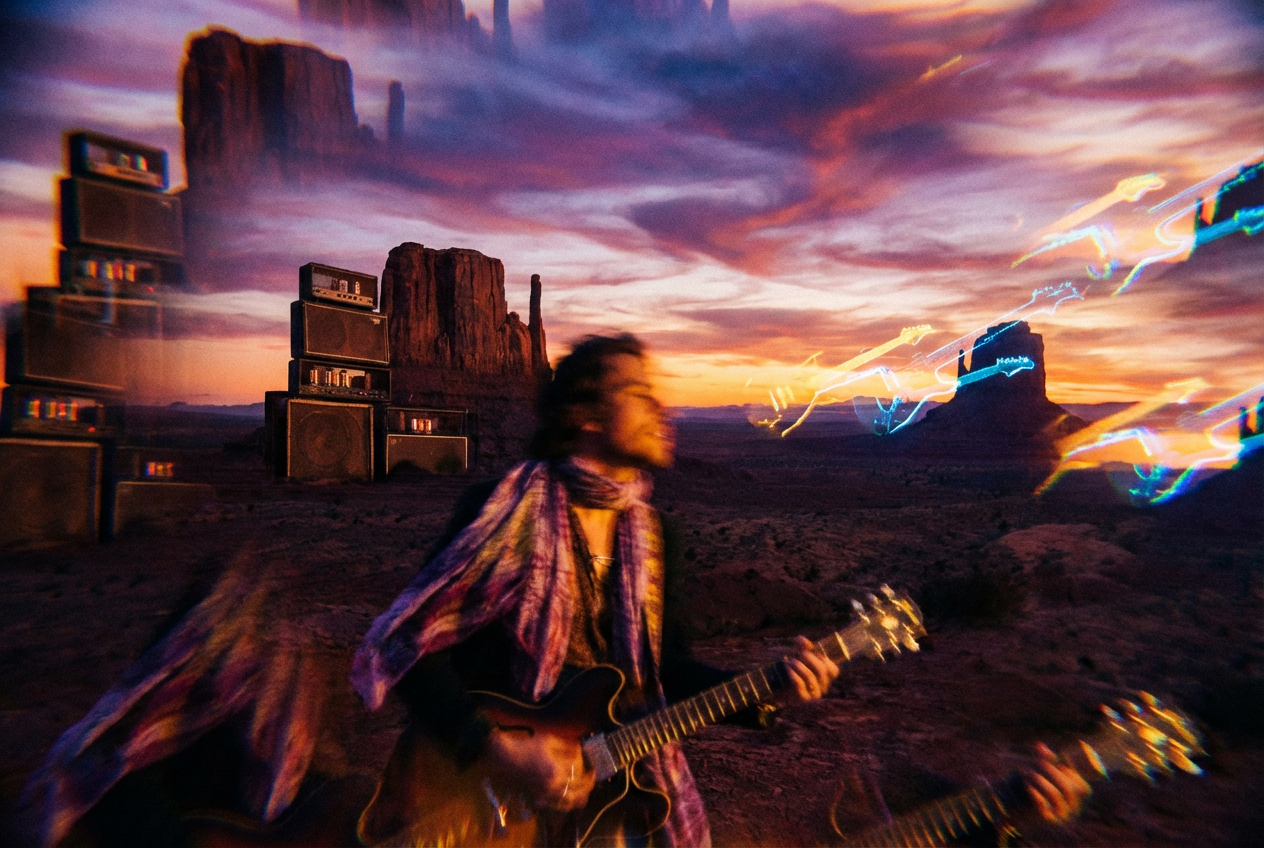
Vast desert landscape at sunset with towering rock formations, a van parked on a dusty highway, psychedelic color distortions overlaying the natural scenery, warm oranges melting into deep purples, slow zoom through heat haze, heavy and hypnotic atmosphere
8. Emo / Pop-Punk
Rainy suburban neighborhood at dusk, a bedroom window glowing with string lights, intercut with energetic backyard show footage, warm but melancholic palette of deep blues and amber, handheld intimate shots mixed with wide crowd angles, confessional and emotionally raw
Rock AI Music Video Inspiration
Rock artists are already pushing the boundaries of what AI can do visually. These real-world examples demonstrate the range of possibilities:
Queen — “The Night Comes Down”: This AI music video on the legendary British rock band Queen’s official YouTube account features classic images of Queen from the early 1970s, but given a twist of AI. “The Night Comes Down” comes from Queen I, a remastered, remixed and expanded version of the band’s debut album back in 1973. The video proves that AI can breathe new life into archival rock imagery while respecting the original aesthetic.
Linkin Park — “Lost”: This official music video for Linkin Park’s “Lost” from the album Meteora|20 uses a mixture of anime scenes using original art, original footage of the band, and AI-generated visuals. Kaiber was used to generate the AI clips. The video demonstrates how AI can blend with traditional footage to create a hybrid visual language.
Within Temptation — “Bleed Out”: Dutch metal titans Within Temptation worked with videographer SetVexy and digital designer RART Digital to create an AI animated music video for their single “Bleed Out.” The video illustrates the story of a woman being chased by an evil entity, while AI-generated band members perform around her. RART transformed the band’s live performance captured by SetVexy into an AI-driven animation.
Periphery — “Atropos”: The music video for Periphery’s Atropos is a groundbreaking fusion of heavy progressive soundscapes and AI-generated footage processed using Stable Diffusion. Featuring abstract worlds, morphing environments, and intricate designs, the visuals amplify the themes of chaos and transformation. Director Tristan Holmes used Midjourney to create this video using 10,000 frames of AI-generated images, by entering prompts and connecting frames to create a cohesive piece. The music video generation process took 30 days. The hard work really pays off and puts it a level above some of the other AI video productions.
Peter Gabriel: Peter Gabriel partnered with Stability AI to host a music video contest titled “Peter Gabriel/Stability AI #DiffuseTogether.” This collaboration showed how established rock artists embrace AI as a creative medium rather than fighting it.
For more examples and inspiration across rock subgenres, visit our AI Music Video Examples: Rock gallery.
Tips for Authenticity: Capturing Rock’s Soul Without Clichés
The difference between a great rock AI music video and a generic one comes down to authenticity. Here’s how to keep it real:
1. Let Imperfection In
Rock’s visual language was built on imperfection. Visuals don’t have to be “clean” to be stunning; sometimes, capturing a specific mood or “vibe” through lighting and texture is more important than technical perfection. Prompt for grain, noise, slight overexposure, lens distortion, and handheld shake. The most polished, pristine AI output often feels wrong for rock — add texture to rough it up.
2. Match Sub-Genre Visual Conventions Precisely
A punk video that looks like an arena rock video will confuse your audience. Lo-fi aesthetics, vintage film grain, and handheld cinematography are making a comeback. Many artists are opting for a DIY look that feels more personal and nostalgic. This trend reflects the growing influence of indie culture and the rejection of overly polished, commercialized visuals. Know your sub-genre’s visual DNA and prompt accordingly.
3. Use Contrast as a Narrative Tool
Power lies in the contrast; by mixing high-concept symbolism with raw, real-world footage, you can create a visual narrative that feels both otherworldly and deeply urgent. In your AI video, this means alternating between abstract, surreal imagery and grounded, realistic scenes. A verse might show intimate, realistic footage while the chorus explodes into abstract visual chaos.
4. Don’t Neglect the Quiet Moments
The temptation with AI rock videos is to go full intensity all the time. Resist it. The greatest rock videos — “November Rain,” “Black,” “Creep” — derive their power from quiet, human moments that build to something explosive. Prompt for atmospheric stillness in your verses and intros. Let the silence breathe.
5. Avoid the AI “Uncanny Valley”
Rock audiences are among the most authenticity-conscious in music. If you’re creating performance videos with AI-generated humans, make sure the lip-sync is perfect and the movements feel natural. OneMoreShot’s lip-sync technology is specifically built for this. Alternatively, lean into abstract or stylized visuals where the AI aesthetic becomes a deliberate artistic choice rather than a technical limitation.
6. Reference Real Directors, Not Just Vibes
Rock music video directors have distinct visual signatures. When prompting, think about specific directorial aesthetics:
- Samuel Bayer (Nirvana, The Cranberries): Gritty, politically charged, raw realism
- Mark Romanek (Johnny Cash, Nine Inch Nails): Haunting, meticulous, emotionally devastating
- Jonathan Glazer (Radiohead, Jamiroquai): Surreal, conceptual, technically innovative
- Sophie Muller (Gwen Stefani, Radiohead, The Eurythmics): Intimate, emotionally direct
Use these as conceptual guides, not to copy their work, but to align your prompts with a defined visual philosophy.
7. Maintain Visual Consistency Across Your Project
Artist identity is becoming central. Instead of generic outputs, creators can align visuals with their personal aesthetic — color palettes, motion styles, and visual signatures that remain consistent across releases. If you’re releasing multiple singles, establish a visual identity (color palette, recurring motifs, consistent grain/texture) and carry it across all your videos.
Distribution Strategy: Reaching Rock Audiences
Creating a great rock AI music video is only half the battle. Getting it in front of the right audience requires platform-specific strategy.
YouTube: The Rock Heartland
YouTube remains the primary destination for full-length rock music videos. While 90% of top-performing tracks still have official music videos, these videos typically attract only a fraction of their audio counterparts’ plays. That means your video needs to work harder to convert viewers.
- Export at 16:9 landscape, 1080p minimum (4K preferred)
- Optimize your title and description with keywords like “official music video,” your subgenre, and related artist names
- Create custom thumbnails that capture the video’s mood — high contrast, dramatic imagery works best for rock
- Use YouTube Premiere to build anticipation with your community
The integration of YouTube Shorts with the main video ecosystem has transformed visibility. Short-form clips serve as gateways to full-length tracks, prompting higher click-through rates and boosting playlist placements.
TikTok: The Discovery Engine
Independent and unsigned rock artists are finding success by building organic audiences directly through video-first promotion strategies rather than traditional label marketing.
- Export vertical clips (9:16) from the most visually striking 15-30 second moments
- Focus on the chorus or the most dynamic visual transition
- Use trending rock hashtags and sounds
- Post behind-the-scenes content showing the AI generation process — rock fans love seeing how things are made
Instagram Reels and Stories
- Reels: Similar strategy to TikTok — vertical, short, hook-heavy
- Stories: Use looping Spotify Canvas-style clips to promote streams
- Feed posts: Square format (1:1) stills from your video work well as teasers
Spotify Canvas
Create looping 3-8 second clips from the most atmospheric moments of your video. These loop while your song plays on Spotify, dramatically increasing engagement and share rates.
Reddit, Discord, and Rock Communities
Rock fans congregate in communities that value authenticity and discussion. Share your AI music video creation process — not just the final product — in subreddits like r/indieheads, r/rock, r/punk, and genre-specific Discord servers. The “how I made this” story resonates deeply with rock audiences.
Successful musicians now create what industry insiders call a “content creation package” — multiple visual assets that can be deployed across platforms. A typical major release might include the main music video, a lyric video for YouTube searches, Canvas loops for Spotify, behind-the-scenes content for Instagram Stories, and several TikTok-ready clips highlighting the catchiest moments.
For distribution strategies tailored to other genres, explore our guides on AI Music Videos for EDM, AI Music Videos for Pop, and AI Music Videos for Lo-Fi.
Conclusion: Plug In and Create
Rock has always been the genre that breaks the rules, that takes whatever technology exists and bends it toward raw expression. From the first distorted amplifier to the first MTV video to the first AI-generated visual, rock musicians have consistently been the ones who grab new tools and make them mean something.
Rock music is trending again because it has successfully evolved with modern consumption habits. TikTok virality, Gen Z listening behavior, and festival-driven community culture have all helped reintroduce rock to mainstream audiences. The genre is no longer competing with pop or hip-hop — it is blending with them, creating a new era of rock music that is louder, more digital, and more culturally relevant than ever.
AI music video generation isn’t about replacing the chaotic, human energy that makes rock what it is. It’s about giving every musician — from the solo bedroom producer to the touring band that can’t afford a video crew — the ability to match their visual ambition to their sonic intensity. This is not a replacement for artistic vision. It is a new medium.
Your riffs deserve to be seen, not just heard. Your lyrics deserve visuals as sharp as the words themselves. Your energy deserves a video that hits as hard as the music.
Ready to create your rock AI music video? Start building on OneMoreShot.ai →
Upload your track, choose your visual direction, and generate a stunning music video that captures the soul of your sound — in minutes, not months. Whether you’re making gritty grunge, cathartic punk, dreamy indie, or thunderous arena rock, OneMoreShot’s AI understands the energy of your music and translates it into visuals that feel like rock.
Turn it up. Hit record. Let the world see what they’ve been hearing.