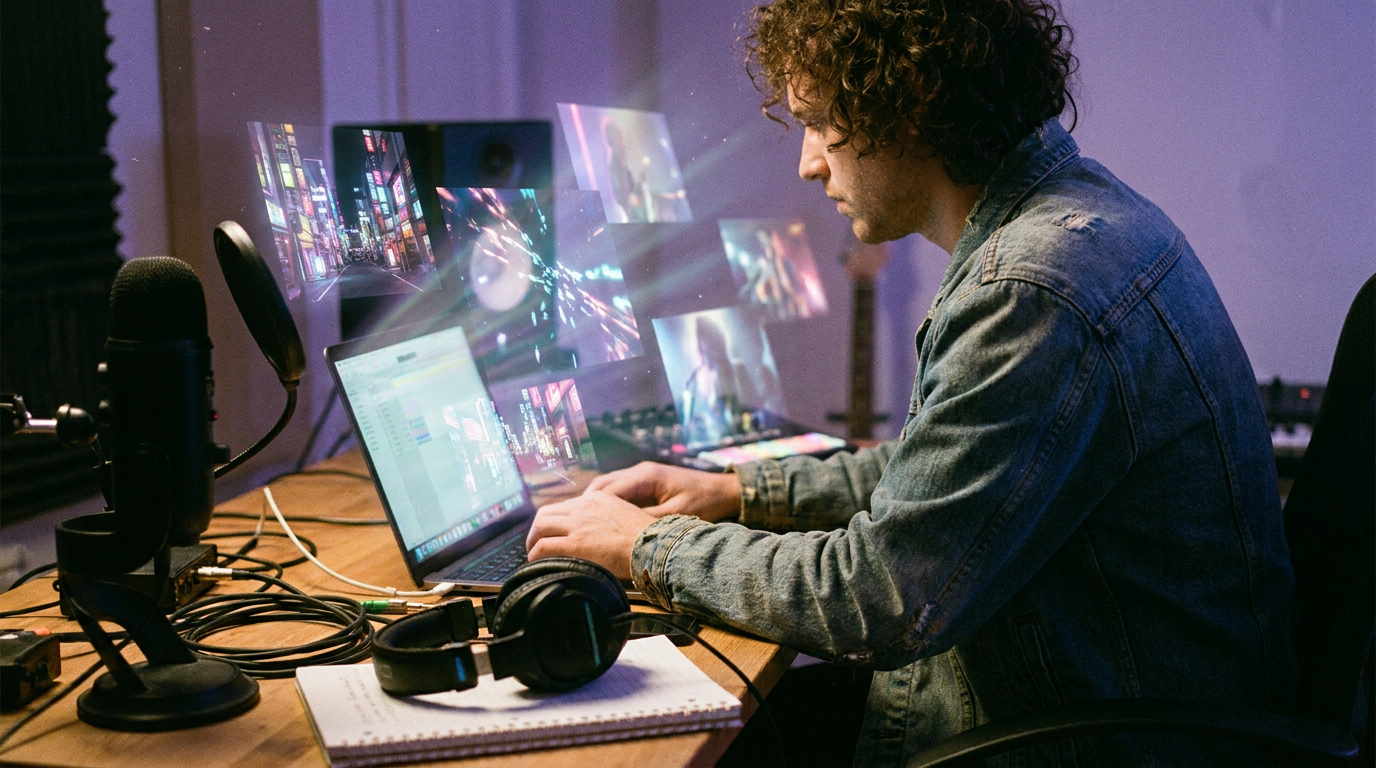
The $30 Music Video Just Killed the $5,000 One
Here’s a number that should make every indie musician sit up straight: $30.
That’s approximately what it costs right now — July 2026 — to produce a full-length, beat-synchronized, lip-synced AI music video for a four-minute track. Not a visualizer. Not a slideshow of stock footage set to your demo. An actual music video with cinematic shots, consistent characters, scene transitions, and camera movement.
A year ago, that number was $5,000 to $50,000 for a traditionally produced music video. Even early AI video tools were clunky, expensive, and required stitching dozens of disconnected clips together by hand.
So what happened?
Everything. Sora died. Competition exploded. And the musicians who figured it out first are already winning.
The Collapse Nobody Predicted
OpenAI officially confirmed that it would shut down its Sora AI video generation app on April 26, 2026, and discontinue the Sora API on September 24, 2026. The tool that was supposed to be the future of AI video generation — the one that had Disney ready to write a billion-dollar check — imploded in spectacular fashion.
OpenAI shut down Sora primarily due to high compute costs, declining user engagement (from 1 million to under 500,000 active users), mounting copyright challenges, and a strategic decision to redirect resources toward enterprise and productivity tools ahead of a potential IPO.
Three months after The Walt Disney Company signed a $1 billion investment deal with OpenAI to license its intellectual property to an AI platform, Disney ended its partnership. This breakup was seemingly initiated after OpenAI announced the discontinuation of its generative-AI video-creation app Sora.
The numbers behind the collapse were brutal. Per SensorTower data, Sora’s 7-day retention was 2%. Its 30-day retention was 1%. People tried it and didn’t come back. Quality wasn’t the issue — Sora generated genuinely impressive output. Frequency of need was. Most users simply don’t need new AI video often enough to justify a recurring charge.
But here’s the thing about Sora’s death: it was the best thing that ever happened to musicians making videos. The competitive vacuum it left behind triggered an arms race among tools that are actually better — and dramatically cheaper.
The New Big Three (And Why Musicians Should Care)
The AI video generation landscape in mid-2026 has settled into a clear hierarchy, and musicians are the unexpected beneficiaries.
Veo 3.1: The Cinematic King
Still the best overall mix of realism, motion quality, prompt following, and native audio support — it is the safest top recommendation if you only want one answer.
Veo 3.1 introduces professional-grade capabilities that fundamentally change how filmmakers approach AI-powered video creation, including state-of-the-art 4K upscaling, native 9:16 vertical video optimized for mobile platforms, and revolutionary “Scene Extension” technology that enables continuous narratives exceeding 60 seconds.
For musicians, the killer feature is the integrated audio. Seedance 2.0, Veo 3.1, and Kling 3.0 all now produce video with synchronized audio in a single pass. Veo is the only one reliably generating 48kHz dialogue. That matters when you need lip-sync that doesn’t look like a bad dubbing job.
Kling 3.0: The Director in a Box
Kling 3.0 is the first unified multimodal model — it generates video, audio, and images within a single architecture. Previous models handled these separately. This means native lip-sync, multi-shot storyboarding, and element consistency all work together without chaining tools.
The “AI Director” feature is genuinely wild for music video work. Kling VIDEO 3.0 introduces the “AI Director” feature. The model understands cinematic language. It can generate a sequence containing up to six distinct shots in one pass. Six connected shots from a single prompt. That’s an entire verse of your song covered in one generation.
And the pricing is musician-friendly: Kling 3.0 has the most generous free tier out of the major AI video generators with 66 free credits each day, and it doesn’t even require a credit card.
Seedance 2.0: The Motion Specialist
Seedance 2.0 is the strongest AI video model for commercial content in 2026. It generates clips up to 15 seconds with native audio in a single pass, accepts up to 12 reference inputs, and follows detailed briefs more reliably than any competing model in its class. That reliability is the whole point.
How We Got to $30
Let’s do the actual math, because the economics are almost comically lopsided now.
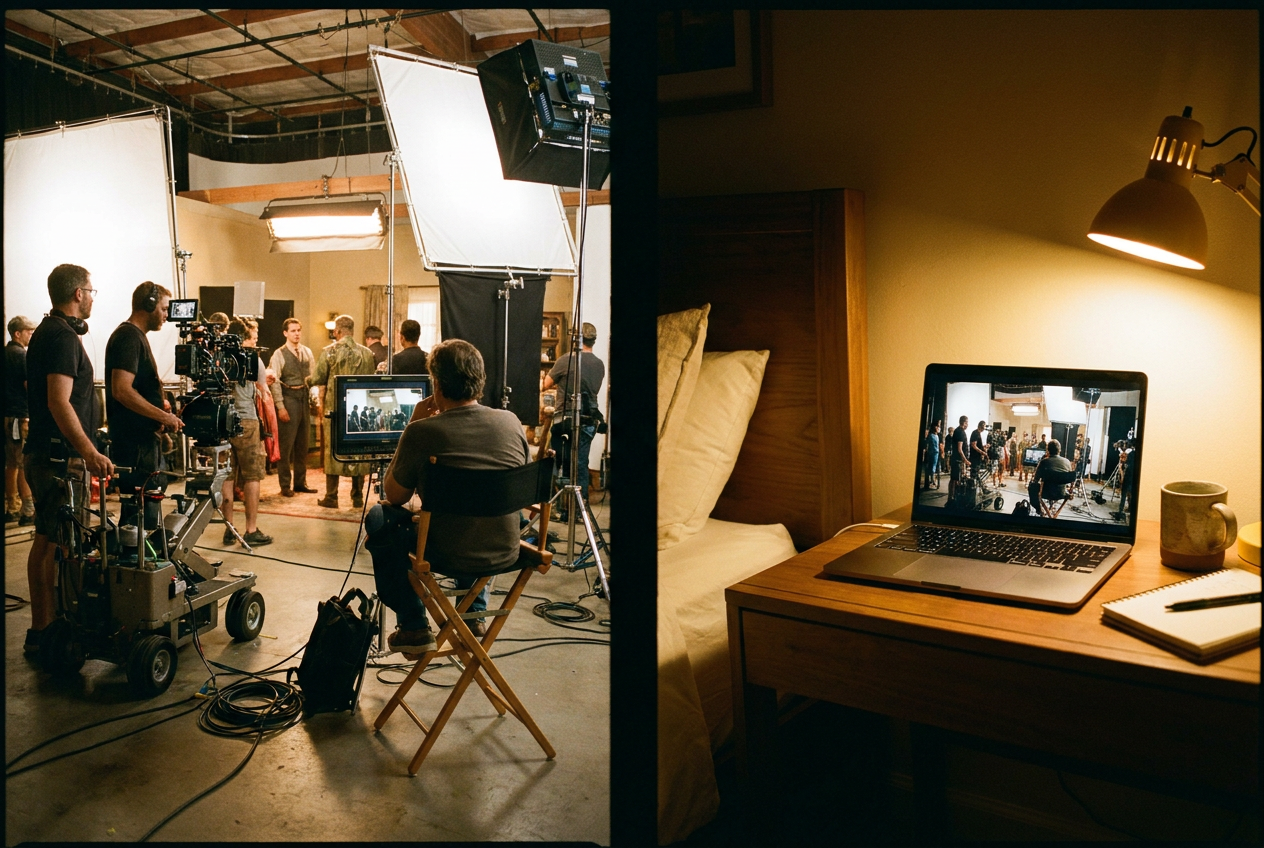
Traditional music video (2026 prices):
- Director/DP day rate: $1,500–$3,000
- Location rental: $500–$2,000
- Lighting/grip: $500–$1,500
- Post-production: $1,000–$3,000
- Total: $5,000–$50,000+
AI music video with a music-first platform (2026 prices):
Hiring a production crew for a traditional music video costs between $5,000 and $50,000 or more. AI music video generators have reduced the entry point from thousands of dollars to single-digit amounts.
The average cost per minute of AI-generated video on paid plans has fallen to approximately $1.50–$3.00, down from $5–$8 in 2024.
For a four-minute music video, you’re looking at roughly $6–$12 in pure generation costs plus a monthly subscription in the $15–$50 range. Even at the high end, that’s under $100 for a complete video — and most musicians will land closer to $30.
Veo3 allows an independent artist to create a music video for maybe 1% of the cost of a conventional production. This flips the music video from a luxury item to an affordable piece of an artist’s promotional toolkit.
This isn’t a downgrade from the old way. The quality gap has closed dramatically. By March 2026, the quality debate is largely settled. Models like Sora 2, Veo 3.1, Kling 3.0, and Seedance 2.0 produce footage that’s indistinguishable from traditional video in many commercial contexts.
Music-First Tools vs. General-Purpose Generators
Here’s where a lot of musicians waste time and money: they fire up a general-purpose AI video generator like Runway or Kling directly and try to build a music video from scratch. It’s like using Photoshop to design a flyer when Canva exists.
Creating visuals for your music used to mean hiring a director, renting a studio, and blowing through your entire advance. AI music video generators promise to change that, but most of them are general-purpose video tools with no understanding of song structure, beat timing, or what makes a music video feel like a music video.
The distinction matters enormously. For a filmmaker who happens to be making a music video, Runway is a legitimate option. For a musician who wants to generate a music video from a finished track, it’s the wrong tool — not because it lacks quality, but because it lacks the workflow.
Music-first platforms like OneMoreShot solve the specific problem musicians actually have: you upload a finished track, and the system analyzes the song structure, matches visuals to beats, handles lip-sync, and delivers a complete video. No prompt engineering degree required.
OneMoreShot AI offers the easiest song-to-video workflow: one hands-off pass from upload to a post-ready, lip-synced video, free to plan before you pay.
If you’re new to this entire world, our complete guide to AI music videos walks through every step of the process.
Genre-Specific Sweet Spots
The $30 music video isn’t a one-size-fits-all affair. Different genres get wildly different results from current AI video tech, and knowing the sweet spots saves you time and credits.
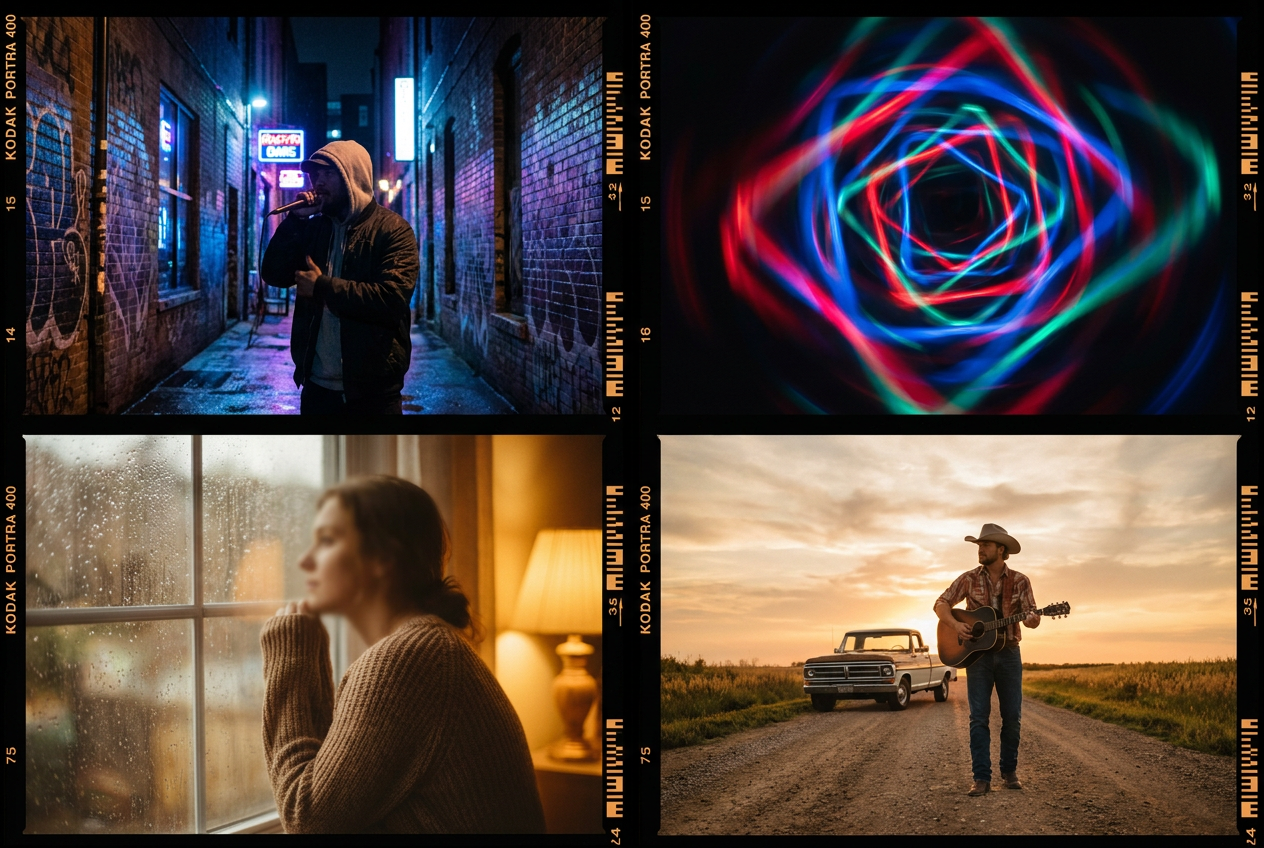
Hip-hop and rap are arguably the biggest winners. Performance-style videos with dynamic camera movement, urban environments, and consistent character design are exactly what Kling 3.0’s multi-shot system excels at. The lip-sync technology has gotten good enough that rap videos — which demand precise mouth movement at speed — actually work now. Check out our breakdown of AI music videos for hip-hop for specific techniques.
EDM and electronic music are the easiest genre to get stunning results from because you don’t need realistic human performance — abstract visuals, neon landscapes, and reactive animations are the bread and butter of every AI video tool on the market. If you’re making electronic music, you should already have an AI video for every track. Here’s why: AI music videos for EDM.
Lo-fi and indie benefit from a different strength: the slightly dreamy, imperfect quality that AI video naturally produces is actually an aesthetic match for these genres. What reads as a flaw in a pop video reads as intentional vibes in a lo-fi context. See our lo-fi music video guide for more on leveraging this.
Pop is the hardest genre to nail because audiences have the highest expectations for polished, human-looking performance. It’s doable — and getting better by the month — but expect more iterations. Our pop music video examples show what’s achievable today.
Country and rock offer an interesting middle ground: the visual vocabulary of both genres (live stages, outdoor landscapes, bar scenes, road trips) translates beautifully to AI generation. The settings are environments that current models render extremely well. Take a look at AI music videos for country for inspiration.
The Workflow That Actually Works
After testing dozens of tools and talking to musicians who’ve shipped AI videos in the last three months, here’s the workflow that consistently produces the best results for the least money:
Step 1: Prep Your Track
Before you touch any AI tool, make sure your track is mixed and mastered. AI video tools analyze your audio file to sync visuals — a rough demo with muddy frequencies gives you muddy results. If you have stems (separate vocal, instrumental, drum tracks), even better. Some tools use stem separation to improve beat detection and lip-sync accuracy.
Step 2: Choose Your Lane
Fast and simple: Use a music-first platform like OneMoreShot. Upload your track, describe your vision, and get a complete video. This is the $30 path — and for most indie musicians releasing regularly, it’s the right one. Learn how to make an AI music video in our step-by-step guide.
Maximum control: Use Kling 3.0 or Veo 3.1 to generate individual shots, then assemble them in your video editor. This takes 5–10x longer but gives you frame-by-frame creative control. Budget $50–$150 in generation costs for a full video.
Hybrid approach: Generate your core video with a music-first tool, then replace specific scenes with higher-quality shots from Kling or Veo. Best of both worlds, moderate cost.
Step 3: Iterate on Key Scenes
The chorus matters more than the verse. The opening five seconds matter more than anything in the middle. Spend your regeneration credits where they count — nail the visual hook that makes someone stop scrolling, and let the rest of the video maintain a good-enough baseline.
Step 4: Export and Distribute
Most AI video platforms in 2026 export at 1080p minimum, which is more than sufficient for YouTube, Spotify Canvas, Instagram Reels, and TikTok. If you need 4K for a premiere or press kit, Veo 3.1 and Kling 3.0 both support it on their paid tiers.
What the $30 Video Can’t Do (Yet)
Let’s be honest about the limitations, because overselling AI video tools is a fast way to disappoint yourself.
It can’t replace a genuine performance. If your brand is built on charismatic, camera-ready live performance — and your fans know your face — an AI-generated video with a synthetic version of you will feel wrong. Use AI for conceptual, narrative, or abstract videos. Save the performance footage for a phone and a ring light.
Character consistency is good, not perfect. Your protagonist might subtly shift between scenes. Skin tone, clothing details, and facial features can drift. It’s noticeable if you’re looking for it. This is improving monthly — character consistency has been the white whale of AI video. If Kling 3.0 actually delivers on this at production quality, it solves one of the biggest technical barriers to using AI video for narrative content. — but we’re not fully there yet.
Long-form coherence is the frontier. Most current models still work best on short clips. Some products support longer stitched workflows, but if you need a longer sequence you should expect to build it from multiple shots instead of relying on one perfect generation.
Copyright and disclosure are real. YouTube and other platforms are increasingly requiring AI-generated content to be labeled. The EU AI Act’s Article 50 enforcement begins August 2, 2026, with machine-readable marking required on all AI-generated video distributed to EU audiences. Penalties go up to €15M or 3% of worldwide annual turnover. Don’t skip the disclosure checkbox.
Why This Moment Matters
The $30 music video isn’t just about money. It’s about creative frequency.
When a music video costs $5,000, you release one per album cycle — maybe two if you’re lucky. When it costs $30, you release one per single. You experiment. You make a video for the deep cut that didn’t get radio play. You create visual content for every track, building a YouTube presence that compounds over time.
A lot of mainstream music will probably be heavily AI-assisted or fully AI-generated eventually. But human-made work will become immediately recognizable. The irony is that AI video tools are most powerful in the hands of real musicians with genuine creative vision — people who know exactly what they want to see but couldn’t afford to produce it.
The infrastructure is here. The cost barrier is gone. The quality is good enough to turn a casual listener into a fan.
The only question left is whether you’ll be early enough to benefit from the attention gap before every musician figures this out.
Start Making Your First AI Music Video
If you’ve read this far and you’re itching to try it, OneMoreShot.ai is built for exactly this moment. Upload your track, describe the vibe, and let the platform handle beat sync, scene generation, and lip-sync — no video editing skills required. Your first video plan is free, so you can see what $30 gets you before you spend a cent.
The $5,000 music video isn’t dead. But it’s officially optional.