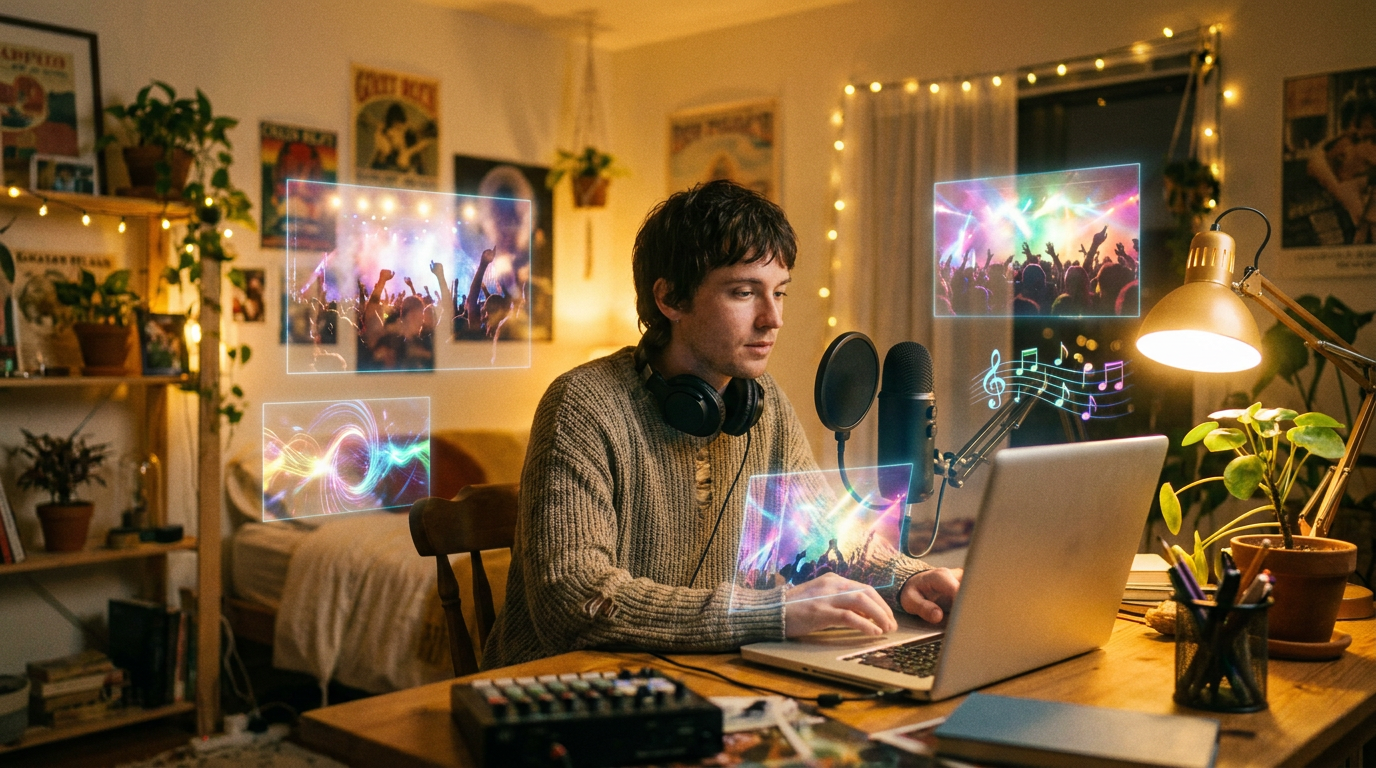
Your Voice + AI Video = No Studio Needed
There used to be a very specific list of things you needed to release a music video as an independent musician: a studio session, a recording engineer, session musicians (or at least a very patient band), a videographer, a director with “a vision,” a color grader, an editor, and roughly $5,000–$50,000 in budget. Oh, and six to twelve weeks of your life.
In August 2026, the list has been reduced to: a laptop, your voice, and about thirty dollars.
That’s not hyperbole. The convergence of voice cloning and AI video generation has created something that didn’t exist even a year ago — a complete, end-to-end pipeline where a musician can write, produce, sing, and visualize a full release without leaving their bedroom. And the music actually sounds like them.
The Voice Cloning Breakthrough Musicians Missed
While most of the AI music conversation in 2026 has centered on lawsuits, watermarks, and chart manipulation, something genuinely useful happened in March that’s still underappreciated.
Suno released version 5.5 on March 25, 2026, and it doesn’t just make AI music better.
Suno described it as “our best and most expressive model yet — a model that doesn’t just help create music, but fully reflects the person making it.”
The headline feature is called Voices. Front and centre among the new updates is the addition of Voices, a new feature which enables users to clone their own voice and create new music with it.
Here’s how it works: Before a voice is created, you record a randomly generated phrase. Suno matches that phrase against your uploaded sample to confirm the voice is actually yours.
This means you cannot simply upload a famous singer’s acapella and clone it.
That verification step is crucial. It’s what separates this from the deepfake hellscape people rightfully worry about. Voices are private by default. Only the account holder can use a captured voice to generate songs.
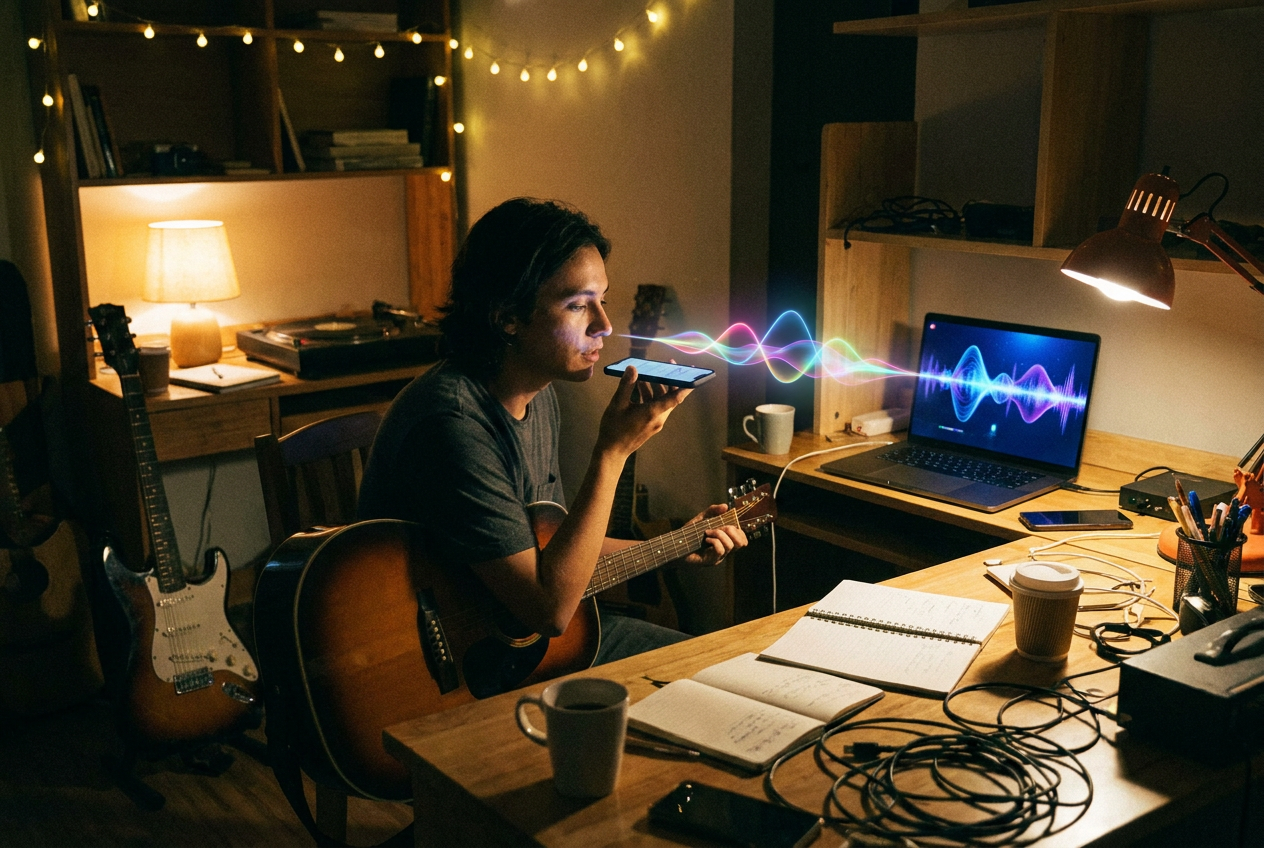
Record 30 seconds to 4 minutes of your singing, AI preserves “your” timbre, and you can deploy it across any genre or style. Want to hear your voice on a jazz ballad? A trap beat? A country waltz? All possible, all your voice.
Why This Changes the Music Video Equation
Here’s the thing nobody has connected yet: voice cloning doesn’t just change music production. It changes music video production.
Think about the old pipeline. Even if you had access to AI video tools, you still needed a song — and that song needed to sound like you. Not like a stock Suno voice that 100,000 other people also used. Not like a generic AI vocal that screams “this was generated in twelve seconds.” Like you.
The feature solves a long-standing gap. Producers wanted their own identity in AI vocals, not a stock voice shared by everyone. Voices makes that possible without a studio session.
Now stack that on top of what’s happened in AI video. Kling 3.0 is Kuaishou’s third-gen AI video model, built on a unified Multi-modal Visual Language framework that handles image, video, and audio generation in a single architecture.
Major upgrades over Kling 2.6 include duration 10s → 15s, resolution 1080p → native 4K, and frame rate 48 → 60 FPS.
Meanwhile, Seedance 2.5 highlights 30-second storytelling, stronger reference control, and editing. And Google’s Veo 3.1 continues to push the boundaries of what a single text prompt can produce.
The result? A musician in 2026 can:
- Clone their voice using Suno v5.5 Voices (5 minutes)
- Generate a full song with their own vocal identity across any genre (10 minutes)
- Create an AI music video with cinema-quality visuals synced to the track (30 minutes)
- Publish everywhere — YouTube, TikTok, Spotify, Instagram (15 minutes)
Total time: about an hour. Total cost: under $30. If you need a deeper walkthrough on the video side, check out our complete guide to AI music videos or our step-by-step how to make an AI music video tutorial.
The New One-Person Studio Pipeline
Let’s get specific. Here’s the actual 2026 workflow.
Step 1: Clone Your Voice
Suno’s Voices feature lets users train the model on their own singing voice. Upload your vocals, complete a quick identity verification (match a spoken phrase to confirm ownership), and Suno builds a private voice profile only you can access. This is limited to Pro and Premier subscribers.
Suno V5.5’s voice clone lands around 70% resemblance at 85% influence — it’s not “100% replication,” it’s “your timbre as the anchor.” That’s honest. It won’t fool your mother into thinking you recorded in Abbey Road. But it will sound recognizably like you — your timbre, your inflections, your vocal personality — wrapped in production quality that rivals professional studio output.
Pro tip: Acapella recordings work best. Files with backing music are still accepted, since Suno isolates the vocal automatically using stem separation.
Step 2: Build Your Custom Sound
Beyond voice cloning, v5.5 shipped two other features that complete the identity puzzle.
Custom Models lets you upload a minimum of six original tracks you own the rights to, and Suno fine-tunes V5.5 on your stylistic patterns. Pro and Premier users can create up to three custom models.
This is powerful for creators who have developed a specific sonic brand and want AI to extend it rather than generate from scratch.
So now your AI-generated songs don’t just use your voice — they use your style. Your chord preferences, your arrangement tendencies, your production aesthetic. The AI becomes a musical extension of you, not a replacement.
Step 3: Generate the Music Video
This is where it gets fun. You’ve got a song that sounds like you. Now you need visuals.
The AI video landscape in 2026 has matured dramatically. The biggest AI video generation news in 2026 is that the category has moved beyond standalone text-to-video demos into full production workflows.
For musicians specifically, the tools fall into two categories:
General AI video generators — Kling 3.0, Seedance 2.5, Veo 3.1, Runway Gen-4 — that produce stunning cinematic clips you can edit and sync to your track.
Music-first AI video tools — like OneMoreShot.ai — that are built specifically for the music video use case, handling beat synchronization, lyric integration, and multi-scene narrative automatically.
The difference matters. A general tool gives you beautiful shots. A music-first tool gives you a music video — scenes that change on the beat, visuals that match the mood of your lyrics, and a coherent visual story from start to finish.
Whether you’re making hip-hop visuals, indie aesthetics, or pop spectacles, the genre-specific templates and approaches have gotten remarkably sophisticated.
Step 4: Iterate and Publish
Here’s what separates this pipeline from the old model: iteration speed.
In the traditional world, you recorded a take, listened back, recorded again, mixed, mastered, then handed a finished file to a video team who disappeared for three weeks. If you didn’t like the video, you either lived with it or paid for reshoots.
In 2026, you generate a song in your voice, don’t love the bridge? Regenerate it. Want to try it as a slower ballad? Three minutes. Need the video to feel more cinematic and less abstract? Adjust the prompt and hit generate. Budget: allow 5-8 iterations per song. More than 10 with no satisfaction → switch the prompt framework, don’t keep micro-tuning.
What This Means for Different Types of Musicians
The Bedroom Producer
You’ve been making beats in FL Studio or Ableton for years. You’ve got hundreds of tracks on your hard drive but no vocalist and no budget for one. With voice cloning, you become the vocalist. Your own voice, your own songs, your own visuals. The excuse of “I just need to find a singer” is dead.
The Singer-Songwriter
You’ve been uploading acoustic phone recordings to SoundCloud. Now you can clone your voice, generate fully produced tracks in your style, and wrap them in professional-quality music videos. The gap between your demos and a “real” release just vanished.
The Band Without a Budget
Your band recorded a killer EP but can’t afford music videos. Clone the lead singer’s voice into Suno’s system, generate visual treatments for each track, and release a complete visual album. Check out genre-specific approaches in our guides for rock, metal, or country.
The Producer-Turned-Artist
You’ve been making tracks for other people. Now you can step in front of your own music — literally. Your voice, your production style, your visual brand. AI didn’t replace you. It freed you to be the artist you already were.
The Authenticity Question (Addressed Head-On)
“But is it really you?”
Fair question. Let’s think about it honestly.
When a singer uses Auto-Tune, is it really them? When a guitarist uses distortion, is it really the guitar? When a filmmaker uses color grading to make a scene feel warmer, is it really the sunset?
Tools have always mediated between artist and audience. What matters is intent and identity.
Beyond the expected iteration on generation quality, this update signals something more structural: a shift from generic AI music generation toward identity-driven systems.
The identity-driven shift is key. Suno v5.5 isn’t a pure audio-quality bump — it’s an identity upgrade.
Songs generated in earlier versions always sounded like “somebody else’s voice.” That’s what made AI music feel hollow. Not the production quality — the anonymity.
When the voice is yours, when the style is trained on your catalog, when the visual direction reflects your creative vision — the AI becomes a tool, not a ghost artist. That’s a distinction worth defending.
Using AI to clone your own voice is generally legal since you own the rights to your vocal likeness. Document your process and maintain proof of ownership.
The Economics Are Absurd (In a Good Way)
Let’s do the math.
Suno Pro ($10/month) and Premier ($30/month) subscribers receive full commercial rights to all generated music. For $10–$30, you get voice cloning, custom model training, and enough credits to generate multiple songs with your own voice every month.
Add an AI video tool for your visual production, and you’re looking at a total pipeline cost of roughly $30–$60 per month. That’s unlimited music videos, unlimited iterations, with your own voice and visual identity.
Compare that to the traditional model: $500–$2,000 for studio time, $200–$500 for mixing and mastering, $3,000–$10,000 for a music video. For the cost of one traditional music video, you could run the AI pipeline for years.
For AI video creators, Suno eliminates the biggest remaining production bottleneck: original music and sound. Combined with tools like Kling, Runway, and Veo, it completes the one-person studio pipeline.
What’s Still Missing
Let’s not pretend this is perfect. Here’s what the one-person pipeline still can’t do well:
Live performance energy. AI-generated visuals don’t capture the raw electricity of a live show. If your brand is built on stage presence, you still need real footage.
Deep emotional nuance in vocals. Voice cloning lands around 70% resemblance — that’s impressive, but the missing 30% is often the stuff that makes a vocal performance transcendent. The crack in the voice, the breath before a big note, the spontaneous ad-lib. AI is getting closer, but it’s not there yet.
Complex narrative video. AI video tools produce gorgeous individual shots, but sustaining a coherent visual narrative across a full 3–4 minute video still requires human editorial judgment. You’ll want to stitch scenes together with intention, not just let the algorithm decide.
The human connection factor. There’s something irreplaceable about knowing that a person physically made the sounds you’re hearing. For some listeners, that always will matter. And that’s okay.
The Bottom Line
The one-person studio isn’t coming. It’s here.
Voice cloning gave musicians their identity back. AI video gave them a visual language. Together, they’ve created a pipeline that lets any musician — regardless of budget, location, or connections — produce complete, professional-quality music videos that sound and look like them.
This doesn’t replace the magic of a great studio session or the power of a brilliant director. It makes those things optional instead of mandatory. And for the vast majority of independent musicians who could never afford them anyway, that’s not just an improvement — it’s a revolution.
The era of “I’ll release a music video when I can afford one” is over. Your voice is already your best instrument. Now it’s your whole studio.
Ready to turn your voice into a visual experience? Create your first AI music video on OneMoreShot.ai — upload your track (now featuring your voice), and let the platform handle the rest.